We all know the rule of the internet today: Video is King. Algorithms on Instagram, TikTok, and LinkedIn punish static images and reward movement. But shooting high-quality video requires cameras, lighting, and actors.
Or at least, it used to.
Image to Video AI isn’t just a converter; it is a “content resuscitator.” It allows you to take your existing assets—product photos, AI art, or historical archives—and repurpose them into high-retention video content without shooting a single frame of new footage.
Here is how smart creators are using the platform to hack their production workflow.
1. The “Cinematographer” Approach: Mastering Camera Control
Most AI video tools are chaotic—you upload a photo, and the AI randomly morphs it. It’s unpredictable.
Image to Video AI changes the game by giving you the director’s chair. It’s not just about movement; it’s about perspective.
- The Product Reveal: Have a still shot of a sneaker or a perfume bottle? Use the Orbit/Rotate command. The AI generates the “missing” sides of the object, creating a 360-degree product showcase from a single 2D JPEG.
- The Dramatic Intro: Use the Zoom In feature on a landscape or architectural shot to draw the viewer into the scene instantly.
- The Storyteller: Use Pan Left/Right to reveal context that wasn’t even in the original frame.
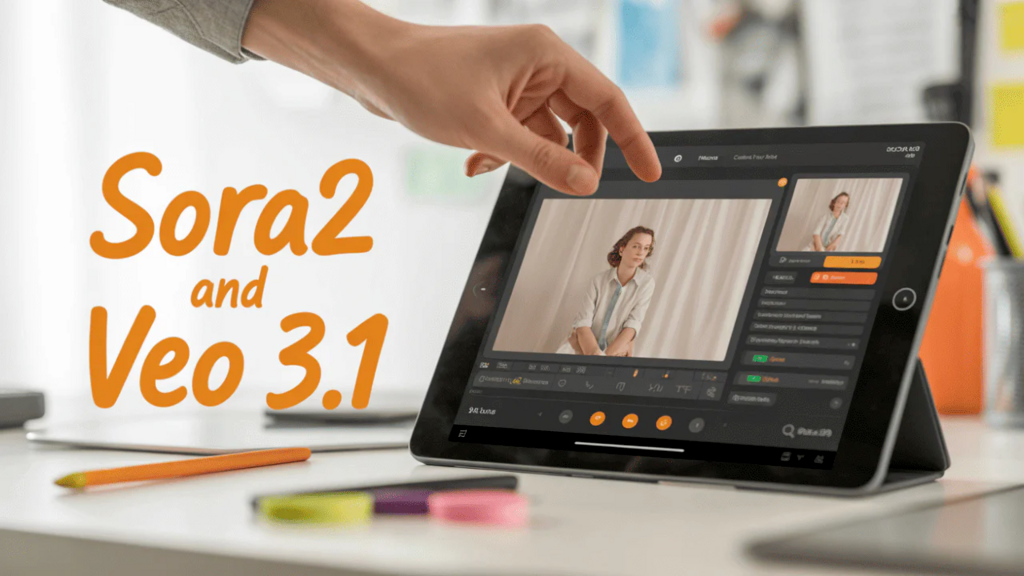
Pro Tip: Combine the Veo 3.1 model with specific camera prompts (e.g., “Slow pan right, cinematic lighting”) to get results that look like they were shot with a drone.
2. Niche Content & Trend Jacking
Social media moves fast. Sometimes you need to hop on a trend now, not after a two-day video shoot. This platform offers specialized “Action Models” that are pre-trained for specific viral formats:
- The “Nostalgia” Niche: The Animate Old Photos tool is a powerhouse for storytelling. Don’t just post a scan of a 1920s photo; make the subjects blink, smile, and look around. This type of content has massive shareability potential on platforms like Facebook and TikTok.
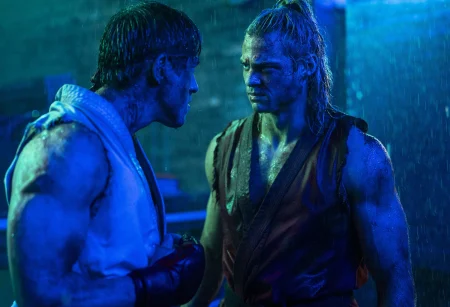
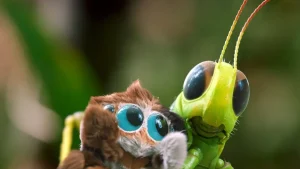
- The “Reaction” Meme: Need a funny reaction clip? Use the AI Fight or AI Dance features. Take two contrasting characters (e.g., a cat and a dog, or two historical figures) and generate a clip of them dancing or interacting. It’s instant engagement bait.
- Emotional Hooks: The AI Hug Video generator is unique. It bridges the gap between separate photos, allowing you to visually reunite people who may never have met in real life.
3. From Concept to Commercial: The “Text-to-Video” Shortcut
Sometimes you don’t even have an image. You just have an idea.
While the platform specializes in Image to Video, the Text-to-Video capabilities (powered by Sora 2) allow you to conjure footage from thin air.
- Scenario: You need a background clip of a “cyberpunk city in the rain” for a lyric video.
- Solution: Don’t buy expensive stock footage. Type the prompt, generate it, and loop it. You own the creative direction completely.

4. Quality That Doesn’t Break the Immersion
The biggest fear with AI video is the “uncanny valley”—where things look weird and melty.
By integrating top-tier models like Sora 2 and Veo 3, Image to Video AI minimizes the weird artifacts. The physics of water, fire, and hair are calculated with much higher precision than older generation tools. This means your audience focuses on your message, not on the glitches.

Summary: Your New Workflow
Stop letting your best photos die in the camera roll.
- Select your highest-performing static images.
- Direct them using Image to Video AI’s camera controls (Zoom, Pan, Tilt).
- Export high-definition video assets ready for Reels and TikTok.
Ready to become a video creator without the camera?

Madeline Miller love to writes articles about gaming, coding, and pop culture.