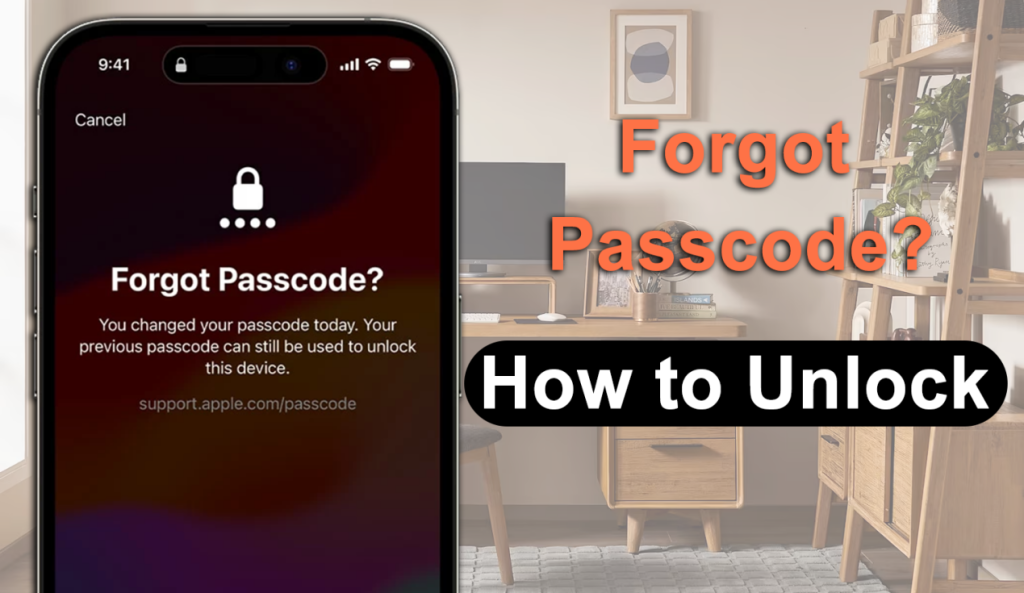
Forgetting your iPhone passcode can be frustrating, especially when your device suddenly shows messages like “iPhone Unavailable” or “Security Lockout.” Whether you changed your passcode recently, entered the wrong code too many times, or found an old iPhone that you can no longer access, the problem is usually the same: you can’t get past the lock screen.
However, there is no single solution that works for every locked iPhone. The best way to unlock an iPhone depends on your specific iPhone screen unlock situation. Do you still remember your Apple ID? Did you buy the device second-hand? Would you be unwilling to lose your iPhone data? In this guide, we’ll explain the most practical solutions based on different scenarios, helping you choose the right way to regain access to your iPhone in 2026.
Situation 1: You Remember Your Apple ID
Best choice: Erase and Restore the Device
If you still know your Apple ID and password, Apple’s official recovery methods should be your first choice. When an iPhone is locked because of a forgotten passcode, Apple requires the device to be erased before you can use it again. This security measure prevents unauthorized users from accessing personal information. You can restore your iPhone through:
-
Recovery Mode with Finder on Mac
-
Apple Devices app on Windows
-
iTunes on older systems
-
Find My iPhone (if enabled)
Once the erasing procedure is finished, log in using your Apple ID and recover your apps, photos, contacts, and personalized settings from a backup if one is available. This method is recommended if:
-
The iPhone belongs to you
-
You know the correct Apple ID and Password
-
You regularly back up your device
-
You prefer Apple’s official solution
The main downside is that the device must be erased first, meaning any data that isn’t backed up will be removed.
Situation 2: You Forgot Your Apple ID or Can’t Recover It
Best choice: MagFone iPhone Unlocker
The situation becomes more complicated when you forget both your iPhone passcode and Apple ID information, or when Apple’s account recovery process doesn’t work for you. Many users search for solutions like “unlock iPhone without passcode” or “how to remove Apple ID from iPhone” because they need a simpler way to regain access to their device. This is where a dedicated desktop unlocking tool can be useful.

MagFone iPhone Unlocker is designed to help users remove different types of iPhone locks through a guided process. Instead of manually handling multiple recovery steps, users can follow an easier workflow directly from their computer. Depending on the situation and device compatibility, MagFone can help with:
-
Turn off Screen Time passcodes
-
Remove Apple ID in supported scenarios
-
Bypass MDM restrictions
-
Remove iCloud Activation Lock on supported iPhone models
The software is designed for users who want a straightforward solution without complicated technical operations.
Step 1: Download and install MagFone iPhone Unlocker on PC/Mac. Connect the locked iPhone with computer. Select the unlocking feature you need, such as unlocking the iOS screen. Follow the instructions provided by the software to put your device into Recovery Mode or DFU Mode.

Step 2: Download the required firmware package and start the unlocking process. Once completed, your iPhone will restart and you can set it up again.

Before starting, make sure to check whether your iPhone model and iOS version are supported, especially when dealing with advanced features such as Activation Lock removal.
Situation 3: You Bought a Used iPhone
Best choice: Identify the Type of Lock First
Buying a used iPhone can save money, but it can also lead to unexpected problems if the previous owner didn’t properly remove their account. The first step is identifying what type of lock you are facing. There are two common situations:
Screen Passcode Lock: This happens when the iPhone asks for a passcode before entering the Home Screen. For example, the previous owner forgot to remove their screen lock, you forgot your own passcode, the device became unavailable after too many failed attempts. In this case, you need to remove the screen passcode and reset the device.
iPhone Locked to Owner (Activation Lock): This is different from a normal passcode lock. After resetting the device, you may see the message “iPhone Locked to Owner”. This means the device is still connected to the previous owner’s Apple ID through Apple’s Find My feature. Possible solutions include asking the previous owner to remove the device from their Apple account, contacting Apple Support with valid proof of ownership, or using a compatible Activation Lock removal like MagFone iPhone Unlocker for supported models.
Understanding the difference between these two locks is important because using the wrong method will not solve the problem.
Situation 4: You Want to Keep Your Data
Best choice: Restore from a Backup
One of the biggest concerns users have is “Can I unlock my iPhone without losing my photos and files?” Unfortunately, if you completely forget your iPhone passcode, removing the lock normally requires erasing the device. This applies to both Apple’s official recovery methods and most third-party unlocking solutions. That’s why having a backup is extremely important.
If you have an iCloud or computer backup, after the unlocking process is completed, you can restore photos and videos, contacts, messages, apps, and device settings. If there is no backup available, data stored only on the locked device may not be recoverable.
Quick Guide: Find the Right Unlocking Method for Your Situation

Frequently Asked Questions
-
Can I unlock an iPhone without the passcode?
Yes. However, if you forgot the passcode completely, the device usually needs to be erased before you can access it again. You can use Apple’s official recovery methods or a compatible unlocking tool.
-
Can I unlock an iPhone without Apple ID?
If Activation Lock is enabled, the original Apple ID is normally required. If you cannot recover the account, your available options depend on your device model, iOS version, and specific situation.
-
Will unlocking an iPhone delete everything?
Yes. Removing a forgotten screen passcode requires erasing the device. You can restore your information afterward if you have a backup.
-
Does MagFone iPhone Unlocker work with the latest iPhones?
For screen passcode removal, MagFone supports all range of iPhone and iPad models, including newer iOS versions. However, Activation Lock removal is only available for supported older iPhone models because Apple’s security system has become increasingly restrictive on newer devices.
Final Thoughts
There is no single answer to how to unlock an iPhone without a passcode because every situation is different. If you remember your Apple ID, Apple’s official erase and restore process is usually the best option. If you have lost access to your Apple account or want a simpler guided unlocking experience, tools like MagFone iPhone Unlocker can provide a practical alternative for supported situations. For second-hand iPhones, always identify whether you’re dealing with a screen passcode or Activation Lock before trying any solution.
The most important thing is to choose the method that matches your situation, and keep regular backups so future lockouts don’t become a major problem.

Sandra Larson is a writer with the personal blog at ElizabethanAuthor and an academic coach for students. Her main sphere of professional interest is the connection between AI and modern study techniques. Sandra believes that digital tools are a way to a better future in the education system.