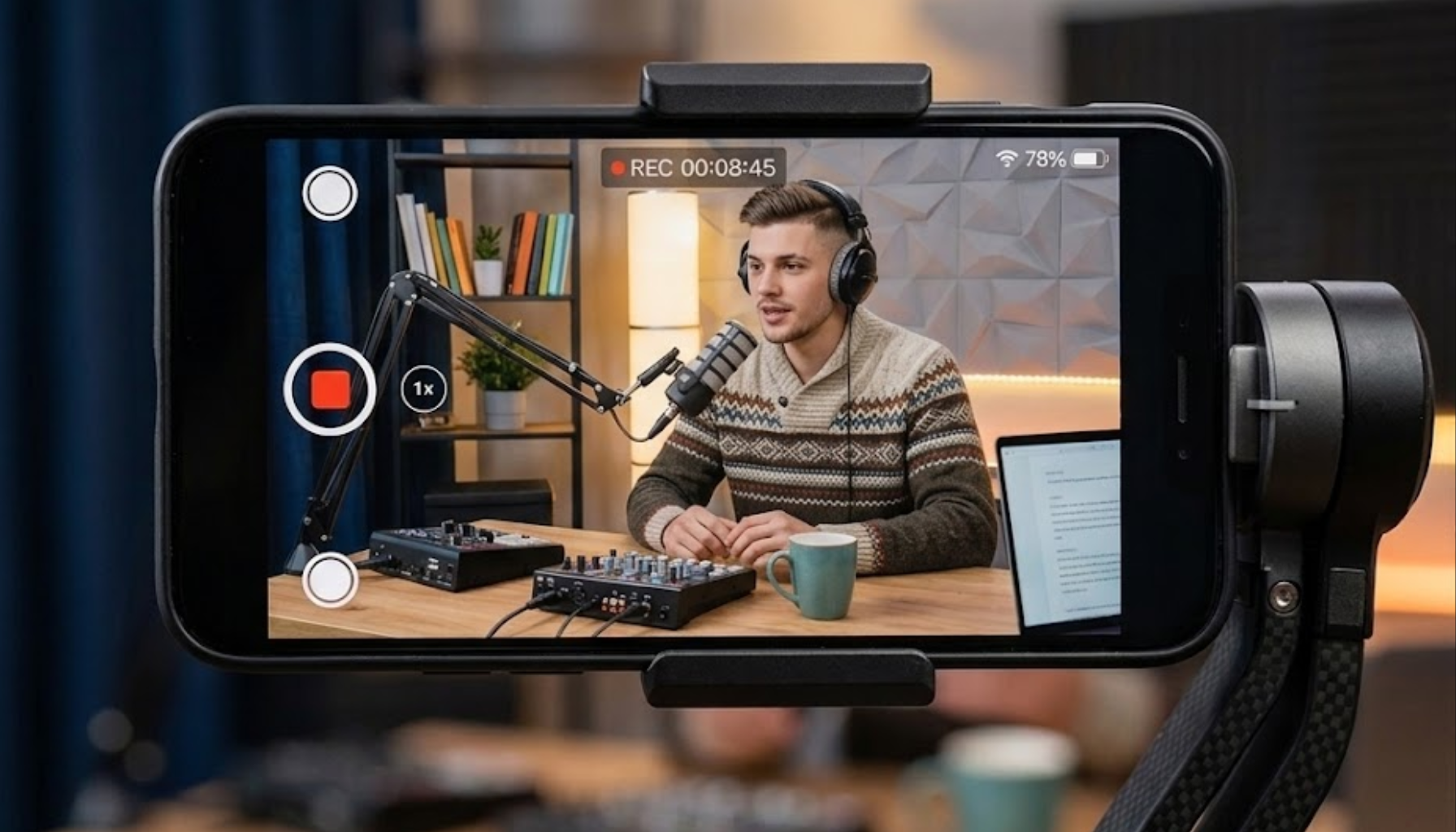
Videos now sit at the center of many business marketing strategies. Scroll through your feed, and you’ll find them everywhere. Be it social media marketing campaigns, product landing pages, advertising materials, user testimonials, onboarding processes, educational content, etc.
But the problem is that the high-quality video creation involves expenses that most teams are hardly able to afford. Specialized equipment, high-end software, and professional assistance make video production rather costly, and that is why many companies choose to create their content using cheap equipment such as simple cameras or even mobile phones.
That gap, however, is narrowing fast because of a new generation of AI video enhancement tools. This article explores how these tools are helping small businesses get more value from their existing content and improve marketing performance without dramatically increasing production costs.
Why Video Quality Matters for Business Trust
First impressions in business happen on screens now. The moment someone visits your company’s Instagram profile or sees a YouTube ad, an impression is formed, and video quality contributes more to that first impression than most entrepreneurs realize.
Low-quality images, unsteady camera work, and low-lighting create an impression, and the last thing you want your brand to give off is a bad impression. Numerous studies have shown that customers make connections between production value and brand credibility.
A video that is blurry not only looks bad but also makes people question the actual item that you are marketing. Using poor-quality video in a paid advertisement is a waste of money spent on the media buy.
For SMEs competing in crowded markets, where larger competitors have full video production teams, the visual quality of your content is a real commercial differentiator.
The Cost Problem of Traditional Video Production
Hiring a professional video photographer for a day of shooting costs anything from £500 to more than £2,000, based on the requirements. Adding up all the processes that follow, such as editing, colour correction, and several iterations of revisions, the creation of even a single promotional video is quite costly.
The issues go beyond upfront costs:
-
Agency turnaround times can stretch to two or three weeks, making reactive content almost impossible
-
Stock footage often looks generic and fails to reflect the actual business
-
Reshoots are expensive and logistically complicated
-
Most editing software has a steep learning curve that takes months to master
-
Freelancer availability is inconsistent, particularly for small, quick-turnaround briefs
For a solo entrepreneur or a lean team of three people, this is simply not a workable model for producing the volume of content that social platforms reward.
How AI Video Enhancer Tools Reduce Production Costs
This is where AI video enhancement has changed the game for small businesses. Instead of starting from scratch with expensive production, you can take existing footage, phone recordings, older clips, or even user-generated content, and process it into something that looks professionally produced.
Vmake’s video enhancer is a strong example of what this technology can do in practice. Built specifically for small businesses and solo creators, it offers a set of AI-powered enhancement modes designed for different types of content.
Key enhancement capabilities include:
-
Resolution upscaling for low-quality footage
-
Detail reconstruction and sharpening
-
Noise and artifact reduction
-
Low-light improvement
-
Face restoration
-
Product video enhancement
-
Animation enhancement
-
AI-generated content cleanup
Vmake enhancement suite offers several specialized modes tailored specifically for particular kinds of content. AI 4K+ Mode specializes in enhancing texture quality and restoring details in low-resolution videos.

Portrait Mode deals with facial reconstruction and talking heads. This can help you get more details about faces and make the footage look natural.
De-AI Mode allows you to remove various typical errors made by AI when generating video, such as texture and movement issues.
Product Mode specializes in improving text readability, packaging design, and material appearance important for ecommerce brands.
There are other modes as well, that cater to low light, gaming footage, and animations. They can help companies already using video footage avoid expensive re-shooting expenses and increase the longevity of old marketing materials.
Practical Use Cases for SMEs

The most immediate applications for small businesses are the ones where video quality has a direct line to commercial outcomes:
-
Demos and e-commerce clips: Crisp video images with readable product copy improve conversion. Better closeups showing texture and materials can make a difference for customers’ purchasing decisions.
-
Social media content: Algorithmic priorities on TikTok, Instagram Reels, and YouTube Shorts favor watchable videos. Better footage that is less shaky keeps audiences engaged, which translates directly into organic reach.
-
Customer testimonials: The most genuine testimonial videos your brand can post on social networks are those made by real customers using their own phones, although footage quality can vary considerably. AI enhancement lets you standardise that quality without losing the authenticity.
-
Event and trade show videos: Footage shot in busy, poorly lit venues typically degrades badly. Enhancement tools can recover usable clips from events that would otherwise end up archived.
-
Training and onboarding videos: Internal content benefits from enhancement too. Clearer instructional videos reduce the need for follow-up questions and create a more professional impression of the business internally.
What Businesses Should Look for in an AI Video Enhancer
Not all enhancement tools are built with commercial users in mind. Before adopting a platform, businesses should evaluate several practical factors. The following points are some of the actual needs if you are looking at video enhancing solutions:
-
Web-based or mobile: Video enhancing platforms requiring extensive software installations locally add complications to the processes. Ideally, the solution should allow processing through browsers or even through the use of mobile apps.
-
Processing time: An enhancement tool that needs 45 minutes for processing a one-minute video can’t last long in the practical environment. You should choose quick short form processing tools.
-
Export quality: Check whether the output genuinely meets platform specifications for YouTube, TikTok, and Instagram. Some tools upscale resolution but introduce new compression artefacts in the export.
-
Commercial-use rights: This one catches people out. Confirm that enhanced content can be used freely in paid advertising and commercial publication.
-
Privacy and data handling: For businesses where user data and branded content is involved, having clear information about how uploaded videos are handled makes a huge difference.
-
Specialist modes: Not all videos can be upgraded using just a general enhancement mode. Having portrait, product, low light, and AI content modes will give you more options.
Final Thoughts
For SMEs, improving marketing ROI often comes down to maximizing the value of existing resources. This is where video enhancement technology can provide an advantage since it helps organizations produce better video content without paying the entire cost associated with conventional production processes.
With the increasing importance of video content for customer engagement and corporate communications, artificial intelligence-powered enhancement software provides a realistic solution for organizations looking to achieve high-end video at moderate prices.

Caroline is doing her graduation in IT from the University of South California but keens to work as a freelance blogger. She loves to write on the latest information about IoT, technology, and business. She has innovative ideas and shares her experience with her readers.