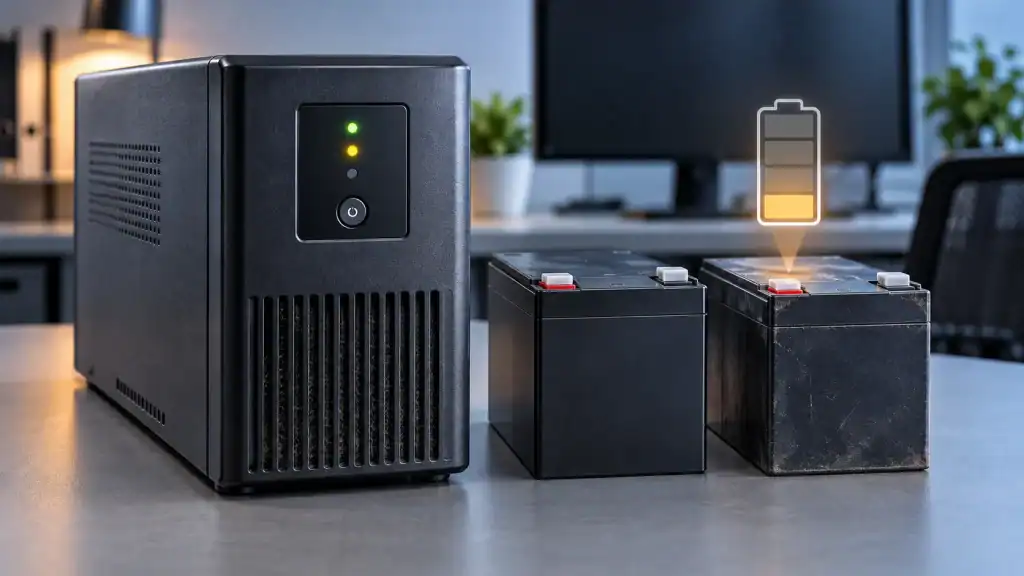
A UPS battery can continue powering connected equipment while gradually losing the energy it stores. This decline often goes unnoticed until an outage reveals that the backup period has become much shorter. Battery ageing plays a role, but temperature, charging conditions, discharge patterns and electrical demand also influence performance. Understanding these factors makes it easier to identify capacity loss, plan maintenance and choose the right replacement time. It also helps determine whether your existing backup system still matches your equipment’s power requirements.

The Main Reasons UPS Battery Capacity Declines
Chemical Ageing Changes How Much Energy a Battery Stores
Every rechargeable battery undergoes chemical changes during use and storage. In conventional sealed lead-acid UPS batteries, ageing can reduce the amount of energy available during discharge. Internal resistance may also increase, causing voltage to drop more quickly when equipment draws power. As a result, a battery that once supported a computer and network equipment for 30 minutes may provide substantially less runtime after several years. Lithium-ion batteries also experience gradual capacity loss, although their ageing patterns differ by chemistry and operating conditions. Calendar age matters even when a battery sees relatively little use. Manufacturers specify expected service lives under particular conditions, so owners should track installation dates and follow model-specific maintenance guidance instead of relying on one universal replacement interval.
Excessive Heat Accelerates Capacity Loss
Temperature has a direct influence on battery ageing. When a UPS operates in a hot equipment cabinet, a poorly ventilated room or an area exposed to direct sunlight, the battery may deteriorate faster than expected. Heat can accelerate internal chemical reactions and shorten the period during which the battery retains its designed capacity. Repeated exposure matters, even if the UPS rarely switches to battery power. To reduce thermal stress, install the unit within the manufacturer’s recommended temperature range and keep ventilation openings clear. Avoid placing it beside heating equipment or enclosing it in a space that traps warm air.
Frequent Discharges and Charging Conditions Matter
A UPS battery experiences additional wear whenever it discharges and recharges. Frequent power interruptions, repeated battery tests and prolonged operation during outages all contribute to its usage history. The effect depends on battery chemistry, discharge depth, temperature and charging design. Leaving a battery discharged for an extended period can also affect its condition, particularly for chemistries that require prompt recharging. On the other hand, a properly designed UPS manages charging automatically within its intended operating limits. Follow the manufacturer’s recommendations for storage, charging and testing rather than adding unnecessary manual discharge cycles. If outages occur frequently, review the event logs and compare measured runtime over time. This information helps distinguish normal usage-related ageing from a sudden change that may require further inspection.
How to Identify Capacity Loss and Protect Backup Performance
Separate Battery Degradation From Increasing Power Demand
Shorter runtime does not always mean the battery has deteriorated. Connected equipment may simply consume more electricity than before. Adding a monitor, network switch, storage device or other accessory increases the total load and reduces the time the battery can support everything. Compare the current equipment list with the original installation and calculate the combined wattage. Then run a manufacturer-approved runtime test under a consistent load. If runtime has fallen despite similar operating conditions, battery degradation becomes a stronger possibility. Also check for system alerts, abnormal voltage readings and failed self-tests. A UPS may pass a basic power-on check while providing less usable energy than expected. Consistent measurements offer a clearer picture than relying on the status indicator alone.
Build a Maintenance Routine Around Measurable Results
A practical maintenance routine should record battery age, test dates, runtime, connected load and system warnings. Follow the UPS manufacturer’s recommended inspection and testing schedule, and use its approved procedures for any battery discharge test. Avoid opening sealed battery packs or attempting repairs that require specialist training. Swollen batteries, leakage, unusual heat or damaged cables require prompt attention and safe handling under the manufacturer’s instructions. Keep the surrounding area clean, maintain suitable ventilation and confirm that the UPS reports a normal charging status. When a test shows a sustained reduction in runtime, compare the result with the equipment’s minimum backup requirement. Replace the battery when it no longer meets that requirement or when the manufacturer identifies it for replacement.
Consider Whether Your Backup System Still Fits Your Needs
Capacity loss can also reveal that the original backup design no longer suits the equipment being protected. A small UPS may be appropriate for a router or workstation, while a home with several circuits and higher electrical loads may require a broader energy storage solution. For example, the Anker SOLIX E10 Whole-Home Backup uses lithium iron phosphate batteries, with each B6000 battery module providing 6.144 kWh of nominal capacity. One E10 power module supports up to 30 kWh of battery capacity, while a system with three E10 units can expand to 90 kWh in total. The power module delivers up to 7.68 kW of continuous output with batteries. This type of system serves a different role from a conventional ups battery backup, offering an option for households evaluating longer-duration backup and whole-home power requirements.
Conclusion
UPS battery capacity declines through chemical ageing, heat exposure, discharge history and charging conditions. Increased equipment demand can also shorten runtime without any change in the battery itself. Track battery age, monitor operating temperatures and compare runtime tests under consistent loads to identify the cause. Follow manufacturer guidance for maintenance and replacement, and reassess your backup requirements as equipment changes. A measured approach helps preserve dependable operation and ensures your backup system continues to provide the energy and runtime your equipment needs.

Caroline is doing her graduation in IT from the University of South California but keens to work as a freelance blogger. She loves to write on the latest information about IoT, technology, and business. She has innovative ideas and shares her experience with her readers.