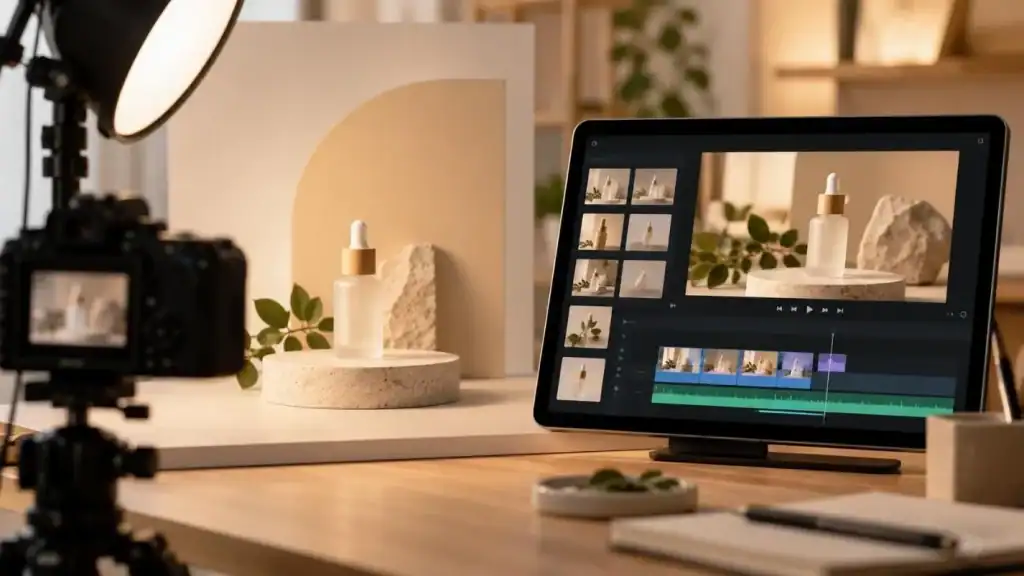
A still photo cannot show how a jacket drapes or how large a gadget looks in the hand. Video covers both, yet a conventional shoot needs a set, lighting, a crew, and several hours of editing for every product. Each platform also expects its own cut, with different aspect ratios and lengths. That production work is what an AI product video generator takes over.
Part 1. Tips for Creating Better Product Videos with an AI Product Video Generator
Making product videos with AI follows a short sequence, from source material to generation to a final format check. Motion and assembly are automated, but accuracy still rests on the source material and on a careful human review. The four tips cover one stage each, in the order they happen:
1. Start from a Clean Product Photo or a Short Script
The finished clip cannot be sharper or more accurate than the photo or script it starts from. A single photo works for short motion shots of the product, and a script is the starting point for demos, explainers, and narrated reviews.
-
Even lighting and a plain white or gray background keep the product’s edges clean, which reduces flicker once the image starts moving.
-
Fine print and logos shot at an angle are the details most likely to warp during generation. A label photographed straight on keeps its lettering intact more often.
-
A script written for a product video AI generator works in short beats, opening on the customer’s problem before the feature and the proof.
-
With front, side, and back photos of the same item, every angle in the demo comes from a real image.
2. Describe the Motion and the Selling Point
Every motion prompt should cover the movement, the camera path, and the parts of the product that must not change. A single slow push-in on a watch face reads clearly, but a clip asked to rotate, zoom, and relight at once usually blurs. Naming the selling point in the prompt, for example the seal on a waterproof bottle, directs the camera to the detail buyers care about.
3. Generate Several Versions and Review Every Frame
Each generation gives a different result, thus 2-3 runs of the same prompt across different video models gives a proper comparison. Review should cover the differences in shape, color, and label across all frames. Once the motion holds properly, an AI product video ad generator layers narration and captions over the approved take.
4. Match the Format to the Channel
A 16:9 master clip loses both sides of the frame when cropped for a 9:16 Reel, along with any product placed off-center. For that reason, each cut made with an AI video generator for product advertising is sized for the placement where it will run. The table sets out the aspect ratio for five common placements, with one detail to plan around for each:
| Channel | Aspect Ratio | Detail to Plan Around |
| TikTok In-Feed ads | 9:16, with 1:1 and 16:9 also accepted | Between 5 and 60 seconds per ad |
| Instagram and Facebook Reels | 9:16 | Fills the whole phone screen in the Reels tab |
| Instagram and Facebook Feed | 4:5 or 1:1 | 4:5 covers more of the phone screen |
| YouTube Shorts | 9:16 | Up to 3 minutes per Short |
| Amazon Sponsored Brands video | 16:9 | 6 to 45 seconds, autoplays without sound |
Part 2. How to Choose the Most Suitable AI Product Video Generator?
Tools for AI generative video production accept different inputs, and some hold a product’s shape and label far more closely than others. Output also varies, since some stop at one silent clip and others export a narrated cut with music.
What to Check Before Choosing?
A product video tool has to keep the item accurate, fit the target channels, and allow commercial use of what it exports. Each check below maps to a common failure point in product video, so use these points to compare tools before you pick one:
| Criterion | What to Check |
| Input options | Accepts both product photos and written scripts |
| Product accuracy | Keeps shape, color, and label text steady between frames |
| Motion control | Lets the prompt set camera moves and what stays still |
| Sound and captions | Voiceover, music, and subtitles handled inside the tool, with no second editor |
| Output and rights | Exports channel aspect ratios at 1080p, with commercial use allowed |
Why MagicLight Fits Product Video Work
MagicLight AI covers both starting points for product video, a photo and a script, inside one account. Products are animated in Image to Video, where the upload limit is 10MB per JPG, JPEG, or PNG file. Its 1,500-character prompt has room for the camera move plus the details that must stay unchanged. For a presenter shot, lip sync adds a scripted line to the photo.

For ads and demos, MagicLight Agent works from a short written brief. Smart Polish tightens the copy on request, and the Production Estimate lists each shot’s cost before rendering begins. With costs shown in advance, a real brief can be tested on the AI product video generator free plan before any purchase. Approved scenes go into Story to Video, which keeps characters consistent across scenes in the same project.
Key Features
-
Photo to Motion: In Image to Video, a single product shot can play as a moving clip with a 30-second ceiling.

-
Lifestyle Scenes: Use product photos as references, and 5 image models place the item in new settings.
-
Video Model Choice: The same product shot can be rendered on several of the 20 video models, Kling and Seedance among them, for a side-by-side comparison.
-
Sound in One Project: Narration options cover 37 stock voices and voice cloning for a brand spokesperson. Music comes from 40 built-in tracks, and captions use any of 16 subtitle styles.

Conclusion
With an AI product video generator, the studio work largely disappears, although product accuracy still depends on the source photo and a frame-by-frame review. A separate export for each placement keeps the item in frame on TikTok, Reels, Shorts, and Amazon. For photo animation, scripted demos, and narration in one project, MagicLight AI is the place to start.
FAQs About AI Product Video Generator
-
Is there a free AI product video generator?
MagicLight AI offers free credits without requiring a payment card. Free access lets you test product video generation, while paid plans include watermark-free 1080p exports and commercial usage rights. Check licensing before running a generated clip as a paid advertisement.
-
Can AI make a product demo video from photos?
An AI product demo video generator can animate product photos to show details, movement, or different viewing angles. MagicLight AI’s Image to Video supports multiple images, while its video creation tools add narration and captions.
-
How long does an AI product video take?
MagicLight AI says some Reels can be created in 3–4 minutes. However, production time depends on the video model, clip length, and number of scenes. Script preparation, reviewing generated footage, and making revisions can add more time.
-
Can MagicLight create product ad videos?
MagicLight AI creates product ad videos from a photo or an ad script. Product images use Image to Video, and narrated ad scripts run in Story to Video. Both export in 9:16 or 16:9, and this AI product video ad generator reaches 1080p on paid plans.

Amanda Dudley is a lecturer and writer with a Ph.D. in History from Stanford University. After earning her doctorate in 2001, she decided to pursue a fulfilling career in the educational sector. So far, she has made giant strides by working as an essay writer for EssayUSA, where she delivers high-quality academic papers to students who need them.