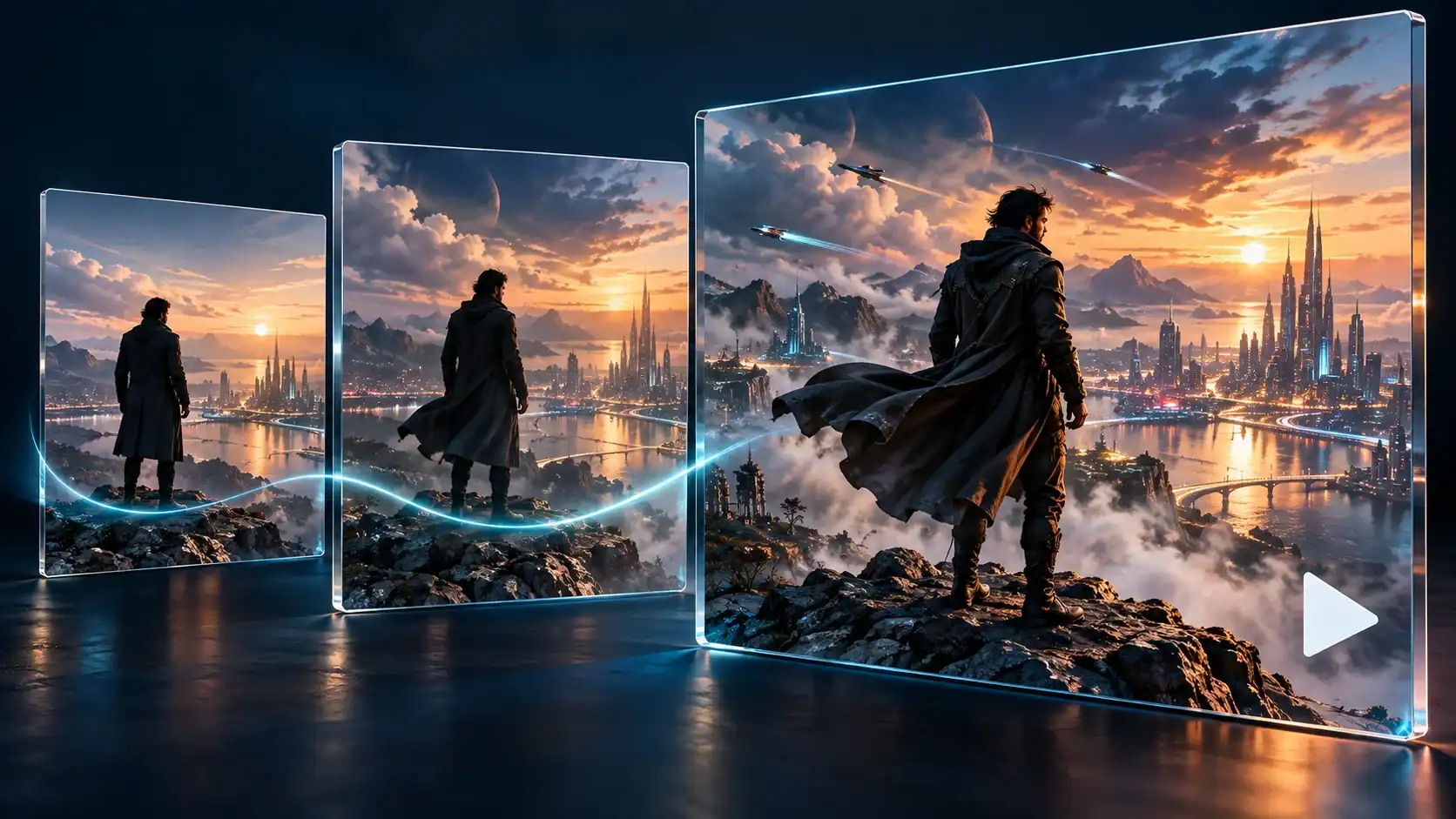
A short film does not become memorable simply because its images look impressive. It needs a clear idea, a sense of place, and a reason for each shot to follow the previous one. AI video tools can help creators explore visual possibilities, but the creative work still begins with decisions about story and audience. Treating generation as one stage of a filmmaking process makes experimentation easier to evaluate and gives an editor something coherent to assemble.
Choose a small story with a visible change
Start with a premise that can be understood without a long explanation. A lone explorer notices a light in an abandoned observatory. A game character finds an unexpected doorway. A miniature robot tries to return a lost object. These ideas offer a beginning, a problem, and a change in the character’s situation. They also keep the production manageable because they do not require a large cast or many locations.
Write the story in three plain sentences before describing visual style. The first establishes the situation, the second introduces a complication, and the third identifies the outcome. If the ending depends on a detail the viewer has never seen, add a setup shot or simplify the resolution. This exercise helps distinguish a sequence of attractive clips from a story that an audience can actually follow.
Make a shot list before writing prompts
A useful shot list records what happens, how the camera frames it, and what the viewer learns. An establishing shot can introduce the observatory. A closer view can show the explorer noticing a flickering panel. A detail shot can reveal a hand approaching a switch. The final view can show the room responding. Each shot should contribute new information instead of repeating the same visual idea.
Plan simple transitions between shots. A movement can begin in one frame and finish in the next, or a sound can connect two different views of the same space. Avoid asking a single generated clip to establish a location, introduce a character, perform several actions, and deliver a twist. Breaking the action into smaller pieces gives the creator more control over pacing and makes unsuccessful takes less costly to replace.
Use consistent descriptions and controlled experiments
Create a brief description of the main character, location, lighting, and overall mood. Reuse the important details across shots, while changing only what the next scene requires. Consistency is a planning practice, not a guarantee that a tool will preserve every object perfectly. Review each result for changes in clothing, proportions, background layout, and the direction of movement before accepting it for the edit.
When comparing services, including Wan 3.0, use the same short scene brief and assess the results against your shot list. Check the current interface, available settings, usage terms, and export options before committing to a workflow. A useful comparison asks whether a clip communicates the intended action, not simply whether one frame looks striking. Keep notes about the prompt and settings used so promising experiments can be repeated or revised.
Change one major element at a time. If the action is unclear, simplify the movement before changing the lighting and camera angle. If the framing hides a story detail, adjust the composition before adding more descriptive language. Controlled experiments make feedback actionable. They also reduce the temptation to keep generating variations without understanding why any particular result succeeds.
Edit for meaning instead of spectacle
Place the selected clips on a timeline and watch them without music first. The story should remain understandable through the order of shots and the duration of each moment. Trim repeated movement, leave enough time to register important details, and remove clips that interrupt the sequence even if they are visually appealing. A smaller collection of clear shots often works better than a longer montage of unrelated imagery.
Sound can then support the edit. A room tone establishes atmosphere, a small mechanical click marks an action, and a musical change can reinforce a turning point. Use recordings and music you have permission to include. Add titles or captions in an editing application when accurate text matters, and review them on the device where the film will be watched. Readability depends on size, contrast, and timing as well as wording.
Review the finished sequence as a viewer
Watch the export from beginning to end rather than judging isolated frames. Look for abrupt continuity changes, distracting distortions, unclear character actions, and transitions that feel accidental. Ask a fresh viewer to describe what happened. Their explanation is more useful than a general compliment because it reveals whether the film’s central idea survived the production process.
For fan projects and game-inspired concepts, avoid implying that a studio or rights holder endorsed the work. Use original characters and settings when possible, and describe synthetic footage clearly whenever viewers could mistake it for a real event. A finished short should also be checked against the destination platform’s current requirements. Keeping these checks in the workflow helps creators present their experiments honestly and consistently.
The most productive role for AI video in a small film project is to support deliberate visual exploration. A concise story, an achievable shot list, careful comparison, and a thoughtful edit give that exploration a purpose. The result does not need to demonstrate every available effect. It needs to guide the audience through a moment that feels clear, complete, and worth watching.