

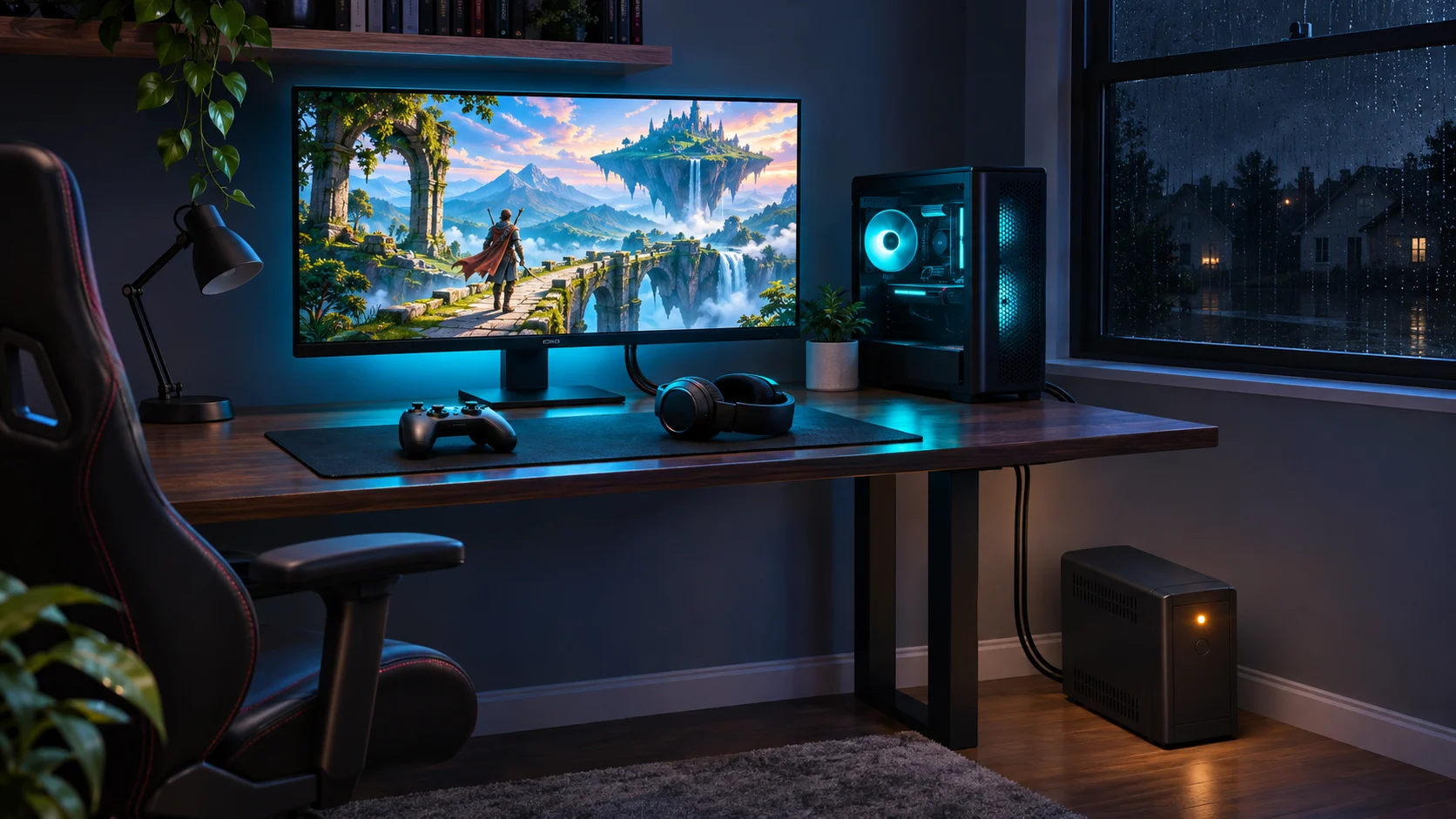
Few things hurt more than a blackout in the middle of a ranked match, a raid you spent weeks prepping for, or a three-hour stream. Storms, heat waves and an aging grid mean outages are no longer rare events in much of the US, and a gaming rig is one of the most power-hungry things in many homes. The good news: keeping your setup alive through an outage is easier, quieter and cleaner than it used to be, thanks to modern portable power stations.
Step 1: Know How Much Power Your Setup Really Uses
Before buying any backup power, add up what you actually need to keep running. Typical figures while gaming:
- Mid-range gaming PC: 300-450W under load (high-end builds with a top-tier GPU can pass 600W)
- PlayStation 5 or Xbox Series X: about 160-220W
- Nintendo Switch (docked): under 20W
- Gaming monitor: 30-80W depending on size and refresh rate
- Router and modem: 15-25W combined
- Streaming extras (lights, mic, capture card): 20-60W
A console setup with a monitor and router usually lands around 250-300W. A PC streaming setup can easily hit 500-700W. A cheap plug-in watt meter is the fastest way to get your real number instead of a guess.
Step 2: Turn Watts Into Runtime
Portable power stations are rated in watt-hours (Wh) for capacity and watts (W) for output. A simple rule of thumb for runtime:
Runtime (hours) = capacity (Wh) x 0.85 / your load (W)
The 0.85 accounts for inverter losses. So a 1,000Wh unit running a 300W console setup gives you roughly 2.8 hours. A 2,000Wh unit powering a 500W PC rig lasts about 3.4 hours. If you mainly want to finish a match, save your game and shut down cleanly, even a smaller unit is enough. If you want to keep playing through an evening outage, size up.
Also check the continuous output rating. If your rig peaks at 650W, choose a station rated well above that, ideally 1,500W or more, so GPU power spikes do not trip it.
Step 3: Features That Matter for Gamers
- Pure sine wave AC output. Modern PC power supplies and consoles want clean power. Every quality power station uses a pure sine wave inverter, but double-check before buying a budget unit.
- UPS or pass-through mode. Many power stations can sit between the wall and your gear, charging from the grid and switching to battery when the power drops. Switchover times are often in the 10-20 millisecond range, and some models are faster. Most desktop PSUs ride through that, but check the spec if you want true UPS behavior.
- LiFePO4 battery chemistry. Lithium iron phosphate batteries are rated for thousands of charge cycles and are more thermally stable than older lithium-ion chemistries, which matters for a unit that lives next to your desk.
- Enough outlets and USB-C PD. A 100W USB-C port can charge a laptop, Steam Deck or controller without using an AC outlet and its inverter losses.
- Quiet operation. Unlike a gas generator, a power station runs indoors with no fumes and usually only a soft fan, so it will not drown out your voice chat.
Step 4: Add Solar for Longer Outages
A battery alone covers short outages. For multi-day events like hurricanes or winter storms, pairing your power station with folding solar panels lets you recharge during the day. A 400W solar array in good sun can put roughly 1,500-2,000Wh back into the battery over a full day, enough to keep a console session, your router and your phones going each evening. Bundled portable solar power kits that match the panels to the power station’s input limits take the guesswork out of compatibility.
Step 5: Set It Up Before You Need It
- Plug your PC or console, monitor and router into the power station in pass-through mode so the switch happens automatically.
- Keep the battery between about 50% and 100% and top it up monthly if it sits on standby.
- Turn on your PC’s power-saving profile or cap the frame rate during an outage to stretch runtime noticeably.
- Keep your router and modem on backup too. Without them, you have power but no online play.
The Bottom Line
You do not need a noisy gas generator or a full home battery system to protect your gaming time. Measure your load, pick a power station with enough capacity and output for your setup, and consider solar if outages in your area tend to last more than a few hours. Retailers like Eco Solar Kits carry power stations and solar bundles from the major brands, so you can compare capacity, output and price side by side. Then, the next time the lights go out, the only thing that has to stop is the ceiling fan.

Sandra Larson is a writer with the personal blog at ElizabethanAuthor and an academic coach for students. Her main sphere of professional interest is the connection between AI and modern study techniques. Sandra believes that digital tools are a way to a better future in the education system.