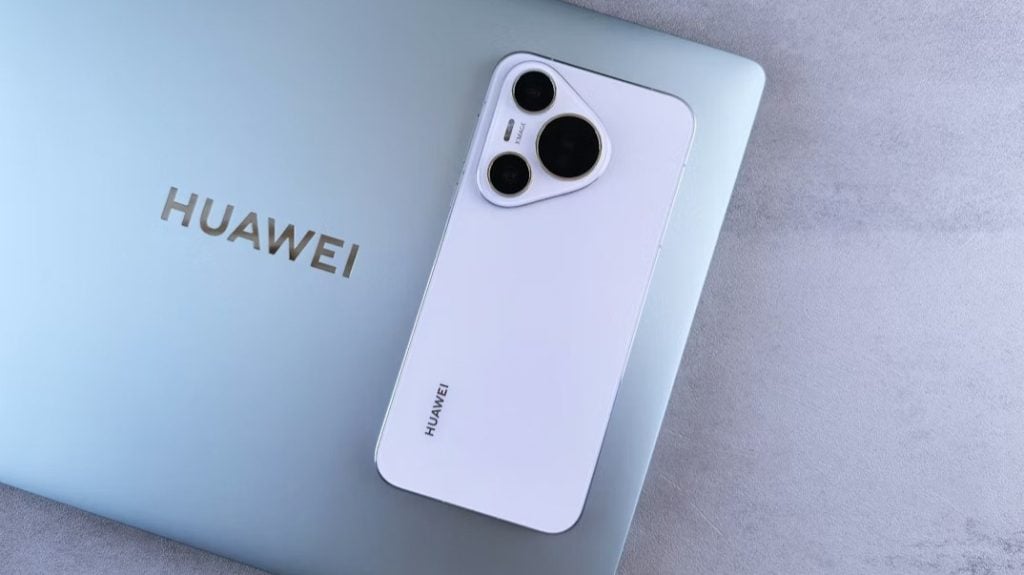
Factory Reset Protection (FRP) is designed to protect user data, but it can become a real headache if you’re locked out of your own device. In 2026, many users still struggle with FRP locked Huawei phones after a factory reset, especially when the original Google account is no longer accessible.
This guide walks you through everything you need to know about Huawei FRP and compares the most effective FRP tools—with and without a PC—so you can choose the right Huawei FRP tool for your situation.
Part 1. What You Need to Know About Huawei FRP Lock
What Is Huawei FRP?
Huawei FRP (Factory Reset Protection) is a built-in Android security feature. Once a Google account is added to a Huawei phone, FRP automatically activates. If the device is factory reset without first removing the Google account, the system will require the previously synced account credentials during setup.
This means if you forget the account, buy a second-hand device, or reset a phone incorrectly, you may end up with an FRP locked Huawei device that cannot be accessed normally.
Is It Legal to Bypass Huawei FRP?
Bypassing Huawei FRP is legal only if you are the rightful owner of the device or have permission from the owner. FRP exists to prevent theft, so using FRP tools on stolen or unauthorized devices is illegal in most regions. Always make sure you have legitimate ownership before attempting any FRP unlock method.
Part 2. How to Bypass Huawei FRP Without the Original Google Account
If you want a more reliable and beginner-friendly solution, using a professional Huawei FRP tool is the best option.
Using 4uKey for Android
4uKey for Android is designed specifically for removing Android screen locks and FRP restrictions, including Huawei FRP locks, without requiring the original Google account.
Key Features
- Remove FRP lock from Huawei devices without Google account credentials
- Support for a wide range of Android versions
- Simple, guided on-screen instructions
- No technical background required
Supported Huawei Devices
4uKey for Android supports many Huawei models, including devices running EMUI and various Android versions. It works for both older and newer Huawei phones that are FRP locked after a factory reset.
Step-by-Step Guide to Bypass Huawei FRP
- Download, install, and run 4uKey for Android on your PC. Then connect your Huawei phone to your PC and proceed with “Remove Google Lock (FRP)”.

- 4uKey for Android will automatically detect your device brand. However, if it doesn’t, then manually select Huawei from the list shown.

- 4uKey for Android will now begin installing the driver. Wait for a few minutes now.

- Wait for 4uKey for Android to bypass Google FRP lock on Huawei. Once completed, your Huawei device will reboot automatically and you can set up your Huawei phone as new.

This method is one of the most stable solutions in 2026 for users dealing with FRP locked Huawei devices.
Part 3. How to Bypass Huawei FRP with PC
Using a PC-based Huawei FRP tool is usually the most stable and time-efficient option. Below are three commonly used FRP tools that require a computer.
-
Huawei FRP Tool
Huawei FRP Tool is a generic desktop utility designed to remove FRP locks on older Huawei devices by modifying system settings via USB connection.
Pros:
- Simple interface
- Works on some legacy Huawei models
- Free versions available
Cons:
- Limited compatibility with newer Huawei devices
- Requires technical knowledge
- Often blocked by recent security patches
-
Sanjay Huawei FRP & ID Bypass Tool
This tool is popular in repair communities and focuses on bypassing Google ID verification on Huawei devices.
Pros:
- Supports multiple Huawei chipsets
- Lightweight PC software
- Frequently used by technicians
Cons:
- Unclear update frequency
- Not beginner-friendly
- Risk of failure on newer EMUI versions
-
Huawei FRP Eraser
Huawei FRP Eraser attempts to remove Google account verification by flashing specific configuration files.
Pros:
- Works offline once installed
- No APK installation required on the phone
- Can be fast on supported models
Cons:
- Device-specific success rate
- Higher risk of system errors
- Requires precise model matching
Part 4. How to Bypass Huawei FRP without PC
If you don’t have access to a computer, there are several manual methods. However, these approaches are more unstable and depend heavily on Android and EMUI versions.
-
Reset All Settings in Safe Mode
Booting into Safe Mode may allow limited access to system settings.
Pros:
- No PC required
- No third-party tools needed
Cons:
- Rarely works on updated devices
- Often patched by Huawei
- Inconsistent success rate
-
Emergency Call Method
This method exploits the Emergency Call interface to access hidden settings.
Pros:
- Completely free
- Works on very old Huawei models
Cons:
- Extremely outdated
- Mostly ineffective in 2026
- Requires precise timing
-
QuickShortcutMaker APK
QuickShortcutMaker APK creates shortcuts to hidden Android settings, including Google account login screens.
Pros:
- Flexible workaround
- Widely discussed online
Cons:
- APK installation often blocked
- Security patches frequently disable this method
- Not reliable for FRP locked Huawei devices
-
TalkBack Method
This method uses Android’s accessibility feature (TalkBack) to access browser or settings pages.
Pros:
- No PC needed
- No paid software
Cons:
- Complex steps
- Easily patched
- High failure rate on newer Huawei models
Conclusion
Huawei FRP locks can be difficult to deal with, especially without access to the original Google account. While manual methods may work occasionally, they are often unreliable and easily blocked by system updates. For most users in 2026, using a dedicated Huawei FRP tool remains the most effective solution.
4uKey for Android offers a stable and user-friendly way to remove FRP locks on Huawei devices without technical complexity, helping users regain access quickly and efficiently.

Sandra Larson is a writer with the personal blog at ElizabethanAuthor and an academic coach for students. Her main sphere of professional interest is the connection between AI and modern study techniques. Sandra believes that digital tools are a way to a better future in the education system.
![‘The Boys’ Season 5 Premiere Doesn’t Pull Any Punches [SPOILER WARNING]](https://cdn.geekvibesnation.com/wp-media-folder-geek-vibes-nation/wp-content/uploads/2026/04/THBY_S5_UR_501_00331_R2_3000-450x300.jpg "‘The Boys’ Season 5 Premiere Doesn’t Pull Any Punches [SPOILER WARNING]")