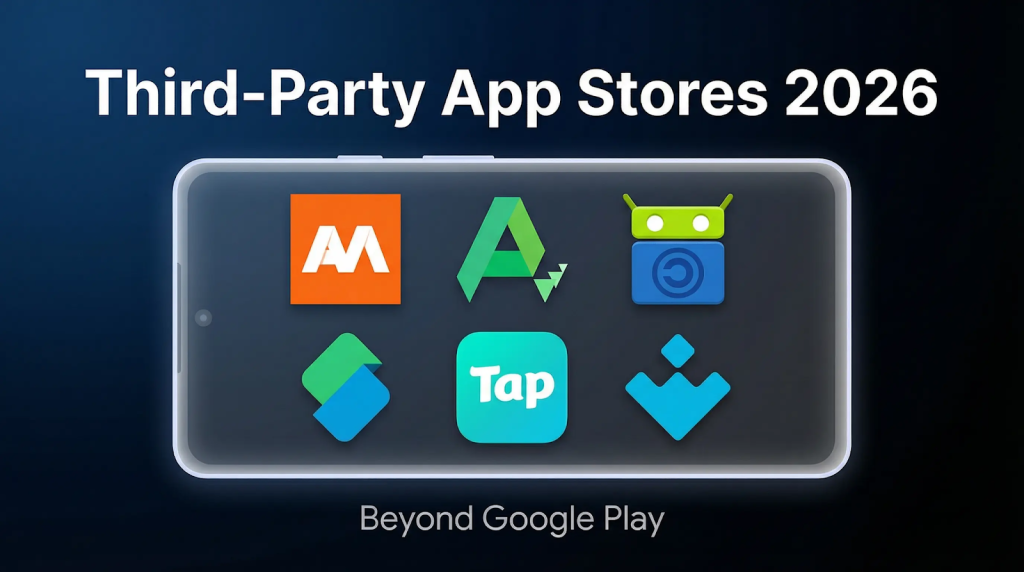
Why Google Play alternatives matter? Google Play remains the main marketplace for Android apps, handling billions of downloads each day. Its catalog covers almost every category, from well‑known social media platforms to small utility tools. Despite its reach, the store has limitations. Strict review rules can prevent some apps from being published, and regional restrictions may block content based on location. Developers also face a significant revenue share, which can affect pricing and lead to more ads or subscription models.
These factors have encouraged many users and developers to explore third‑party app stores. Platforms such as Uptodown, Softonic, and APKPure can offer older versions of apps, beta releases, region‑free downloads, and lower barriers for publishing. They give users more control over what they install and allow developers to reach targeted audiences without high fees. In a market with many different Android devices, manufacturer stores and independent marketplaces can help fill gaps that Google Play does not address.
APKPure
APKPure offers a similar experience to Google Play but does not require users to sign in with a Google account. You can search for standard APKs or larger XAPK files, which include additional game resources. It allows downloading older versions of apps as well as region‑locked releases, such as international builds of games that may be unavailable in certain countries. The interface is straightforward, auto‑updates are available, and built-in scans help maintain file safety.
Many users turn to APKPure when Google Play lists an app as unavailable. The platform is lightweight, can queue downloads for offline installation, and supports split APKs for large applications. Developers can upload directly without long review delays, making it useful for distributing updates or niche tools such as custom launchers and streaming apps. For both users and developers, it can be a practical option when Google Play cannot provide the desired app.

Uptodown
Uptodown ranks high among true third-party favorites. It hosts millions of APKs across every category, with full version histories going back years. Need that older WhatsApp before the latest update messed up your chats? Or a stable TikTok from last year? It’s all there, one search away. No Google account required, just download and go. They scan every file for malware before you see it, so safety feels built-in.
The app runs buttery smooth on any Android phone, from budget models to flagships. Fast searches, categories like “trending” or “essentials,” and auto-updates keep your library fresh without nagging. It’s huge worldwide, especially in spots where Play crawls due to slow networks or restrictions. Developers upload direct, so new releases hit quicker than big stores. Users rave about grabbing beta apps safely—think productivity boosters or emulators that Play flags as “risky.” If history and reliability matter, Uptodown’s your daily driver.

Softonic
Softonic brings a fresh, web-first approach to app hunting. Fire up their site or app, and a massive library unfolds: free tools, games, antivirus, you name it. Direct APK downloads skip sign-ups, perfect for quick needs. They hunt malware like hawks, blocking thousands daily, and highlight editor picks to cut through noise. Say goodbye to digging for diamonds.
It’s killer for international software or apps delisted from Play. Grab a VPN from Spain or a photo editor from Japan without regional drama. The desktop site shines for PC sideloading: download on your computer, transfer via USB, done. No bloatware, clean interfaces, and ratings from real users guide you. Great for families too with parental filters to help spot kid-safe picks. Softonic feels like a smart friend pointing you to overlooked gems, especially when Play’s “recommended” list bores you.

F-Droid
F-Droid goes ultra-pure with open-source apps only. Zero ads, no trackers sneaking data. Load up privacy champs like ad blockers or secure browsers that Play might boot for being “too free.” Updates flow straight from developers, often before official channels.
Ideal for tech-savvy folks who peek at code. Install once, and it handles repos like a personal archive. Niche but powerful for avoiding corporate oversight.

Aurora Store
Aurora Store is basically an alternative way to download apps from the Google Play catalog without installing the official Play Store app. You can browse anonymously or sign in with your own Google account if you prefer. The apps come straight from Google’s servers, so they are the same official files. Paid apps still require a valid purchase, and it does not remove license checks.
It also lets you adjust basic device and region settings, which can sometimes make apps visible if they were hidden due to compatibility or country limits. Whether an app actually works still depends on the developer’s restrictions. Aurora itself has no ads and keeps a simple interface. Most people use it on devices without Google services or when they just want a lighter way to access Play apps.

APKMirror
APKMirror is a website people use when they need a specific version of an Android app and cannot find it on Google Play anymore. It keeps a long history of app releases, including older builds and some beta versions. This is useful if a recent update breaks something and you want to roll back to a previous version that worked better for you.
The site checks app signatures to make sure new uploads match the original developer’s key, which helps avoid modified or fake files. You do not need an account to download, and everything is offered as the original APK. It does not provide paid apps for free and it does not change how the apps work. Most people see it as a backup library for Android apps rather than a replacement for the Play Store.

TapTap
TapTap is a place for mobile gamers to find games that might not appear on mainstream stores. You can discover indie titles, regional releases, and early test versions, and many developers use it to collect feedback before global launches. Players also leave ratings and comments, so the community side matters a lot. It is focused on games rather than general apps, acting more like a gaming discovery hub.

Aptoide
Aptoide is an Android app marketplace and it lets users create their own small stores and share apps and because of that you can sometimes find apps or older versions that are not easy to get on mainstream stores and many people use it as an alternative source but since stores are community managed the quality can vary so checking ratings and reviews helps you choose reliable downloads and it simply provides more options for discovering apps.

Safety Tips for Downloading from App Stores instead of GP
Third‑party stores vary in how they verify files, and users should take precautions. APKPure verifies APK signatures, Uptodown scans batches of uploads, and Softonic flags suspicious listings. Enabling Play Protect can detect threats across sources. Allow installation from “unknown sources” only for specific apps, and confirm that developer names match official listings. Avoid downloading modded or cracked apps, as these may contain malware. Developers should also test apps on multiple devices and OS versions to prevent issues that could harm reviews. Updating antivirus software and using a VPN is recommended when downloading over public Wi‑Fi.
Advantages and Limitations of Third-Party App Stores
Third‑party stores can offer major benefits. TapTap’s beta releases can achieve higher download rates than initial launches on Google Play. Uptodown makes apps available in regions where Play Store restrictions apply, while APKPure resolves “not available” errors for many users. Softonic’s editor recommendations can help smaller apps gain visibility. However, smaller audiences require more promotion efforts, such as social media or community forums. Updates for some apps may be slower, and app discovery often relies heavily on search optimization. Despite these challenges, developers gain exposure to diverse devices, new marketplaces such as Xiaomi’s store, and a global user base.

Caroline is doing her graduation in IT from the University of South California but keens to work as a freelance blogger. She loves to write on the latest information about IoT, technology, and business. She has innovative ideas and shares her experience with her readers.