

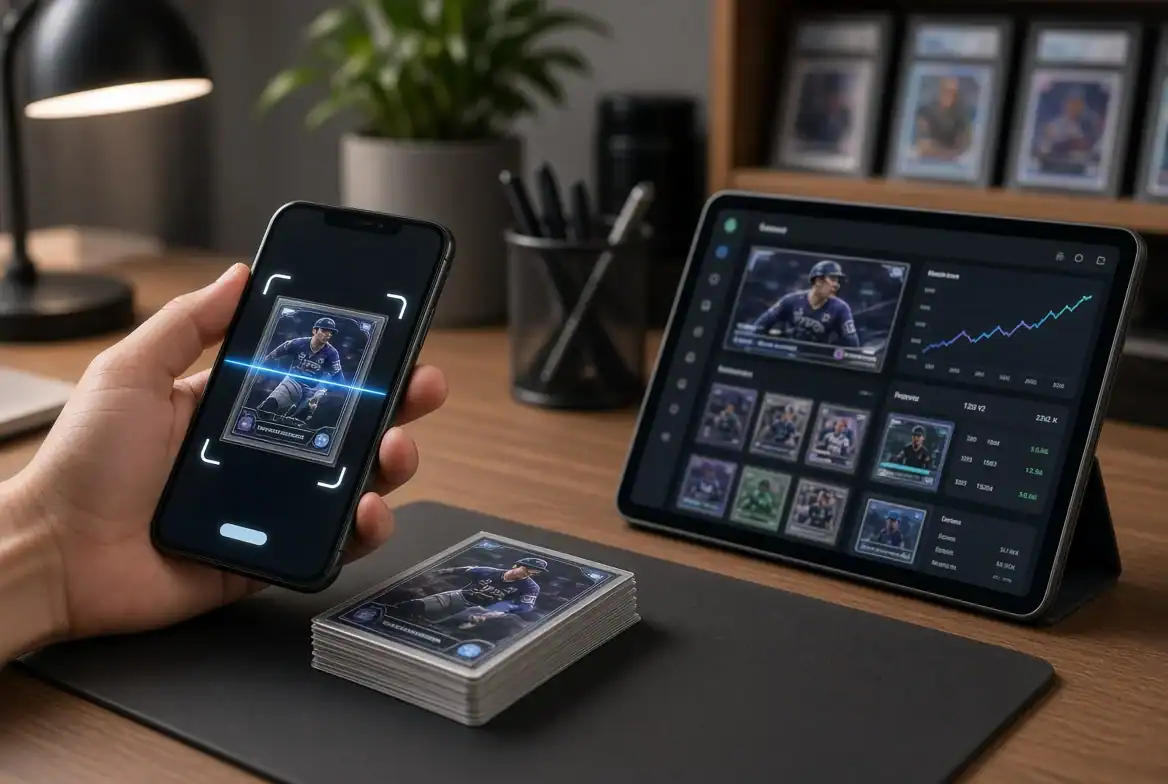
A binder full of cards is easy to love and hard to value. Prices move every week, the same card exists in half a dozen versions, and typing set codes into a spreadsheet gets old fast. Card scanner apps promise to fix that: point your phone at a card, and it tells you what it is and what it’s worth.
They don’t all do it the same way. Before picking one, it helps to know the four things that actually decide whether your collection total is right.
What to look for in a card scanner
1. Does it get the exact printing right? This is the big one. The same card is often printed several times: a regular version, a foil, an alternate-art version, a higher-rarity parallel. Some of them share the same illustration and even the same collector number, and their prices can differ by multiples. A scanner that only recognises the picture can name the right card and still hand you the price of the wrong print.
2. Is scanning metered? Some apps give you a set number of free scans and then ask you to pay for more. If you’re cataloguing a few thousand cards, that matters.
3. Where do the prices come from? Asking prices on a marketplace, completed sales, or an app’s own database all give different numbers. Check how fresh they are, too.
4. Are graded and sealed items handled separately? A slabbed card shouldn’t be valued as if it were a loose one, and a sealed booster box is a different asset again.
Here are six apps worth a look, with what each does best. Details are from each app’s App Store listing in November 2026.
Collectr: the most games in one portfolio
Collectr is the heavyweight of the category, rated 4.9 from almost 70,000 reviews. It covers more than twenty trading card games, including Magic, Pokémon, Yu-Gi-Oh!, One Piece, Lorcana and Flesh and Blood, plus Funko. It treats a collection as a portfolio of raw, graded and sealed items, valued from a database of over a million products, and shows your biggest gains and losses. Unlimited scanning, export and some filters are behind an in-app purchase.
Best for: collectors who play or collect several games and want everything in one place.
TCGplayer: free scanning from the marketplace itself
TCGplayer’s own app scans cards and tracks market prices for free across more than forty games. You need to log in to keep a collection, and because it’s the marketplace’s app, you can buy singles from thousands of sellers without leaving it.
Best for: anyone who wants free scanning and already buys cards on TCGplayer.
PriceCharting: what cards actually sold for
PriceCharting is free and built on sales data. It tracks completed sales from eBay, Heritage, PWCC and others and sorts them into price guides for every condition. You can identify a card by photo or barcode, see past sales, keep a collection and a wishlist, and get grading recommendations. It also covers video games, comics and coins.
Best for: collectors who care about real sold prices by condition.
HoloDex: condition checks before you grade
HoloDex scans eleven card games and adds AI grading insights, flagging whitening, centering problems and surface wear before you send a card off. It tracks prices and profit or loss and syncs between devices. Unlimited scans and AI grading are in-app purchases.
Best for: deciding which cards are worth the cost of professional grading.
Ludex: sports cards too, and eBay listing
Ludex scans sports cards (baseball, basketball, football, soccer, hockey and more) as well as Pokémon and Magic, and values them from completed sales on eBay and other marketplaces. Its List-It feature puts cards up for sale on eBay for you. Unlimited scans come with a subscription.
Best for: collectors with sports cards as well as TCG, or anyone who sells on eBay.
Foilcase: asks which print instead of guessing
Foilcase takes a different approach to the printing problem. It reads the artwork and the printed collector number together, and adds a card on its own only when both agree. When two printings look alike, when it’s an alternate art, or when the number is unreadable, it shows the candidates and asks you once. It never guesses whether a card is foil, because no photo reliably shows the finish.
Scanning is never metered: there’s no per-card counter, no credits and no scan packs. Prices are refreshed daily from public marketplace data, and every figure shows its source and date, so you know how current a total is. Raw, graded and sealed items are kept separate, and a graded card is never valued from its raw price. There’s no account to create.
Foilcase supports five card games and runs on iPhone (iOS 17 or later). It has a 14-day free trial, then costs $7.99 a month or $49.99 a year. It’s new, so it doesn’t yet have the review count of the bigger apps, and it doesn’t offer cloud sync or condition grading. It’s available on the App Store.
Best for: collectors who want the right print in their totals and don’t want a scan limit.
Which one should you pick?
- Several games in one portfolio: Collectr.
- Free scanning: TCGplayer.
- Real sold prices by condition: PriceCharting.
- About to grade: HoloDex for condition checks, PriceCharting for prices.
- Sports cards or selling on eBay: Ludex.
- Exact printings and no scan limit: Foilcase.
Whichever app you choose, spot-check a few of your most valuable cards by hand. Look at the set code, the collector number, the rarity mark and the finish, and make sure the app agrees. A collection total is only as good as the cards it thinks you own.

Frankie Wilde – is a content writer at various gambling sites. Also, he is a passionate traveler and a great cook. Frankie shares informative articles with the world.