


Quick answer: Among the websites to watch YouTube together we tested, Youple.tv is the easiest start: you open the link and you’re in the room, with no account, and everyone can pause, seek and add videos to a shared playlist. Kosmi is the pick for camera, mic and a room you can decorate. Watch2Gether is the familiar choice with the most extras.
A watch YouTube together website is a shared room where everyone’s player stays in sync. One person pauses, and the video pauses for the whole group. That beats screen share: the picture stays sharp, and your friends aren’t waiting for the host to press every button. It’s also the simplest way to watch YouTube with friends who are miles away.
YouTube has no built-in way to do this for ordinary videos in a browser. The one official option we found is SharePlay. On iPhone and iPad, a YouTube Premium member starts a session during a FaceTime call, and others can join without Premium. For everything else, you need a sync room.
We tried five websites to watch YouTube together on November 2026 and compared sign-up, chat, playlists and how each one behaves on a phone.
Comparison Table: Websites to Watch YouTube Together
| Site | Account needed | Free limits | Chat or voice | Playlist | Phone browser |
| Youple.tv | No for quick rooms | Quick room closes after 30 days without visitors | Text chat | Yes, everyone controls | Works, opens straight in the room |
| Watch2Gether | No | Banner ads; temporary rooms deleted after 24 hours | Text chat, camera, mic | Yes | Works, nickname given automatically |
| Kosmi | Google sign-in to create a room; guests join without | Not stated | Text chat, camera, mic | Not found | Plays, but we couldn’t pause from the phone |
| Watch Party | No | Not stated | Text chat | Not found | Works, a guest can start the video |
| SyncTube | We didn’t create an account | Not stated | Text chat | Not found | Unreliable on iPhone |
“Not stated” means the site doesn’t say. “Not found” means we looked and didn’t see it. Prices are taken from each site’s own pages on 4 November 2026.
5 Best Websites to Watch YouTube Together
1. Youple.tv
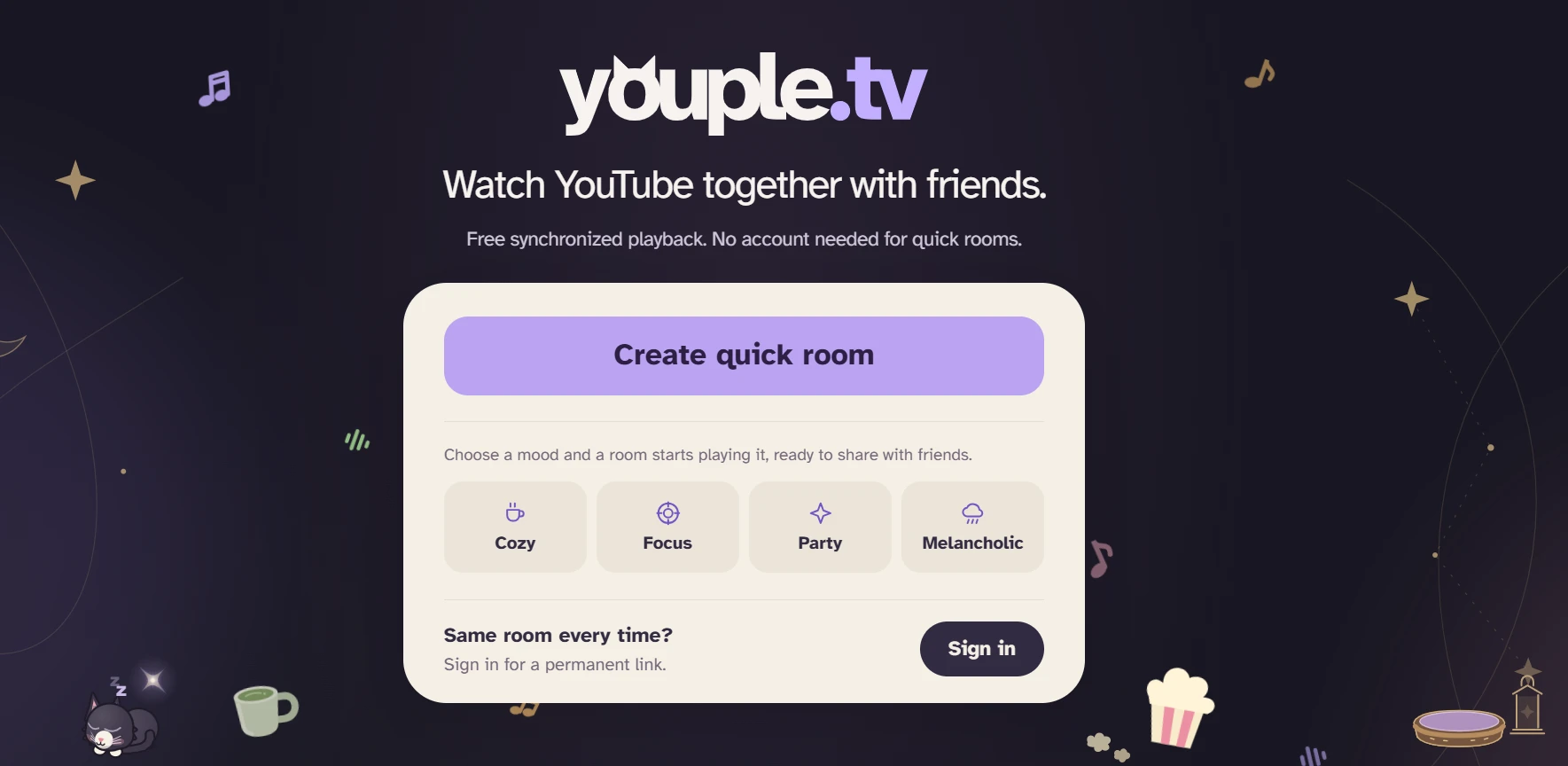
Open the site, start a free quick room, send the link and paste a YouTube URL. That’s the whole setup. On a phone you land in the room right away, with nothing to tap and no name to pick. What we liked most is how fairly it shares control: anyone in the room can add videos to the shared playlist and play, pause, seek or skip, while volume stays separate on each device, so a loud friend doesn’t blast yours. There are also built-in games such as Battleship, so a break between videos doesn’t mean leaving the room. The interface comes in 16 languages (we counted).
Account and limits: Free. Quick rooms need no account; permanent rooms need the host to sign in. Youple adds no ads of its own, though YouTube’s ads can still appear. A quick room closes after 30 days without visitors. A browser extension sends videos straight from YouTube.
Best for: Friends who want to sync YouTube videos with friends in seconds, on desktop or phone.
2. Watch2Gether
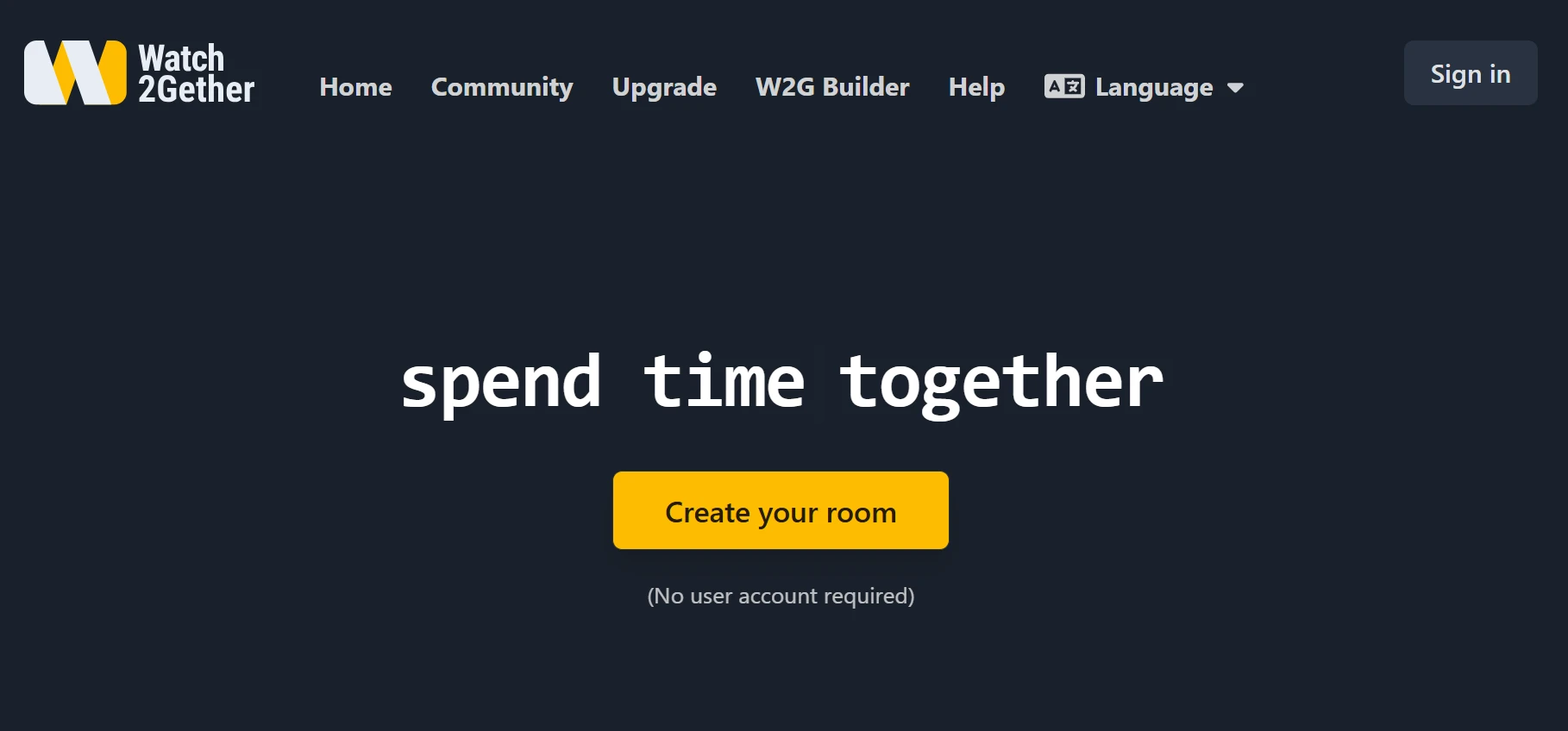
The best-known name on the list, and the one with the most extras. Create a room, share the link, watch. You can search for videos without leaving the site, and not only on YouTube: Vimeo, Dailymotion, Coub, KLIPY, Mixcloud, Freesound, web radio and podcasts are in the same search. Inside the room there are small apps such as games, a planner and confetti reactions, plus webcam, screen sharing and a playlist. On a phone it worked without fuss: the nickname is assigned automatically, and the host’s video starts right away. Camera and mic worked on both sides. Signing in with Google didn’t change anything we could notice.
Account and limits: No account needed. Free rooms show banner ads. PLUS removes ads for you (€2.90 a month billed yearly, €4.90 monthly). PRO removes them for everyone in rooms you create (€7.90 yearly, €11.90 monthly). Both have a 30-day trial. Prices as of 4 November 2026.
Best for: Groups who want a familiar watch together site with lots of extras and can live with ads.
3. Kosmi

The most fun to poke around in, with one catch: to create a room you have to sign in with Google, though guests can join without an account. Kosmi feels like a small online lounge. You can change how your room looks, camera and mic worked on both sides, and screen sharing is built in. A lobby lists public rooms, where you can drop in on strangers and add people as friends, and a TV mode works through a pairing code (we didn’t try it). The weak spot is video control. We didn’t find a playlist, and once you pick a video you watch it to the end: the button for choosing another one didn’t seem to work. On a phone the video played, but we could only change the volume, not pause. Once, when another participant pressed play, the video ran for about a second and stopped.
Account and limits: The core service is free with an optional Premium plan. Room size, ads and prices aren’t stated on the pages we checked.
Best for: Friends who want to talk face to face while watching one video.
4. Watch Party

A simple watch party YouTube option, and easier than we expected. You land on a page with a field for a YouTube link, and next to it you can choose other ways to share, such as screen share or a virtual browser. Paste a link and the video plays right below. On a phone it’s just as quick: open the link and there’s no “join room” step, and a guest can start the video from their own phone. We didn’t find a playlist.
Account and limits: No registration. Ads, room size and paid plans aren’t stated.
Best for: People who want a quick start with one video at a time.
5. SyncTube

The most minimal of the five, and our least favorite. On desktop, guests get a random name and the host can change room settings. Guests can’t pause the video, so one person stays in charge. We didn’t find a playlist. On an iPhone it was the weakest: Chrome showed a configuration error instead of the video. In Safari the video appeared, but pressing play as a guest did nothing, and it only worked on both devices when the room was opened as the host. We tested on iPhones only, so Android may behave differently. We also couldn’t find a way to make a permanent room.
Account and limits: We didn’t create an account. Ads, prices and room size aren’t stated.
Best for: A class or stream where one person runs the video, as long as everyone is on desktop.
How We Tested
On 4 November 2026 we ran the sites in Chrome on Windows with 3 people, with and without an account. We played short and long YouTube videos, and all of them played. We also joined from iPhones, and a friend tried all five sites on an Android tablet. No ads appeared before our videos, though that can differ by region and video.
Conclusion
The best of these websites to watch YouTube together depends on what your group needs, not on the longest feature list. For no account, an instant start, a shared playlist and equal control for everyone, go with Youple.tv. For chat, camera and a room you can decorate, pick Kosmi, as long as you’re fine with one video at a time. For the most extras, Watch2Gether. Watch Party is a quick, no-fuss second option, and SyncTube suits desktop groups where one person controls playback.

Sandra Larson is a writer with the personal blog at ElizabethanAuthor and an academic coach for students. Her main sphere of professional interest is the connection between AI and modern study techniques. Sandra believes that digital tools are a way to a better future in the education system.