
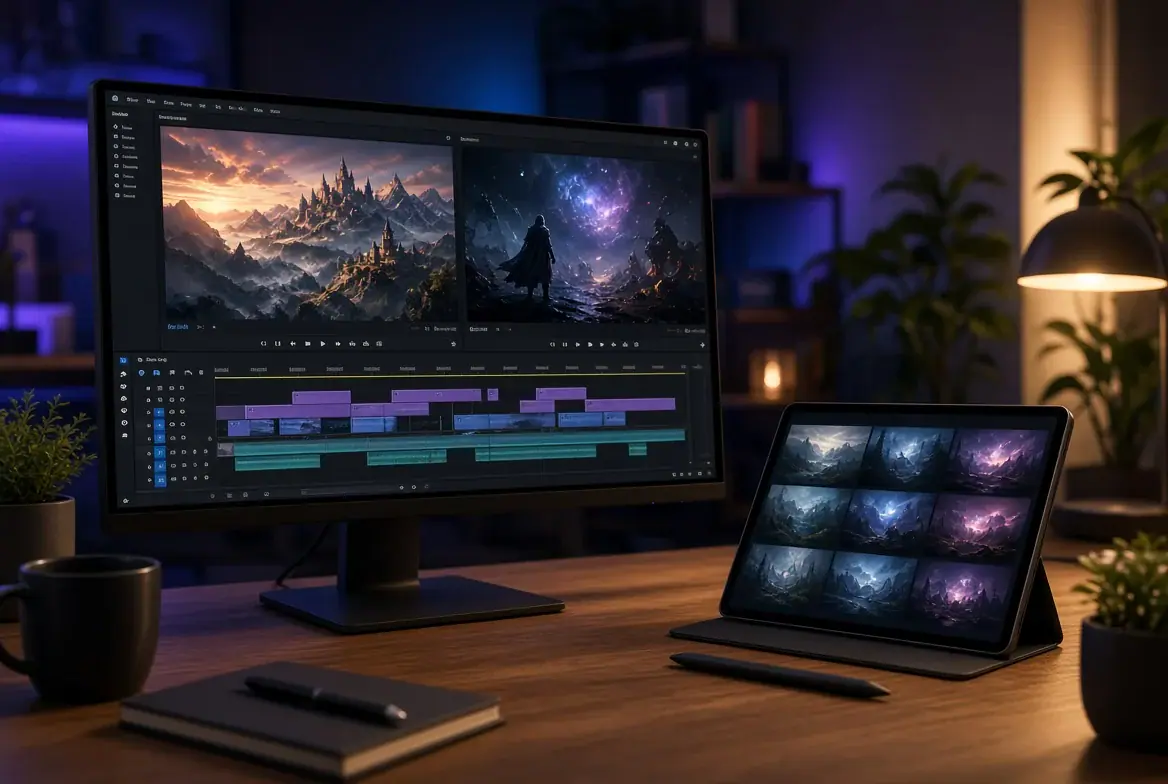
Picture a finished digital portrait of an original tabletop character, complete with a weathered cloak and a glowing lantern. You want that character to blink, turn toward the viewer, and walk into a short teaser clip for your tabletop group. That raises a common question for hobbyists: can Nano Banana make videos on its own? The direct answer is no. Nano Banana is Google’s name for its Gemini image model family, which creates still images and does not generate video by itself. To get movement, you pass that still image into a separate video model.
Why the Image Model Stops at Stills
An image generator and a video generator solve very different problems. Nano Banana, along with Nano Banana 2 and Nano Banana Pro, is built to arrange light, color, composition, and text inside a single frame. Every image coming out of these Gemini models carries an invisible SynthID watermark, and the output arrives as a static JPG or PNG file. When you need a character sheet, a tavern background, or a clean prop illustration at up to 4K resolution, a still model is the right tool.
Motion requires a second engine that calculates how pixels shift over seconds without losing the subject’s identity. Google’s own documentation demonstrates this exact handoff by using a Nano Banana image as the starting frame for a Veo 3.1 video clip. Google also maintains separate video tools in Gemini. Instead of juggling separate platforms, a Nano Banana video generator such as the one on BananaNano adds the motion step inside one browser workspace. BananaNano is an independent website that provides an online workspace for Nano Banana, Nano Banana 2, and Nano Banana Pro alongside several video models, and it is not affiliated with or endorsed by Google.
Three Steps from Character Portrait to Teaser Clip
Turning a static character illustration into a moving teaser follows a clear three-step workflow. You do not need timeline software or complex keyframe rigs to get a usable result for your campaign introduction.
First, start from a strong base image. You can generate a portrait directly on the platform or upload an existing JPG, PNG, or WEBP file from your computer. If you build the portrait in the workspace first, you can refine it using plain-language edits without masks or layers. You can replace backgrounds, remove objects, change clothes or colors, adjust lighting, or restyle a scene. For example, you might swap a daytime forest background for a rainy alley, change the color of a leather jacket, or combine up to 14 reference images in Nano Banana 2 or up to 8 in Pro to keep a costume consistent.
Second, write your motion as direction rather than appearance. Because the image already holds the visual design, your prompt only needs to explain what moves and how the camera behaves. If you prefer to write in another language, the workspace can translate motion prompts into English automatically.
Third, pick a video model and aspect ratio. Depending on what the chosen model supports, you can set the output to landscape, portrait, or square to match where you plan to share the teaser. Text to video is also available when you do not have a starting portrait, though starting from an image keeps your character’s face and outfit much closer to your original design.
Which Video Model Suits Which Job
BananaNano hosts several video models on its video page, including Veo 3.1, Kling, Sora 2, Seedance, Hailuo, and Wan. The exact credit cost is always shown before rendering. At the time of writing, new accounts receive 10 free credits with no credit card required. Free accounts are topped back up to 5 credits on days they visit, starting the day after sign-up, though those daily credits expire after a day and do not stack.
Because credit costs vary across engines, matching the model to the stage of your project saves your balance:
- Veo 3.1 Lite costs 6 credits for 8s.
- Sora 2 image to video costs 10 credits for 10s.
- Veo 3.1 Quality costs 84 credits for 8s, which is best saved for final renders on a paid plan.
If you make the starting still on the site, Nano Banana costs 3 credits per image. Free output carries a visible watermark, while paid plans start from $8.45 a month billed yearly and list no watermark and a commercial license.
Writing Motion Prompts for Characters
A reliable image to video prompt reads like a short stage direction. The simplest formula is one subject movement, one camera movement, and one instruction on what must stay still.
Imagine your portrait shows a scout standing on a stone balcony with a lantern. A cluttered prompt asking the scout to draw a blade, spin around, laugh, and leap off the ledge while the camera orbits at high speed will usually cause the limbs to blur. Instead, try a constrained prompt: “The scout blinks slowly, turns her head toward the viewer, and takes one step forward. The camera pushes in gently. The stone balcony and lantern remain still.”
Telling the model what to keep static is just as important as describing the action. Locking down the background prevents walls, trees, or distant buildings from warping while the character moves.
Limits and Where This Tool Is the Wrong Choice
Every video workflow has clear technical boundaries. Clips run 5 to 10 seconds or up to 15 with Sora 2, so you cannot generate a full narrative episode or a long dialogue scene in one go. Facial features can also drift when a character turns too far from the starting angle, and hands or intricate props often lose their structure mid-motion.
This tool is the wrong choice when you need frame-accurate acting, repeatable lip-sync, or complex combat choreography. It does not replace traditional 2D animation or 3D character rigging. Finally, stick to your own original characters and settings rather than copyrighted franchises or real people so your work stays genuinely yours.
Final Thoughts
While the Nano Banana image models only produce still frames, pairing them with a dedicated video model gives hobbyists and tabletop creators a practical way to bring original portraits to life. A subtle blink, a shifting cloak, or a slow camera push is often all it takes to turn a static character sheet into an atmospheric teaser for your next gaming session or art post. If you have a finished character illustration sitting in a folder, consider testing how it responds to simple motion directions. Signing up requires no payment card, and the initial free credits are enough to run a Veo 3.1 Lite clip or a Sora 2 image to video generation to see how the workspace feels. Keep your prompts focused on one clear movement at a time.

Caroline is doing her graduation in IT from the University of South California but keens to work as a freelance blogger. She loves to write on the latest information about IoT, technology, and business. She has innovative ideas and shares her experience with her readers.