
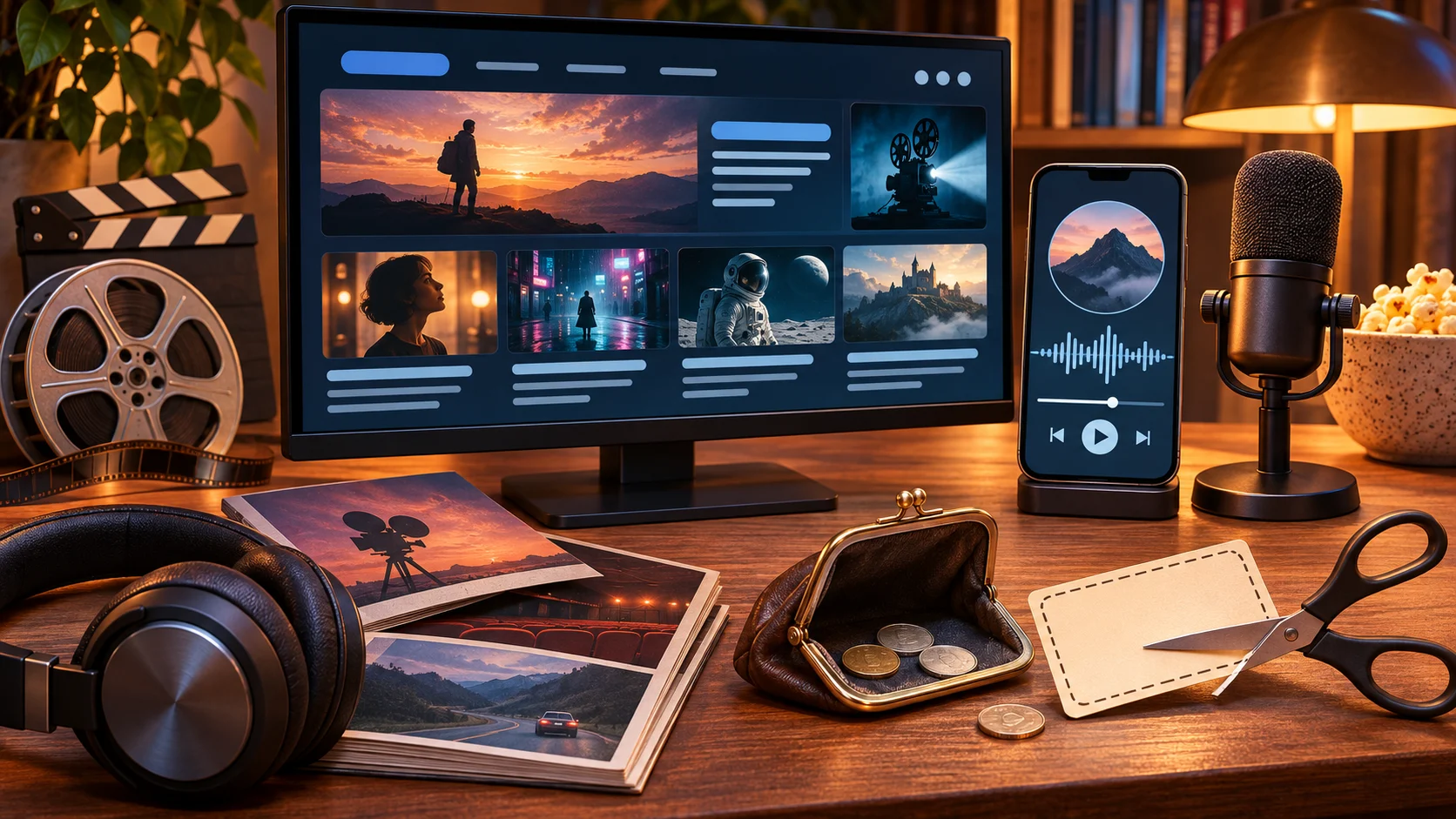
At some point, most fans stop only watching and start making. A podcast breaking down every new release. A review channel. A fan site for a franchise that deserves better coverage. A newsletter rounding up the week in comics.
The creative side is the fun part. The practical side is a stack of software, most of it billed monthly, and new creators tend to either buy too much on day one or never look at the bill again. This guide covers what you need, where the money usually gets wasted, and how to bring the cost down without lowering the quality of what you make.
What you need, by what you make
A podcast
- Recording and editing software
- A podcast host, which stores your episodes and sends them to the listening apps
- A transcription tool, for show notes and accessibility
- A design app for cover art and episode graphics
A review or commentary channel
- A video editor
- A design app for thumbnails
- Licensed music or a music library subscription
- A captioning tool
A fan site or blog
- A domain name
- Web hosting
- An email platform, if you want a newsletter
- An SEO tool, once you care about being found in search
Useful for all three
- Cloud storage for raw files and backups
- An AI assistant for outlines, research notes and first-draft descriptions
- A VPN, for privacy on hotel and convention Wi-Fi when you are covering events
You do not need all of this at once. Most of it can wait until you have published a few times and know what slows you down.
Where new creators overspend
Four mistakes account for most of the wasted money.
- Buying the pro tier before there is an audience. Advanced analytics, team seats and 4K export matter later. In the first six months they are features you pay for and do not use.
- Committing to annual plans in week one. Annual pricing is cheaper, but only if you are still using the tool in month eight. Many new shows change their whole workflow in the first few months.
- Paying for the same feature three times. Editors, design apps and AI assistants all now offer transcription, captions and AI writing. One of them is enough.
- Forgetting free trials. A trial that converts quietly becomes a subscription nobody chose.
Start free, upgrade on a trigger
The best free tools are good enough to launch with. Audacity and GarageBand handle podcast editing. DaVinci Resolve has a free version that covers serious video work. OBS Studio records and streams at no cost. Several podcast hosts and email platforms have free plans for small audiences.
The useful rule is to upgrade when you hit a specific limit, not when you feel you should look more professional. Good triggers are concrete: you have run out of upload hours, your subscriber list has passed the free tier, or a manual task is costing you more than an hour per episode. If you cannot name the limit you have hit, you do not need the upgrade yet.
Six ways to pay less for the tools you keep
1. Go monthly first, annual later. Use a paid tool for three months on a monthly plan. If it has become part of how you work, switch to annual and take the lower rate.
2. Get cashback on every subscription. This is the best saving most creators have never heard of. Rewardio is a cashback platform made specifically for software and digital subscriptions, which is exactly what a creator’s toolkit is made of: web hosting, VPNs, AI and transcription tools, design apps, email and SEO platforms. It is free to join. You click through to the tool, subscribe as you normally would, and a percentage of what you pay comes back to you.
The part that makes it stand out is renewals. Ordinary cashback sites pay once, on your first purchase. With many of its merchants, Rewardio pays cashback on every renewal as well, so the hosting plan or editing tool you keep for years keeps giving money back for as long as you stay subscribed. For a creator whose costs are almost all recurring, that is a permanent reduction in the cost of running the show. It takes about a minute to check before you sign up for anything new, and it is worth making a habit. Cashback is confirmed a few weeks after purchase, so think of it as money returned later, not a discount at checkout.
3. Ask for the discounts you qualify for. Students, educators and nonprofits get reduced pricing on a lot of creative software. Some tools also run creator or early-stage programs. They rarely advertise them on the pricing page.
4. Choose tools that replace two others. An editor with built-in transcription and captions can remove two subscriptions. Compare the bundle price with what you pay separately.
5. Split costs with co-hosts properly. If your show has more than one host, a team plan shared within the tool’s terms is usually cheaper than everyone buying their own.
6. Start to cancel before you renew. Many tools offer a discount in the cancellation flow. If you were going to stay anyway, accept it.
Let the budget follow the audience
A simple way to keep spending sensible is to tie it to growth. Decide in advance what you will add at each stage: nothing paid until you have published ten episodes or posts, a paid host or editor when the free limits bite, and extras like analytics or a music library once the project earns something back.
Then check the list every three months. Cancel what you stopped using, move steady tools to annual billing, and look for cashback on anything new. Twenty minutes a quarter is enough.
The bottom line
You can start a podcast, channel or fan site for very little, and you can run a good one for much less than most people pay. Launch on free tools, upgrade only when you hit a real limit, avoid paying twice for the same feature, and collect cashback on the subscriptions you keep. The money you save is better spent on the things an audience notices: a decent microphone, and more time making the thing you love talking about.

Robert Griffith is a content and essay writer. He is collaborating with local magazines and newspapers. Robert is interested in topics such as marketing and history.