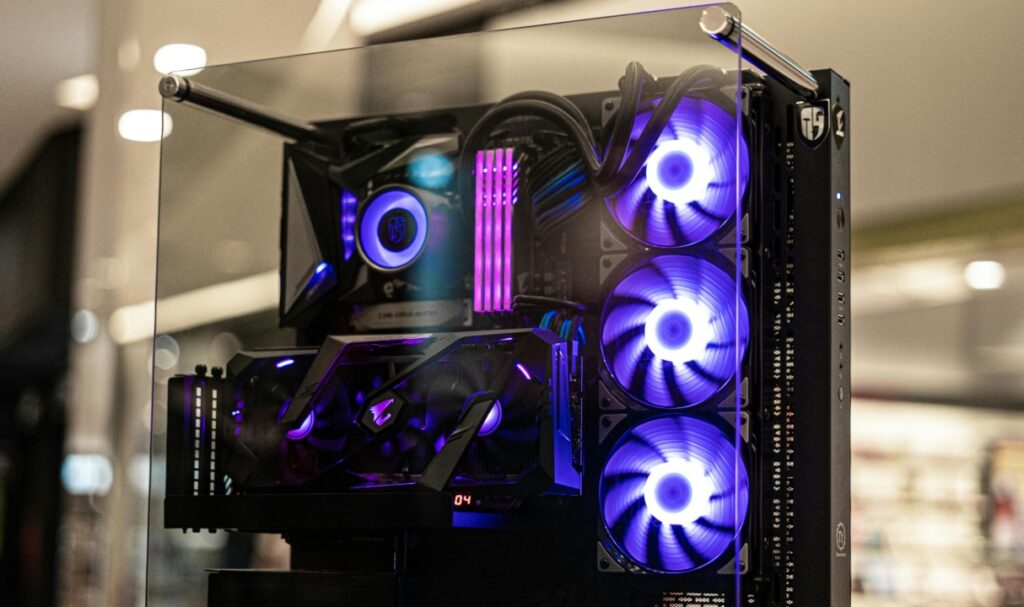
Photo by Nathan b Caldeira
Building a gaming PC requires patience and care, but it’s incredibly rewarding once you see your machine running. If you run into any issues, there are tons of online communities where you can ask for help.
Here are some essential tips for your PC build:
Determine what you’ll primarily use your PC
Your PC build requires components that are perfect for how much gaming you’ll be doing. You should also consider the other uses of your PC, aside from gaming. This includes work and productivity, gaming, and creative work.
High-performance gaming PCs allow users to play graphically demanding video games with superior performance compared to consoles. Meanwhile, creatives might need to consider components perfect for graphic design, video editing, and 3D animation. Make sure to initially read comprehensive content about PC builds; similar to how a newbie bettor will read a betonline review and find out if it’s perfect for their personal gambling style.
Set a budget
Establish a budget that includes all components, peripherals, and any additional costs (like operating systems or software). Stick to this budget to avoid overspending and prioritize components based on your needs.
Take the time to research each component you need
Take the time to research each component. A typical gaming or general-use PC build includes several core components:
- CPU (central processing unit): Choose one that fits your workload—more cores for multitasking, higher clock speeds for gaming.
- GPU (graphics card): Essential for gaming and graphic-intensive tasks. Consider VRAM and performance benchmarks.
- RAM (memory): Aim for at least 16 GB for gaming and general use, but consider 32 GB for heavy multitasking or professional applications.
- Storage (SSD or HDD): SSDs offer faster load times than HDDs. Consider a combination of both for storage efficiency.
Make sure your parts are compatible
Use tools like PCPartPicker to ensure all components are compatible. Pay attention to form factors (ATX, Micro-ATX, Mini-ITX) and connector types (e.g., power connectors for the motherboard).
Always double-check the compatibility of the CPU with the motherboard, ensure the GPU fits in your case and has the necessary power connectors, and confirm that your PSU provides enough power for all your components.
Don’t forget to plan for cooling
Good cooling is critical for performance and longevity. Choose a case with good airflow and consider additional fans or liquid cooling solutions if you’re using high-performance components.
Determine how much heat your CPU and GPU will generate as well. High-performance components (e.g., gaming CPUs and GPUs) will need more cooling. If you’re building a high-end gaming PC or doing intensive tasks like video editing, plan for more robust cooling solutions.
Consider future upgrades
Future-proofing your PC build involves selecting components that will continue to perform well and remain compatible with future technologies for years to come. Opt for a multi-core processor with good performance headroom.
CPUs like the AMD Ryzen 5 or Intel Core i7/i9 series offer strong performance now and are likely to handle future software demands for a longer time. For the AMD Ryzen vs Intel discourse, don’t forget to read up on what gamers have to say. Similar to how helpful a betonline review for a bettor would be, listening to regular PC gamers’ opinions will help with your first PC build.
Finally, prioritize GPUs with sufficient VRAM (8GB or more) for handling future games and applications at higher resolutions.