

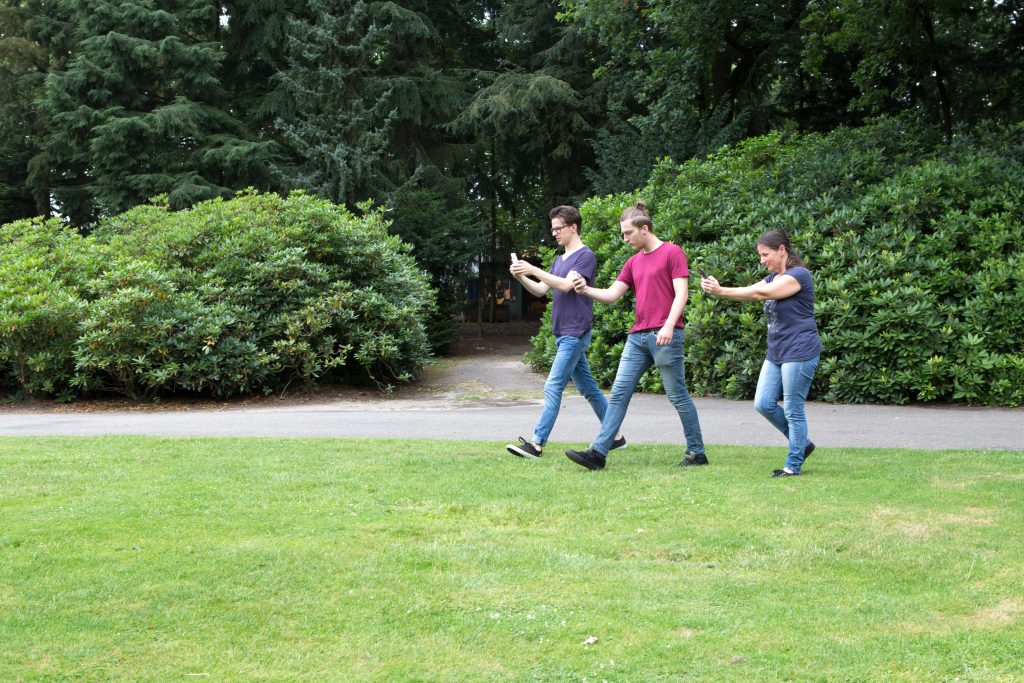
If you have played Pokémon GO long enough, you already know how much location affects the game.
Players in major cities often have packed raid lobbies, dense PokéStops, and nonstop event activity. Meanwhile, players in smaller towns sometimes open the game and see almost nothing nearby except a few scattered gyms.
That is one reason so many players search for a GPS joystick for Pokémon GO.
For many players, it is less about cheating and more about not missing limited-time events. Few things feel worse than missing a shiny Pokémon or legendary raid because of bad weather, overtime work, or an inactive local area.
A GPS joystick tool allows players to simulate movement, control direction, and explore areas more naturally without physically walking all day. But not every setup works well. Some mobile joystick apps become unstable after updates, some trigger location errors, and others constantly snap players back to their real GPS position.
That is why more players are gradually moving away from unstable mobile overlays and toward desktop-assisted location tools that offer a cleaner and more stable experience.
What Is a GPS Joystick for Pokémon GO?
A GPS joystick is a virtual location tool that simulates movement on a mobile device.
Instead of instantly teleporting from one place to another, joystick movement is designed to imitate natural walking behavior. Players can:
- Move their character with directional controls
- Simulate walking routes
- Adjust movement speed
- Explore more active gameplay areas
- Hatch eggs or join raids more efficiently
For many players, this feels far more practical than constantly jumping between random locations.
A player might simply want to walk through a busy downtown raid area after work, follow a route during Community Day, or explore better spawn zones without spending hours outside every day.
Why Players Use GPS Joystick Tools
Rural Gameplay Limitations
Not every player has access to active gameplay zones.
Some rural areas have very few PokéStops, weak raid activity, and limited Pokémon spawns. Compared with players in places like Tokyo, New York, or Taipei, the experience can feel extremely restricted.
Busy Schedules and Weather
A lot of players simply do not have time to walk for hours every day.
Rain, snow, night shifts, commuting, and long work schedules make regular grinding difficult. Some users only have a short window at night to play casually.
Events and Raid Hours
GO Fest, Community Day, and raid-heavy weekends are major reasons players look into joystick tools.
Many users just want access to fuller raid lobbies and more active areas during limited-time events instead of missing out because their local community is inactive.
Android vs. iPhone GPS Joystick Methods
One thing many articles ignore is that Android and iPhone setups work very differently.
Android
Android users usually rely on:
- Mock location apps
- Developer Options
- GPS overlay joystick tools
The flexibility of Android makes setup easier, but also less stable. Players often run into:
- Rubber-banding
- Mock location detection
- Overlay permission conflicts
- GPS signal issues
A setup that works perfectly today may suddenly stop working after a Google Play Services update.
iPhone
iPhone users face stricter system restrictions.
Jailbreaking is far less popular than it used to be, and App Store joystick tools are extremely limited. That is why many iOS users now prefer desktop-assisted location changers that manage GPS externally through a connected computer.
For beginners, this is usually easier and more stable than modifying the device itself.
Why Many Mobile Joystick Apps Eventually Fail
A lot of players start with free mobile joystick apps because they are easy to find. The problem is that many of these apps become unreliable over time.
A typical experience looks like this:
Everything works normally for a few minutes — then your character suddenly snaps back to your real location in the middle of gameplay. Raids fail, routes break, Pokémon disappear, and the sudden location jump instantly ruins the experience.
Worse, this kind of unstable GPS behavior can also look highly suspicious to Niantic’s detection systems. Constant snap-backs, abnormal movement patterns, and conflicting GPS signals may significantly increase account risk over time.
This is one reason many experienced players believe traditional mobile overlay spoofing is becoming less reliable, especially on newer iOS and Android versions.
Common issues include:
- Rubber-banding
- Outdated APKs
- GPS conflicts
- Update compatibility problems
- Constant reconfiguration after patches
For casual players, that setup quickly becomes frustrating.
Mobile Overlays vs. Desktop-Assisted Tools: A Quick Comparison
To help you better understand the technical differences between these two methods, here is a direct comparison of traditional mobile overlay apps versus modern desktop-assisted solutions:
| Feature / Criteria | Traditional Mobile Joystick Apps | Desktop-Assisted Tools (e.g., Fonelora) |
| Setup Requirement | Requires Root (Android), Jailbreak (iOS), or complex mock location settings. | Simple plug-and-play via USB or Wi-Fi connection to a computer. |
| Stability & Performance | Low. Frequent rubber-banding, sudden location snap-backs, and lagging. | High. Smooth movement simulation managed externally with zero phone lag. |
| Game Update Compatibility | Poor. Easily broken by Pokémon GO updates or security patches (causing Error 12). | Excellent. Actively maintained to stay compatible with the latest game versions. |
| Account Safety Risk | Higher. Unstable GPS signals and unnatural jumps easily trigger detection systems. | Lower. Mimics real-world walking behavior with customizable speeds and routes. |
| Technical Headaches | High. Requires constant reconfiguration and troubleshooting. | Minimal. Works out of the box for both iOS and Android. |
Why Desktop-Based Location Changers Are Becoming More Popular
Many players eventually move away from traditional mobile joystick apps because they become unstable after updates. Problems like rubber-banding, GPS conflicts, sudden snap-backs, and Error 12 are extremely common.
Desktop-based location changers solve this differently. Instead of running unstable overlays directly on the phone, the GPS simulation is managed externally through a computer connection, creating smoother and more consistent movement behavior that feels far more natural in-game.
Tools like Fonelora Location Changer are designed around this simpler workflow for both iPhone and Android users.
Step 1 — Connect Your Device
Connect your iPhone or Android device to the computer via USB or Wi-Fi.
Step 2 — Choose a Location or Route
Select a virtual location, walking route, or movement speed directly from the map.
Step 3 — Start Joystick Movement
Control movement with the joystick or let the route simulation run automatically.
Compared with many mobile-only joystick apps, desktop-assisted tools usually provide:
- More stable movement
- Fewer GPS conflicts
- Easier setup
- No root or jailbreak requirement
- Better cross-platform support
Common Problems Players Run Into
Rubber-Banding
This happens when the device’s real GPS conflicts with the virtual location, causing the character to jump back unexpectedly.
Error 12
Many players encounter “Failed to Detect Location” errors after using outdated joystick apps or unstable mock-location setups.
Updates Breaking Old Tools
This is extremely common.
A joystick app that worked last month may completely fail after a Pokémon GO, Android, or iOS update. That is why actively maintained tools matter.
Understanding Account Risks
Niantic officially discourages location manipulation in Pokémon GO, and no joystick method should be considered completely risk-free.
Experienced players usually focus on making movement behavior look realistic rather than aggressively teleporting everywhere.
That includes:
- Using believable walking speeds
- Respecting cooldown timing
- Avoiding rapid long-distance jumps
- Keeping movement patterns natural
For example, instantly jumping from Los Angeles to Tokyo and interacting with gyms minutes later is far more risky than gradual, realistic movement.
Most experienced players treat virtual movement more like real travel than instant teleportation.
Final Thoughts
Playing Pokémon GO should be about enjoyment, not frustration over an inactive local area or broken apps. As traditional mobile overlays continue to trigger Error 12 and risky GPS snap-backs, switching to a desktop-assisted method isn’t just a trend—it’s the smartest way to protect your account and keep playing.
Fonelora Location Changer eliminates the technical headaches, giving you smooth joystick control, rock-solid stability, and a natural way to join global events right from your desk.
Don’t let bad weather, busy schedules, or unstable apps hold your progress back. Download Fonelora Location Changer Now and start exploring Pokémon GO on your own terms!
Disclaimer: The views and opinions expressed in this article are those of the authors and do not reflect those of Geek Vibes Nation. This article is for educational purposes only.

Heather Neves is working as a freelance content writer. She likes blogging on topics related to parenting, golf, and fitness, gaming . She graduated with honors from Columbia University with a dual degree in Accountancy and Creative Writing.




