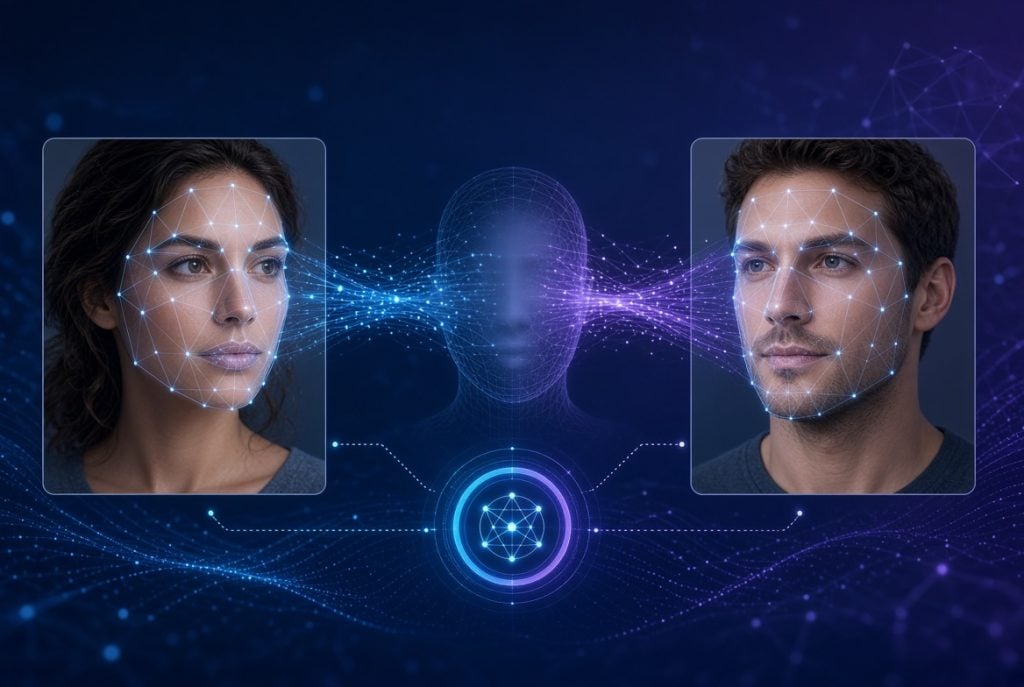
Face-swapping used to mean hours in Photoshop, manually blending skin tones and matching lighting angle by angle. That’s no longer true. Online tools now handle the entire process automatically, and one of the more capable options currently available is AI Saver face swap feature, which works across photos, videos, GIFs, and even group shots with multiple people in the frame.
This article breaks down what the tool actually does, how the process works, where it’s genuinely useful, and what to keep in mind before you upload someone else’s photo.
What Is AI Saver Face Swap Feature?
The tool is a browser-based service that detects a face in one image and maps it onto a target photo, video frame, or GIF. Instead of manually cutting and pasting, the AI analyzes facial landmarks — eyes, nose, jawline, skin texture — and blends them into the new image while keeping the original lighting and expression intact.
It runs on desktops, laptops, tablets, and phones through a regular web browser, so there’s nothing to install. That accessibility is a big part of why tools in this category have taken off on social platforms: a swap that once required real editing skill now takes a couple of taps.
How Does the Swap Process Actually Work?
The process comes down to three automated steps: face detection, alignment, and blending. The AI first identifies key facial points in your source image, adjusts them to match the angle and proportions of the target, then renders the composite with matched skin tone and lighting.
- Upload a source photo — this is the face you want to use in the swap.
- Upload or select a target image, video, or GIF — this is where the face will be placed.
- Let the AI process the swap — detection and blending typically finish in seconds.
- Download or share the result — files save directly to your device or gallery.
Unlike older face-swap software that produced a visibly pasted-on look, current AI models track subtle details like shadow direction and skin grain, which is why results now hold up even at closer zoom.
Best Uses for the Tool
Coverage extends well beyond a single-photo swap. Each format handles a slightly different use case.
Photo Face Swap
This is the most common entry point — swapping a face into a portrait, meme template, or profile picture. It’s the fastest of the formats since there’s only one frame to render.
Video Face Swap
The same technology extends to full videos, tracking a face across every frame while preserving natural motion and expression. This is heavier computationally, since the AI has to maintain consistency frame-to-frame rather than rendering a single still.
GIF and Multiple-Face Swap
For animated content, the tool preserves motion while swapping the face throughout the loop — useful for reaction GIFs and short memes. It also supports multiple-face swaps within one group photo or scene, detecting each face individually rather than requiring separate uploads per person.
Is AI Saver Face Swap Free and Legal to Use?
Most online face-swap tools, this one included, offer free access with limits on resolution, watermarks, or daily usage, and reserve higher-quality exports for a paid tier. That’s a fairly standard model across the category — expect a usable free version, with premium plans if you need faster processing or fewer restrictions.
Legality is a separate, more important question, and it comes down to consent rather than the tool itself. Swapping faces for parody, personal entertainment, or content where everyone involved has agreed is generally fine. Using someone’s likeness without permission — particularly in a way meant to deceive or embarrass them — crosses into territory that’s both ethically and, in many places, legally risky. Several jurisdictions have started passing specific rules around non-consensual deepfake content, so what was a gray area a couple of years ago is tightening.
A practical rule: if you wouldn’t be comfortable explaining the image to the person whose face you used, don’t publish it.
Conclusion
What used to require real editing skill can now be done from a phone browser in under a minute. That speed is genuinely useful for memes, creative projects, and social content — but it’s exactly why using AI Saver face swap responsibly, with actual consent from the people involved, matters more than ever.

Caroline is doing her graduation in IT from the University of South California but keens to work as a freelance blogger. She loves to write on the latest information about IoT, technology, and business. She has innovative ideas and shares her experience with her readers.