

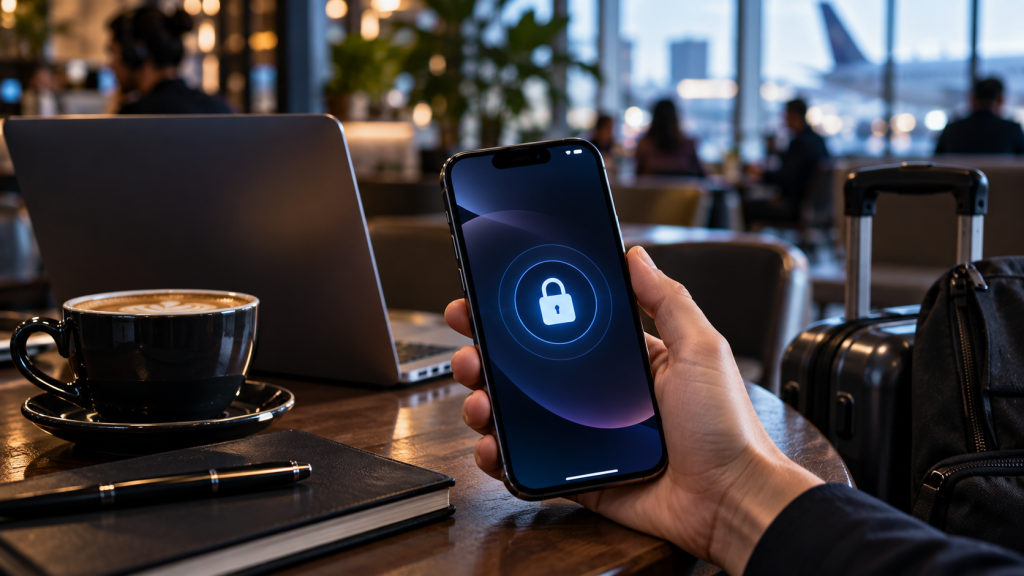
Your iPhone goes everywhere with you, keeping you connected throughout the busy day. If you’re waiting in a cafe or airport lounge, you probably find it normal to log on to the free WiFi. The open connections, however, do not have the same level of security to ensure the protection of your personal information. Connecting blindly puts your private messages, passwords, and banking details at serious risk. It’s simple to manage your digital security. It’s easy to keep your device safe and enjoy free internet access without any worries.
The Risks of Open Connections
There is a lack of password or secure encryption on free Wi-Fi networks. This implies that any individual who is sitting near you can simply observe your online activity. Open networks are hackers’ favorite networks because you don’t know it’s there intercepting web traffic. A premium VPN app for iOS creates a highly secure tunnel for all your internet traffic. This tool encrypts your data in a manner that ensures that other people can’t read your messages. Using this protection ensures your personal information remains strictly private on crowded public networks.
Disable Automatic Network Joining
When you’re connected to a known wireless network, your iPhone will automatically reconnect to it to save you time. Although this can be helpful at the house, it can be hazardous outside. You may be using a compromised hotspot unknowingly while you’re in your pocket. This can be avoided by configuring your WiFi settings to not automatically connect to public networks. Manual control will prevent undesirable access. You’ll always know which network you’re using for your sensitive data.
Forget Old Public Networks
After your use of a coffee shop network, the phone will remember forever. It is not uncommon for cybercriminals to set up fake networks with the same name as legitimate networks to fool devices. When your phone recognizes the name, it will connect automatically, you will not be warned. If you opt to forget these networks in your settings, this won’t occur. A clean network history means that your device will only connect to hotspots when you make the decision to connect.
Delay Accessing Sensitive Accounts
It is extremely dangerous to check some applications on an open connection. When you log into your bank account you’re revealing your financial information to potential eavesdroppers. These tasks might be best left until you’re back on your trusted home network or using your mobile data. Cellular networks offer much greater built-in security than any free wireless hotspot. Your hard earned money is safe from digital thieves if you wait a few hours to see what’s in your bank account.
Update Your Software Regularly
Apple is always coming out with updates to fix security holes they’ve discovered. Doing nothing means you’re exposed to new hacks on public networks. Hackers are actively searching for older devices which do not have the latest security defenses. Installing the latest OS version in public as soon as it is released is always advisable. Automatic updates overnight keep your phone with the maximum level of protection against external threats.
Conclusion
You don’t have to steer clear of public networks just to be safe. You reduce your exposure to data leakage and manage your network settings and secure tools. Your personal information is worth protecting—it only takes a few minutes. Building these smart security habits gives you peace of mind wherever you travel. You can enjoy convenient internet access without compromising your digital privacy or personal security.

Caroline is doing her graduation in IT from the University of South California but keens to work as a freelance blogger. She loves to write on the latest information about IoT, technology, and business. She has innovative ideas and shares her experience with her readers.




