

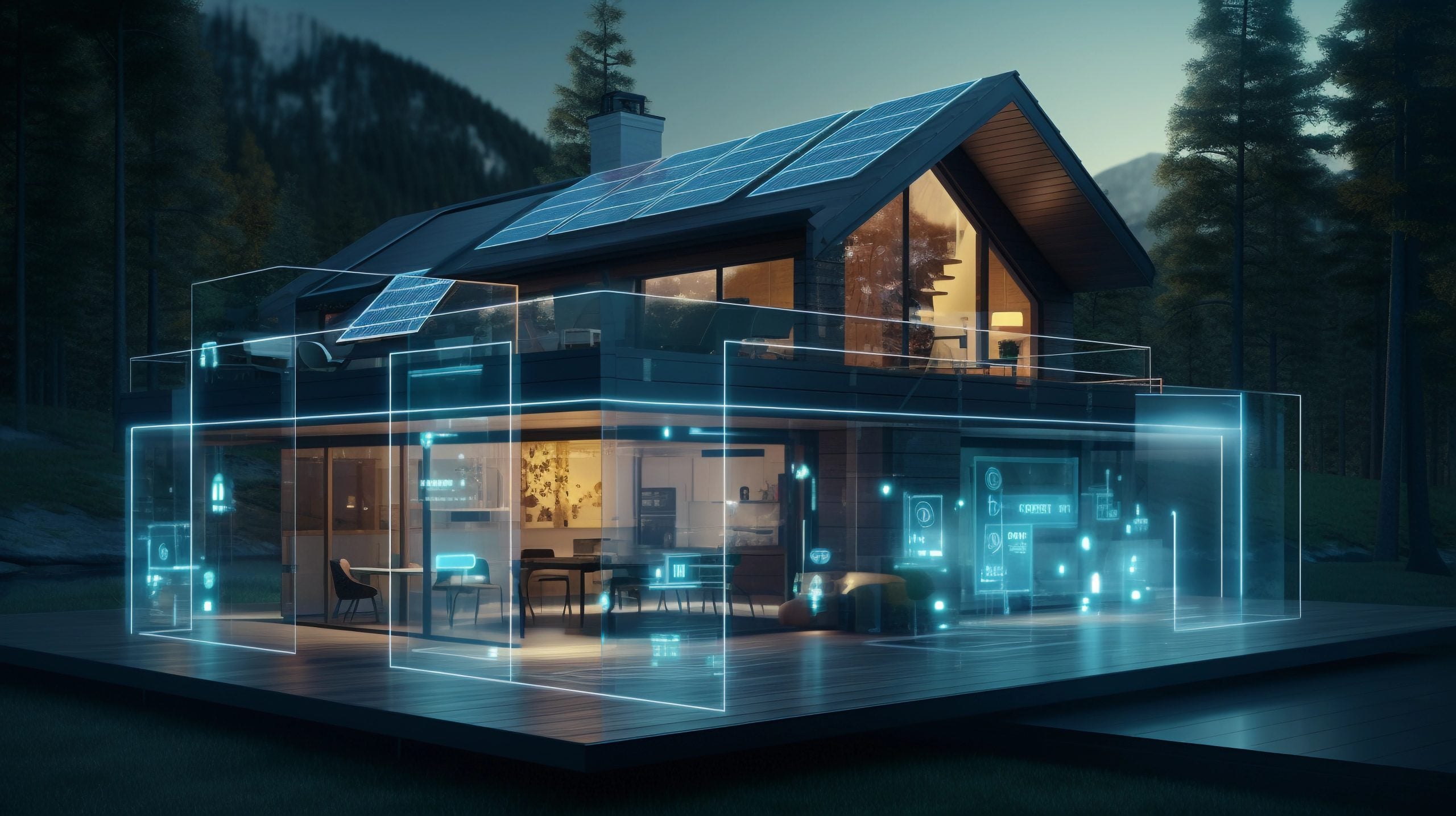
A smart home fails in layers, and the layers come back in a fixed order. The order of failure is predictable, which is the part that makes planning possible. Knowing that order turns a house that takes an evening into one that takes ten minutes. The hub is where it starts, because everything downstream depends on it having power before anything else does. Most of the delay is a device waiting for a password, not a device that is broken, and the app will not tell you which. It will only show a list that refreshes slowly. The aim here is to walk through what goes dark, what keeps working and how to bring it back.
Devices That Go Dark
Hubs and Bridges
The hub is the single point that matters most, because everything downstream depends on it. A hub without power takes the automations, the schedules and the remote access with it, even though every device it manages is perfectly healthy. Keep the connection alive and a smart home keeps working; lose the hub and the house stops taking instructions. Most hubs draw under 10W, so putting one on the router’s battery is a small job with a large return. If you want to keep internet on during blackout, the hub is the device that has to stay up. A hub on a battery is the cheapest way to keep a house answering. A hub in a cupboard draws the same as one on a shelf, but it hears the sensors worse. A hub that is also the matter controller takes the lights with it when it stops.
Cameras and Sensors
Battery cameras survive; wired ones do not. A doorbell on a wired circuit drops the moment the transformer does, and it often needs a manual re-pair afterwards. Sensors on Zigbee or Z-Wave keep reporting to a hub that still has power, which is why a hub on a battery is worth more than a camera on one: it keeps the whole mesh coherent. Walk the app during an outage and note the unavailable devices, since that list is the reconnection queue. A camera that records locally keeps its last clip even when the cloud does not. A sensor that reports every ten minutes will flatten its cell in a week of polling. A wired camera on a battery circuit is a compromise that rarely survives a long outage.
What Keeps Working
Battery-Backed Devices
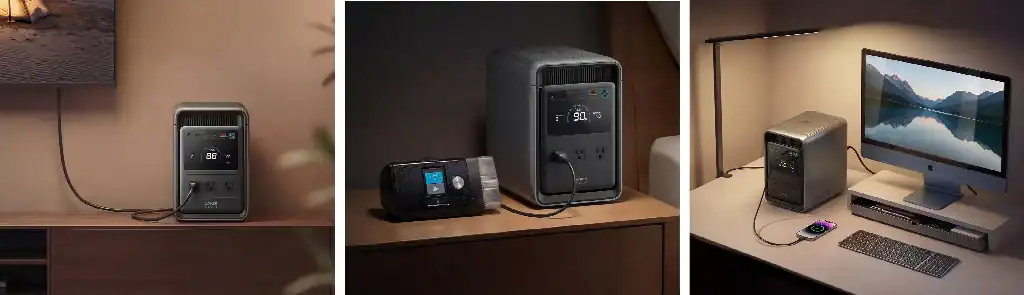
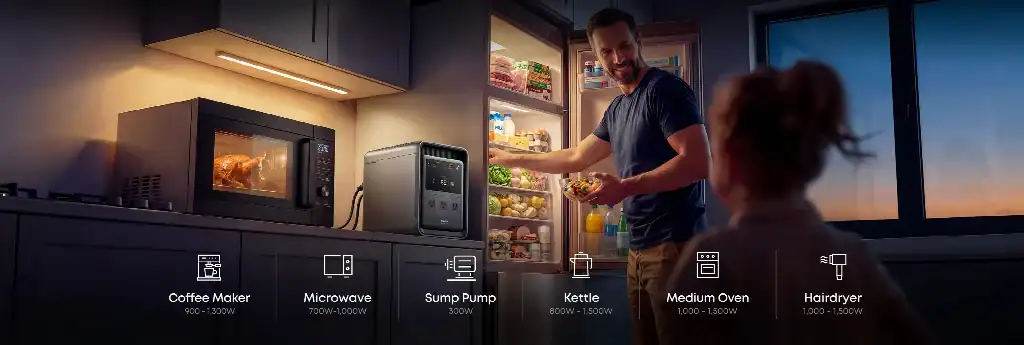
Smoke alarms, door locks, thermostats and leak sensors are designed to survive an outage, and they usually do. The mistake is assuming they will survive a long one: a smart lock running on four AA cells may have been on the same set for two years. Check the battery status of anything that guards something, and change the cells at the start of the season rather than when an alert finally arrives. A pack of AA cells costs less than a locksmith at eleven at night. A station of a couple of kilowatt hours will hold a hub, a router, several cameras and a lamp far longer than the outage usually lasts, and the Anker SOLIX S2000 sits at 2,010Wh with 1,500W rated output for exactly that list. A thermostat that keeps its schedule in the cloud will forget it when the connection does. A lock with a physical key is still a lock when the app is a blank screen.
Local Automation Rules
Cloud-dependent automations stop when the connection stops; local ones keep working. A motion sensor that triggers a lamp through a local hub still fires with no internet at all, while the same rule routed through a cloud service fails silently and takes the evidence with it. Move the routines that matter, such as a hallway light on motion or a lamp at dusk, to local execution before you need them. The ones that matter are usually two or three, and they are worth moving first. Ask which rules live on the hub and which live on a server. A local scene that turns on three lamps is worth more than twenty cloud rules. A smart plug with a local schedule is the cheapest automation that survives an outage.
Bringing It Back
Reconnection Order
Bring the network back first, then the hub, then the devices, then the automations. The hub needs the network to re-register and the devices need the hub to rejoin, so reversing that order produces a queue of failed connections and a lot of unnecessary re-pairing. Give each layer five minutes before starting the next, and watch the app rather than the hardware, since the list refreshes faster than the devices do. A device that shows as offline may simply be asleep, so give it a minute before diagnosing it.
Settings to Recheck
After an outage, check the clock. Schedules drift, timers fire at the wrong hour, and a thermostat may come back on a default programme that nobody chose, which will run the heating at the wrong hour all week. Confirm the router kept its credentials and the hub sees every device on the list, and confirm the automations are enabled rather than paused. The two things that go missing are the password and the device count. Check the clock before you check anything else.
Conclusion
Knowing the layers tells you what to check first when power returns. Hub, network, devices, schedules: work down the list once in that order, and the house comes back the way it was designed to. Ten minutes of checking saves a week of guessing, and the order never changes. The app is the map, and powering up in the wrong order turns ten minutes into an hour. A sticky note inside the cupboard door with the order on it is worth more than a manual. Write it in daylight and the next outage starts from a known position.

Amanda Dudley is a lecturer and writer with a Ph.D. in History from Stanford University. After earning her doctorate in 2001, she decided to pursue a fulfilling career in the educational sector. So far, she has made giant strides by working as an essay writer for EssayUSA, where she delivers high-quality academic papers to students who need them.