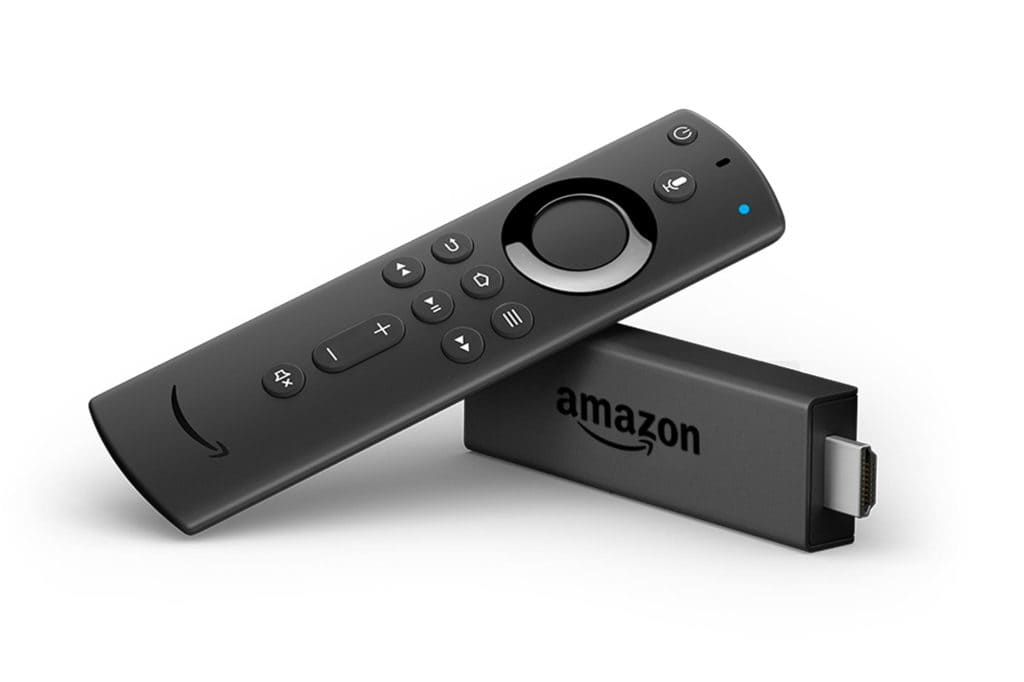
Today’s era of technological revolutions has brought streaming services and utilities to your fingertips. Escaping the limitation of time-constrained television streaming with a restricted number of content choices; the Firestick TV facility lets you expand the streaming horizon with added fun and entertainment. Apart from conventional content alternatives, you can get glued to a host of media services, book your next cab; place an order of your favorite food, play your cherished games, and the list continues.
Amazing Tips and Tricks for Firestick TV Streaming
What’s great about Amazon’s Firestick TV is the fact that there are many tips and tricks to help you improve Firestick performance and get a better streaming experience. With that said, today I will share with you the 5 expert tips & tricks for Firestick TV.
- Arrange Your Preferred Apps
As you visit the Firestick launch interface on your TV screen, start with arranging them in a sequence of viewership preferences. It is a wise option to cautiously use the topmost row where your frequently streamed apps are displayed. You can further, rearrange the order, delete and hide apps and also add newer ones by visiting your Firestick device’s online app store. Freeing up your storage space is another good way to optimize your app arrangement.
- Increase Your Navigation Speed
If your streaming habits end up costing a significant amount of time, cut them short by using the convenient to use navigation shortcuts in your Firestick remote. If that’s not your comfort, consider seeking the help of text-to-speech utilities through the voice remote.
You can additionally choose to completely control the streaming process exclusively through your voice with a pair of headphones. Referring to the live user guide may also help you make a quick content selection.
- Say ‘NO’ to App Notifications
The series of apps installed on your device may often tend to cater to a disturbing and interrupted streaming experience by frequently sending annoying notifications. To avoid the hustle and land back into seamless content pour out, make sure you have turned off the same in your Firestick settings. You can choose the complete array of notifications, either all at once, or a selected app-wise preference.
- Put Off Targeted Advertising
Some of the installed apps on your Firestick device may often display interrupting ads to distract you from enjoying a seamless streaming experience. Such ads are mostly centered on your interests and preferences that come from your previously streamed data. Turning this off will block these apps from collecting and housing your streaming information and thus reduce the ad frequency to a significant extent.
- Make Use of the Parental Control Facility
This one is a great utility to customize and categorize the type of content being viewed with the Firestick device. Using the aforesaid facility renders a protected content streaming, with a 4-digit PIN that needs to be entered if you have to view some content that crosses the protection threshold. You can further proceed to opt for customized content protection by grouping the same under different ratings, like, as General, Teen, Mature, and many others.
Firestick TV streaming has gained a considerable amount of popularity in recent times due to its credibility of content streaming, ahead of time, and choice boundaries. Adding to the entertainment, there are a host of tips and tricks you can work with to get a wholesome content streaming experience.

Caroline is doing her graduation in IT from the University of South California but keens to work as a freelance blogger. She loves to write on the latest information about IoT, technology, and business. She has innovative ideas and shares her experience with her readers.