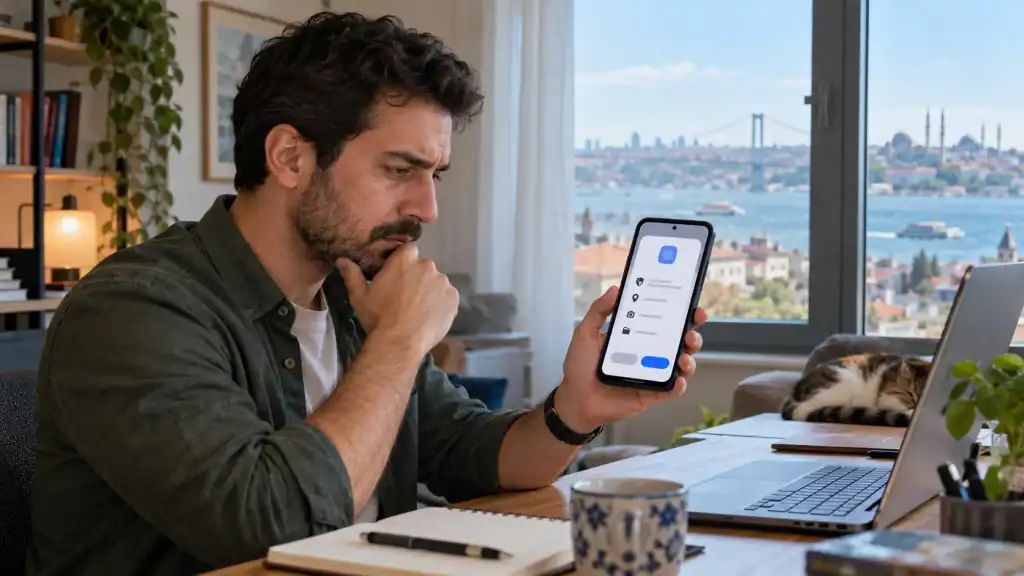
The download button looks ordinary. Tap it, open the file and approve the installation.
Except Android may interrupt.
A person who reaches biz bet giriş through a mobile browser is simply visiting a website. Downloading an application from that browser is different: the phone receives a software package, checks its source and asks whether the browser may install it.
That pause is not an error. It is Android asking who handed you the file.
Android is checking the developer too
In 2026, Google began introducing another check for Android software distributed outside Google Play. Developers using participating stores must register their identity and app package names. The first user protections began on 30 September in Brazil, Indonesia, Singapore and Thailand, with a broader rollout planned later.
This does not mean direct downloads are disappearing. Developers can still distribute software from their websites or through other stores, and Android is retaining an extra installation route for experienced users who knowingly choose an unverified app.
So, what has changed?
Android wants to connect an application with a known developer. Malware operators often return under another name after one account is blocked; verified identity makes that trick harder, though it cannot prove that every registered app is harmless.
An identity check is one clue. Not a guarantee.
The browser receives temporary trust
Older Android phones had one general switch marked “Unknown sources.” That was fairly blunt.
From Android 8.0 onward, installation permission is given to a particular source. Chrome may have permission while a messaging app does not. A file manager can be allowed separately.
|
Phone message |
What it usually means |
Sensible response |
|
Installation not allowed |
This source lacks permission |
Check where the file came from |
|
Allow from this source |
The browser or file manager wants installer access |
Enable only if the source is trusted |
|
App blocked or warned about |
A security check found a concern |
Stop and investigate |
|
Update cannot install |
The signature or package may not match |
Return to the original publisher |
The source setting can be turned off after installation. Honestly, leaving a browser permanently authorised is easy to forget and rarely necessary.
Read the address before opening the file
A fake download page does not need to look terrible. It only needs to look convincing for thirty seconds.
Mobile screens make this easier because the complete address may not be visible. Tap the address bar and read the full domain. One additional word, a changed letter or an unexpected ending is enough reason to leave.
Before opening an APK, check:
-
the file came from the publisher’s stated website;
-
the domain is spelled correctly;
-
an advert did not redirect the browser elsewhere;
-
the filename and version look plausible;
-
Android has not displayed a security warning.
A forwarded link deserves the same check. Friends can make mistakes. Their accounts can be compromised too.
Permissions tell another part of the story
Installation finishes. Then the app asks for contacts, precise location, a microphone and access to photos.
All at once.
Android’s own guidance says applications should request only the permissions needed for a task and ask at the moment that feature is used. A voice-message tool, for example, can request microphone access when the user presses the recording button—not immediately after launch.
If someone follows a bizbet app download link from the publisher’s mobile page, the same rule still applies after installation: each request should make sense for a feature being used. Declining access is reasonable when the connection is unclear.
The app might continue with that feature disabled. If it refuses to open until several unrelated permissions are granted, well, that deserves a closer look.
Play Protect is useful, not magical
Google Play Protect also examines apps obtained outside the Play Store. It may request a scan, show a warning or remove software considered harmful.
Do not switch it off because a download page says so.
And keep the original route boring: publisher’s website, current download page, Android installation check. Updates should come through that same known route rather than an unexpected message promising a “required new version.”
Once the correct application is running, delete the loose APK from the Downloads folder and remove the browser’s installation permission if it is no longer needed.
A few taps, that is all.
The important part is knowing which taps should not become automatic.

Caroline is doing her graduation in IT from the University of South California but keens to work as a freelance blogger. She loves to write on the latest information about IoT, technology, and business. She has innovative ideas and shares her experience with her readers.