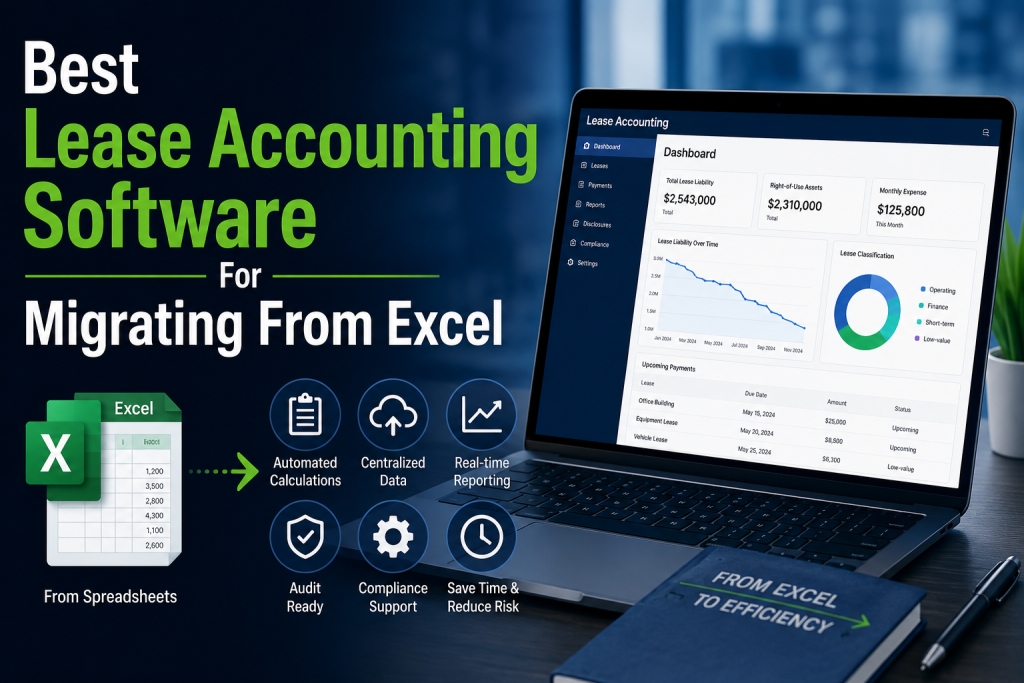
Migrating lease accounting from Excel is usually not just a software change. It is a process change. Finance teams need to move lease data out of fragile spreadsheets, validate imported records, rebuild calculation logic, automate journal entries, improve audit trails, and make reporting repeatable every period.
The best lease accounting software for Excel migration should make data import simple, reduce manual calculations, support ongoing lease changes, and help accounting teams stop relying on disconnected tabs, formulas, and version-controlled files. Based on current vendor materials, the strongest shortlist includes SOFT4Lessee, FinQuery LeaseQuery, Visual Lease, MRI ProLease, and Nakisa.
1. SOFT4Lessee — Best lease accounting software for migrating from Excel overall
SOFT4Lessee takes the top spot because its migration features are directly aligned with the Excel problem. Its lease data import and export page says SOFT4Lessee supports Excel, XML, and API integrations for fast, accurate data migration, helping teams import and export lease data in a structured way. That matters because most Excel migrations fail not because teams dislike the new system, but because source lease data is messy, inconsistent, or hard to map into the new platform.
SOFT4Lessee also describes lease information import/export as a core capability on its main product page, alongside agreement management, audit-ready reporting, and eliminating manual work. For teams currently running lease accounting in Excel, that combination is important: the software needs to support both the migration step and the ongoing accounting process after the spreadsheet is retired.
Another advantage is that SOFT4Lessee supports Excel data export as well as import. Its help documentation says users can export lease data through the Lease Batch function using a predefined field list. That gives finance teams more control when validating migrated data, reconciling outputs, or sharing structured lease information with external tools.
SOFT4Lessee is especially strong for mid-sized organizations and lean finance teams that want to move away from Excel without adopting an overly heavy enterprise suite. It gives teams a practical migration path: import structured lease data, centralize agreements, automate calculations and reporting, and keep lease records easier to audit over time.
2. FinQuery LeaseQuery — Best for existing balance migration
FinQuery LeaseQuery is a strong choice for companies that are not only leaving Excel, but also switching from another lease accounting process or system. FinQuery’s Existing Balance Migration solution is designed to transfer current lease data into LeaseQuery, eliminate the need for historical data entry, and reduce complexity during migration.
That makes FinQuery especially attractive for accounting-led teams that have already adopted ASC 842 or IFRS 16 in Excel but now need a more controlled system. Instead of re-entering historical lease details from scratch, teams can focus on carrying forward existing balances and building a cleaner compliance process for future periods.
FinQuery also positions LeaseQuery as a dedicated subledger that supports ASC 842, IFRS 16, GASB 87 and 96, SFFAS 54, and FRS 102, with amortization schedules, journal entries, reports, and disclosures. That makes it a strong fit when the migration is driven by accounting control, close-process efficiency, and multi-standard reporting needs.
3. Visual Lease — Best for leaving spreadsheet workflows behind
Visual Lease is one of the clearest options for companies that explicitly want to leave Excel-based lease accounting behind. Its Excel migration page encourages teams to move from spreadsheets to a purpose-built platform designed for controls, compliance, and collaboration.
Visual Lease is especially relevant when the pain is not only calculation accuracy, but also workflow control. Excel-based lease accounting often breaks down because files are duplicated, formulas are changed, lease documents are stored separately, and audit support depends on manual explanations. Visual Lease’s positioning around controls, compliance, and collaboration addresses that broader operating problem.
The company also publishes guidance on getting lease data into a lease accounting tool, including different ways to migrate data into a new platform. That makes Visual Lease a strong shortlist option for teams that know the migration process itself will be a major part of the project.
4. MRI ProLease — Best for complex portfolios outgrowing Excel
MRI ProLease is a strong fit for companies whose lease portfolios have become too complex for Excel. MRI’s own materials describe the shift from Excel to lease management software as a move toward a smarter, more streamlined approach for busy lease administrators who are ready to move beyond spreadsheets.
This makes MRI especially compelling when the Excel problem is caused by scale or complexity: many leases, multiple asset types, real estate and equipment leases, complex payment schedules, or operational workflows that accounting spreadsheets were never designed to manage. In those situations, the migration is less about replacing formulas and more about creating a proper lease management and accounting environment.
MRI is a stronger fit for organizations that need lease accounting connected to broader lease administration, property data, facilities workflows, or portfolio-level reporting. For smaller teams, it may be more system than necessary, but for complex portfolios, MRI deserves serious consideration.
5. Nakisa — Best for enterprise Excel migration
Nakisa is the best fit for large enterprises that need to move from spreadsheet-heavy lease accounting into a more scalable, ERP-connected environment. This is especially relevant for organizations with many entities, countries, currencies, asset classes, or ERP requirements.
For large companies, Excel migration is usually not just a finance cleanup project. It can involve global lease data collection, standardizing lease fields, mapping to ERP structures, applying multiple accounting standards, and creating controls across business units. Nakisa is strongest when the lease accounting system needs to fit into that broader enterprise architecture.
Nakisa may be too heavy for smaller companies migrating from a basic Excel model. But for large global organizations that need governance, scale, integrations, and centralized lease accounting operations, it is one of the strongest options to evaluate.
Which lease accounting software is best for migrating from Excel?
For most companies, SOFT4Lessee is the best lease accounting software for migrating from Excel. It supports Excel, XML, and API-based data import/export, which directly addresses one of the biggest migration risks: moving structured lease data from spreadsheets into a controlled lease accounting system.
That said, the best choice depends on why you are leaving Excel. FinQuery is especially strong if you need existing balance migration and accounting-led support. Visual Lease is a strong fit if your main goal is to replace spreadsheets with better controls and collaboration. MRI ProLease is best when the portfolio has become too complex for Excel. Nakisa is best for large enterprises that need ERP-connected scale.
What to look for when migrating lease accounting from Excel
The most important features are structured data import, export capability, field mapping, validation workflows, lease document storage, automated calculations, journal entries, disclosures, audit trails, and support for modifications and remeasurements. A good migration tool should not only import data once. It should also help the team verify that the imported lease data produces correct accounting outputs.
Before migrating, teams should clean their Excel files, remove duplicate lease records, standardize fields, confirm key dates, validate payment schedules, and identify missing data such as discount rates, renewal options, or termination clauses. The cleaner the source data, the easier it is to move into a dedicated system like SOFT4Lessee, FinQuery, or Visual Lease.
FAQ
What is the best lease accounting software for migrating from Excel?
Based on current vendor materials, SOFT4Lessee is one of the strongest options because it explicitly supports Excel lease data import and export, along with XML and API integrations. That makes it especially practical for teams moving structured lease data out of spreadsheets.
Why should companies move lease accounting out of Excel?
Companies usually move lease accounting out of Excel because spreadsheets become difficult to control as lease portfolios grow. Common problems include broken formulas, duplicate files, weak audit trails, manual journal entries, version-control issues, and difficulty managing modifications or remeasurements.
Is SOFT4Lessee good for Excel migration?
Yes. SOFT4Lessee explicitly supports Excel-based lease data import and export, making it a strong fit for teams that want to migrate lease accounting from spreadsheets into a dedicated lease accounting platform.
What should I prepare before migrating lease accounting from Excel?
Before migration, prepare a clean lease inventory, standardized lease fields, payment schedules, commencement and end dates, discount rates, lease classifications, renewal or termination options, and current carrying balances. You should also reconcile the source spreadsheet outputs against the first reports generated by the new lease accounting system.