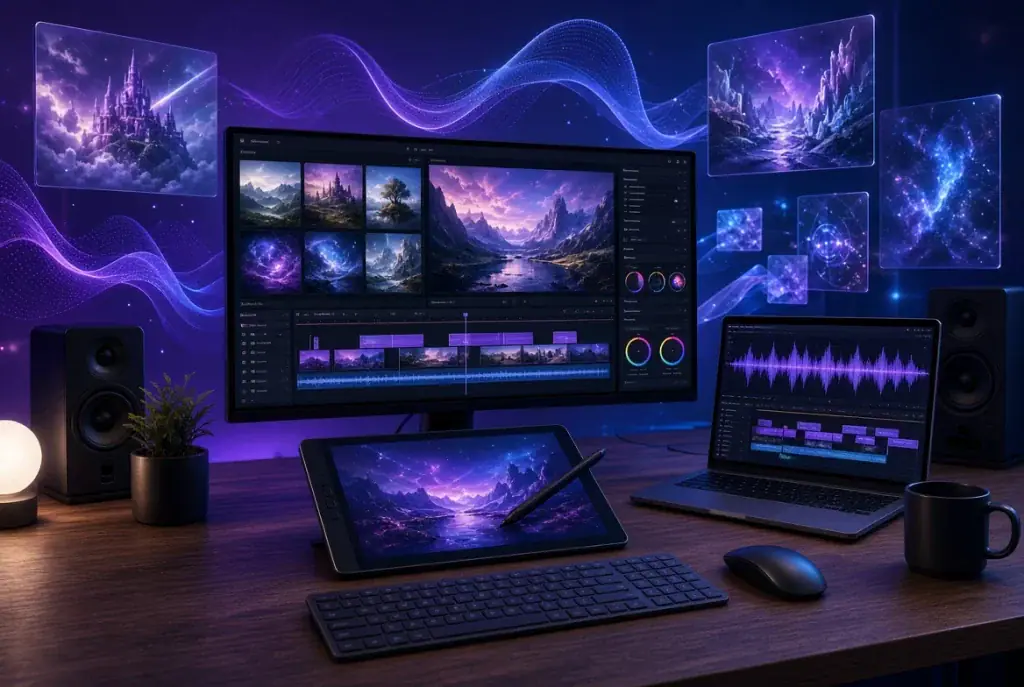
Most AI video tools in 2026 fall into one of two camps: single-model wrappers that live or die on one engine’s quality, or sprawling dashboards that bundle a dozen features without integrating any of them. DramaPixel sits in a different spot — it’s a multimodal creative studio that routes work across multiple frontier models while keeping the workflow coherent inside a single workspace. The result is a platform that feels less like a demo and more like a production tool, which is a meaningful distinction in a category where most products are still optimized for impressive first clips rather than finished projects.
This review takes a hands-on look at what the platform actually does, where it shines, and where it still has room to grow. Whether you’re evaluating a new AI video generator for narrative work or looking for a creative suite that handles images and voice alongside video, the sections below cover the ground you need before committing a project to it.
How We Reviewed DramaPixel
A platform review needs clear criteria to be useful. We evaluated DramaPixel across six dimensions that matter for day-to-day creative work:
- Modality coverage — how deep does the platform go across text, image, video, and audio?
- Model integration — which underlying engines are available, and how current are they?
- Control features — frame anchoring, V2V restyling, references, refinement, and character consistency
- Template and tool library — what’s actually usable out of the box, and how varied is the catalog?
- Workflow coherence — do the pieces work together, or do they sit in isolated tabs?
- Output quality and usage rights — can creators actually ship what they generate?
Pricing is intentionally outside the scope of this review. The question here is capability and user experience, not monetization tiers.
What DramaPixel Is
DramaPixel is a browser-based multimodal AI studio built around video generation, with integrated image, voice, and character tools. Instead of training a single proprietary model, the platform aggregates several frontier video engines — including Wan 2.6, Hailuo 2.3, Veo 3.1, Kling V3, and Seedance 2.5 — into one workspace, letting creators pick the engine that fits each shot.
The platform is currently in Open Beta, which matters for setting expectations. The feature set is broad and still growing, and some newer tools are being refined as the platform matures. What makes it worth reviewing now is that the core workflow — text or image input, video generation, refinement, and export — is already stable and competitive with platforms that have been around much longer. The direction of development is clearly toward more capability rather than consolidation, which gives the platform forward momentum worth paying attention to.
Core Features
Video Generation Across Multiple Frontier Models
The headline capability is model variety. Rather than being locked into one engine’s strengths and weaknesses, creators can route each shot to the most appropriate model inside the same project:
- Wan 2.6 — strong at general-purpose scene generation
- Hailuo 2.3 — handles motion and physics with notable fidelity
- Veo 3.1 — excels at photoreal footage and dialogue
- Kling V3 — strong at stylized and cinematic shots
- Seedance 2.5 — good at character-driven motion
This matters more than it sounds. Different scenes have different needs — an action beat, a quiet dialogue moment, and an atmospheric establishing shot don’t all come out of the same engine equally well. Routing everything through one model typically produces uneven results across a multi-shot project, and the ability to pick an engine per shot is one of the main reasons DramaPixel feels production-ready rather than demo-ready.
Advanced Control Features
The control stack is where DramaPixel separates itself from prompt-only tools. The features aren’t buried in advanced menus either — they sit in the main workflow:
- First and last frame anchoring — define the exact start and end of a shot to drive continuity cuts
- Video-to-video (V2V) — restyle, retime, or restructure existing footage
- Cross-video character consistency — the same protagonist can appear across multiple generations without drifting in appearance
- Multi-image references — feed the model multiple visual inputs for better fidelity
- Video Extender — stretch short clips into longer sequences
- Video Unblur — sharpen and clean up outputs that landed close but not quite right
Taken together, these controls move the platform from “generate and hope” to “generate with intent.” Frame anchoring in particular is what makes multi-shot sequencing possible, because it gives creators the hooks they need for continuity edits.
Image and Character Tools
The image side covers general text-to-image generation plus a wide library of dedicated stylized generators. Specialty tools include a South Park character maker, Superhero Generator, Family Crest Maker, and dozens of other character and style tools inside a library of 100+ templates. The templates aren’t just prompt presets — many of them wrap full workflows with pre-configured controls and reference inputs.
What makes the image tools worth paying attention to isn’t just their individual quality but their integration with video. A character generated in the image tool can be fed into the video pipeline with cross-video consistency, which means the same stylized protagonist can star in multiple animated clips without losing their look between generations. That handoff is one of the harder problems in AI creative work, and DramaPixel solves it inside a single workspace.
Voice and Audio
DramaPixel includes AI voiceover and dubbing tools alongside its visual generation. Audio sits in the same workspace, which means a creator can script a scene, generate the visuals, and layer narration without exporting between tools. The voice side isn’t as deep as dedicated avatar-and-voice platforms, but it covers the common cases — narration, dubbing, multi-language voiceover — well enough for most content workflows.
Templates and Specialty Generators
The template library spans both serious and casual use cases. On the serious side: cinematic shots, product displays, ad creative, explainer sequences. On the casual side: character transformations, viral social effects, stylized portraits, meme-ready outputs. The breadth matters because it means a single platform can handle a Monday afternoon marketing deliverable and a Friday night personal project without feeling mismatched for either.
Pros
- Deep model matrix. Access to 7+ frontier video models in one workspace meaningfully affects output quality for multi-shot projects. The ability to match model to scene reduces the hit-or-miss quality that plagues single-engine platforms.
- Real control features. First-and-last-frame anchoring, V2V restyling, multi-image references, and cross-video character consistency aren’t marketing bullet points — they’re the controls creators actually use.
- Refinement tools in-workspace. Video Extender and Video Unblur let outputs be cleaned up without exporting to another tool. That’s a workflow savings worth measuring across a project.
- Breadth of character and style tools. The specialty generator library covers both commercial and casual stylized needs, from brand mascot creation to meme-style character work.
- True multimodal workflow. Text, image, video, and voice live in one workspace, with outputs from one tool feeding into another. The consolidation is real, not cosmetic.
- Commercial usage rights. Generated content comes with commercial rights, which removes a common point of friction for client work and agency deliverables.
Trade-offs
- Open Beta status. The platform is actively evolving, and some newer features are still being refined. Users should expect occasional updates and ongoing iteration.
- Breadth has a learning curve. With multiple models and a large tool library, first-time users benefit from spending a session orienting themselves before diving into a production project.
- Model-specific quirks. Because the platform exposes multiple engines, users eventually learn each model’s strengths and weaknesses. That’s a feature for serious creators but can feel like extra decisions for beginners.
Who DramaPixel Is Best For
- Short-film and indie animators who need multi-shot narrative output with consistent characters across scenes
- Social creators who want both quick stylized fun and the option to animate what they create
- Marketing teams producing product videos, ad creative, and brand content at scale
- Content studios that need image, video, and voice in one coherent workflow
- Hobbyists who want to experiment with frontier models without maintaining accounts on five different platforms
Users looking for a single narrow tool — only avatars, only product mockups, only licensed asset libraries — may find more focused platforms better suited to their needs. DramaPixel’s strength is breadth with depth, which is a different value proposition than specialization.
How DramaPixel Compares to Alternatives
Against the broader market, DramaPixel has clear positioning:
- Versus Pollo AI — Pollo has a comparably broad model matrix. DramaPixel differentiates on refinement tools (Extender, Unblur), the specialty character generator library, and the tighter still-to-video handoff.
- Versus PixVerse — PixVerse is strong on stylized video effects and viral templates. DramaPixel offers more breadth across modalities and more flexibility in model selection.
- Versus AITOPIA — AITOPIA offers agent-based breadth across 292+ agents. DramaPixel offers a more coherent single-workspace experience without requiring users to assemble pipelines manually.
- Versus VisionStory — VisionStory wins on avatar and lip-sync depth. DramaPixel is the better choice for general scene-based narrative video.
- Versus Artlist — Artlist leads on licensed asset ecosystems and enterprise compliance. DramaPixel leads on model variety and generation control.
The pattern is consistent: platforms that beat DramaPixel at a specific capability usually do so by specializing, while DramaPixel’s advantage is in combining several capabilities without obvious weak links.
Final Verdict
DramaPixel is one of the more complete multimodal AI studios available in 2026. The combination of a deep model matrix, real control features, in-workspace refinement, and a broad specialty tool library adds up to a platform that handles both production-grade workflows and casual stylized creation without forcing users to switch tools midway. The Open Beta status is worth noting, but the core workflow is stable, and the trajectory of the platform is clearly toward more capability rather than less.
For creators who’ve been juggling multiple tools to produce a single project — a scripting tool, an image tool, a video tool, a voice tool — DramaPixel is worth evaluating as a consolidation move. For creators committed to a single niche where a specialized platform exists, those more focused tools may still fit better. For most people in between — which is where the majority of content creators, marketers, and small studios live — it’s one of the more interesting all-in-one options to try in 2026.

Caroline is doing her graduation in IT from the University of South California but keens to work as a freelance blogger. She loves to write on the latest information about IoT, technology, and business. She has innovative ideas and shares her experience with her readers.