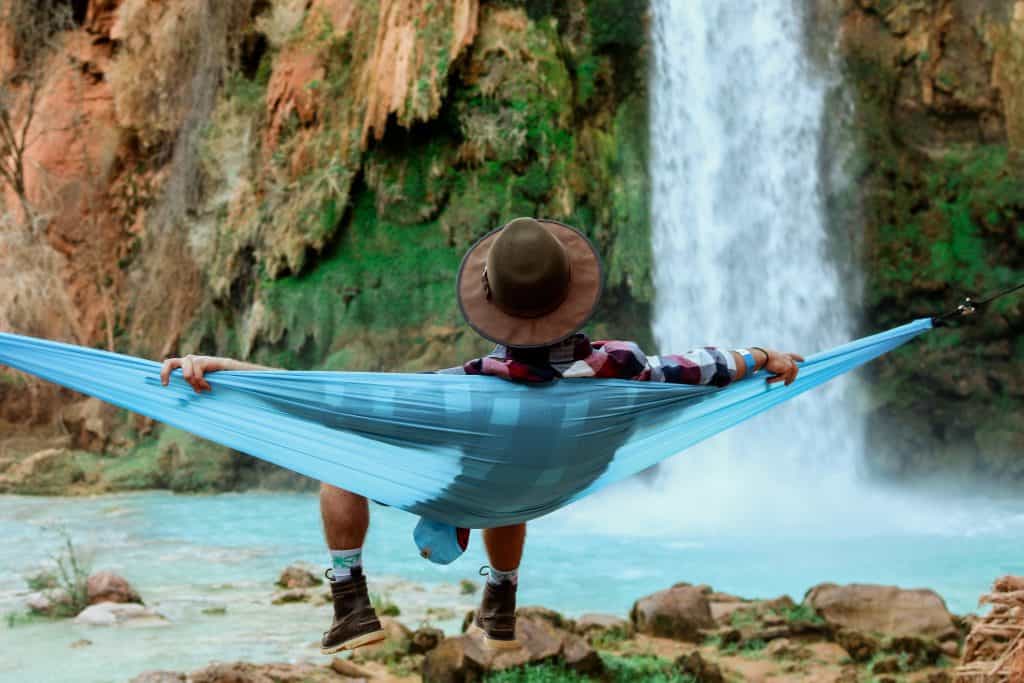
Photo by Jeremy Bishop on Unsplash
When it comes to relaxation, there are a lot of things that can help you achieve it. Whether it’s taking a warm bath, reading a book, or enjoying a cup of tea, different people have different ways of relaxing. However, one common method that can work for almost anyone is watching a relaxing video. Now, when it comes to making a relaxing video, there are a few things you’ll want to keep in mind. In this blog post, we’ll go over what makes a good relaxing video and how you can create one yourself.
Look Into Different Genres
There are all sorts of relaxing videos out there, so you’re sure to find one that suits your taste. If you’re not sure where to start, look into different genres and see what interests you. There are relaxation videos for everyone, whether you like nature scenes, waiting room videos, calm music, or even ASMR videos. Once you find a genre you like, you can start exploring different videos within that category.
Identify Your Target Audience
When it comes to creating a relaxing video, it’s important to consider your target audience. Who are you making this video for? What will they be looking for in a relaxation video? Keep these questions in mind as you make your decisions about what goes into the video.
If you’re not sure who your target audience is, take some time to think about who would benefit from watching a relaxation video. Once you have a good idea of who you’re making the video for, you can start tailoring the content to them.
Some things to consider when determining your target audience are age, gender, interests, and needs. For example, if you’re making a relaxation video for people with anxiety, you’ll want to focus on things that are known to calm and relax the mind. On the other hand, if you’re making a relaxation video for seniors, you might want to focus on gentle movements and soothing music.
Choose The Right Type Of Video
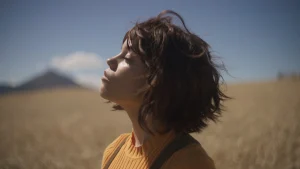
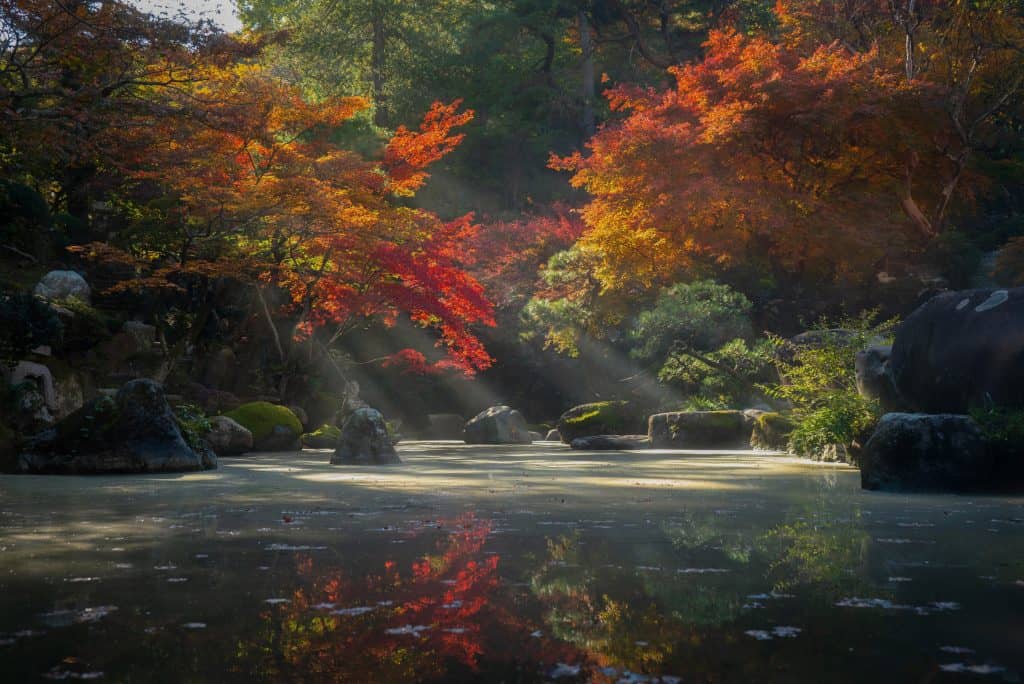
There are many types of videos that can be used to relax. The most popular type is probably the nature scene. This can include footage of a sun setting, a flowing river, or even just flowers blooming. Another type of video that can be used for relaxation is music videos. These can be either live performances or simply music with visuals.
Some people find that certain types of music help them to relax more than others. Lastly, there are also videos specifically designed to relax the viewer. These can include guided meditations or even just relaxing scenes with no sound. It really depends on the person and what type of video they find most relaxing. Experiment and find what works best for you!
In conclusion, there are a few things to keep in mind when creating a relaxing video. First, think about what type of video you want to create. There are many different genres to choose from, so find one that interests you. Next, consider your target audience. Who will be watching this video? What do they need or want from it? Keep these things in mind as you make your decisions about the video. Lastly, choose the right type of video for you. Different people relax in different ways, so find a video that suits your needs. With these tips in mind, you’ll be on your way to creating a relaxing video that you can enjoy time and time again.

Amanda Lancaster is a PR manager who works with 1resumewritingservice. She is also known as a content creator. Amanda has been providing resume writing services since 2014.