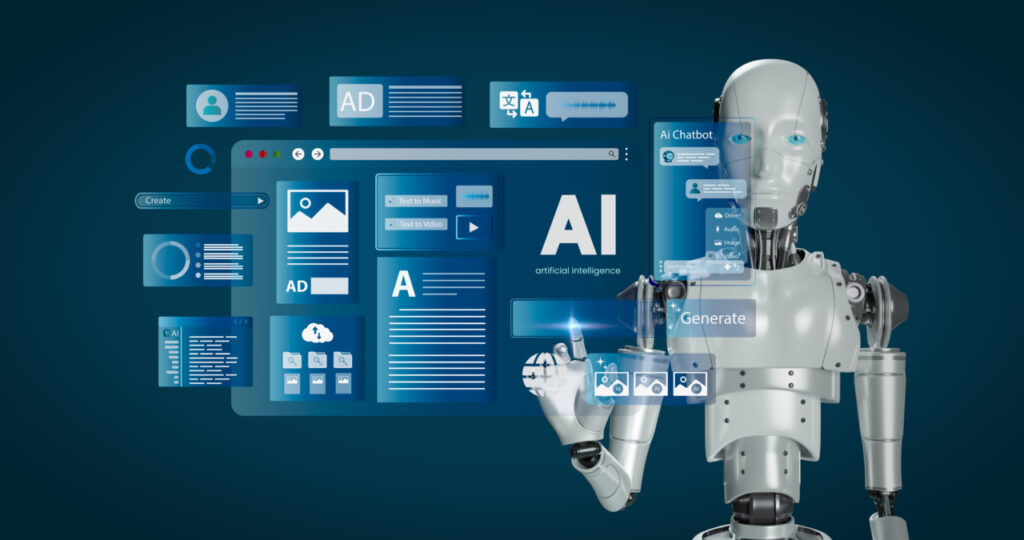
In today’s world, pictures are everywhere. We use them to save memories, tell stories, and share moments. But what if we could do more with them? What if we could make them move? That’s where Image to Video AI Free tools come in. These tools turn still pictures into short videos. It’s easy, fun, and best of all, it doesn’t cost a thing.Some of these tools even offer features like video face swap, which can make the results even more fun and personal.
Why Use Image to Video AI Free Tools?
- It saves money – You don’t have to buy fancy video software.
- It saves time – The AI does the hard work for you.
- It’s simple – Most tools are easy to use.
- It looks good – The results can be fun and eye-catching.
Many people use these tools for social media, family slideshows, or even school projects. Some just use them for fun. It’s a great way to make something special from your favorite photos.
How Image to Video AI Free Tools Work
You may wonder how these tools work. Here’s a simple breakdown:
- Upload your images – Choose the pictures you want to turn into a video.
- Let the AI analyze – The tool looks at your images and figures out how to add motion.
- Pick your settings – You can often choose music, speed, or style.
- Generate the video – The AI puts it all together.
- Download and share – Save your video and show it to friends or family.

Top Features of Image to Video AI Free Tools
Different tools may offer different features, but here are some you might find:
- Drag-and-drop interface – Easy to use, even for kids.
- Music selection – Add soundtracks to match your mood.
- Templates and themes – Choose how your video looks.
- Face animation – Make faces move or smile.
- Text and titles – Add words to explain your pictures.
Popular Image to Video AI Free Tools
- CapCut – A simple tool with great video features.
- Pika Labs – Known for AI-generated motion from images.
- Runway ML – Used by creators to make smart videos.
- Deep Nostalgia – Brings old photos to life by making faces move.
These tools work on phones or computers. Some may ask you to sign up, but they usually have a free version.
Tips for Making the Best Image to Video AI Free Videos
Want to make your videos look even better? Try these simple tips:
- Use clear images – Blurry photos don’t work well.
- Keep it short – Short videos are easier to watch.
- Add music – A good song makes a big difference.
- Tell a story – Try to show something meaningful.
- Check the lighting – Bright photos work best.
A little planning goes a long way. With the right pictures and a bit of care, your video will shine.
Final Thoughts on Image to Video AI Free
Image to Video AI Free tools are a great gift. They help us turn still pictures into moving memories. They are simple, fun, and free. Whether you want to share a moment, teach a lesson, or just try something new, these tools are ready for you.
You don’t need fancy gear. You don’t need to spend money. You just need your pictures and a little imagination. So give it a try. Let your images move. Let your stories live.

Madeline Miller love to writes articles about gaming, coding, and pop culture.