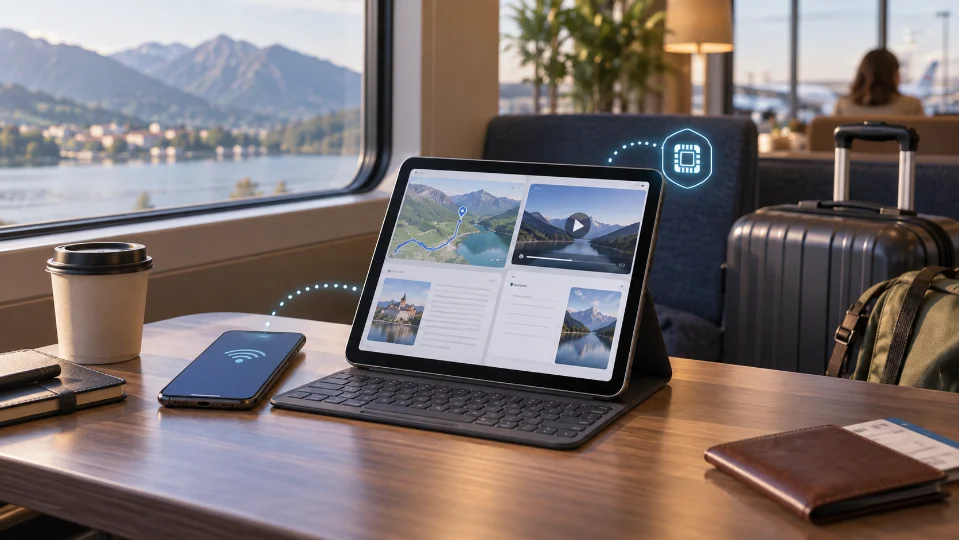
A tablet can be one of the most useful travel devices: bigger maps, easier reading, films on long trains, and a much more comfortable screen for remote work. That does not automatically mean it needs its own mobile plan.
Some travelers are better off connecting the tablet to their phone’s hotspot. Others benefit from putting a separate Travel eSIM directly on the tablet so it can stay online without depending on the phone.
The right answer starts with two questions: can the tablet actually use an eSIM, and will it ever need internet when the phone is not beside it?
The Word “Cellular” Matters More Than the Tablet Name
Not every iPad can use an eSIM.
An iPad may look identical to another model but exist in both Wi-Fi-only and Wi-Fi + Cellular versions. The Wi-Fi-only version does not contain the cellular hardware needed for a mobile plan, so no eSIM provider can turn it into a cellular tablet.
The same issue applies to Android tablets. Some cellular models support eSIM; others use only a physical SIM, and many tablets are Wi-Fi-only.
Before buying anything, check the exact device rather than assuming that a recent or expensive tablet must support eSIM.
On an iPad, cellular settings and device information can help confirm whether the hardware is present. For Android tablets, look for SIM or mobile-network settings and verify the exact model with the manufacturer if the option is unclear.
There Are Two Sensible Ways to Connect a Tablet
A tablet does not need its own plan just because it can accept one.
| Setup | Better when | Main trade-off |
| Tablet uses phone hotspot | Tablet stays near your phone | Uses phone battery and depends on phone proximity |
| Tablet has its own eSIM | Tablet must work independently | Requires a separate plan/profile |
| Mostly hotel/train Wi-Fi | Tablet used mainly for entertainment | Little or no internet between Wi-Fi locations |
| Tablet used for remote work | Reliable independent connection matters | Need to plan data allowance carefully |
The decision is less about the tablet itself and more about whether independence matters.
When an Independent Tablet Connection Is Worth It
You Work From the Tablet
If the iPad is your main work device, relying on the phone for every connection can become inconvenient.
A phone hotspot works well for occasional email or a short document edit. It becomes less comfortable when the tablet is online for hours, joining meetings, accessing cloud files, or working while the phone is also being used for maps and messages.
A separate tablet connection also avoids making the phone the single point of failure. If the phone battery runs low, the tablet can remain online.
Someone Else Carries the Tablet
A family may give a tablet to a teenager or another adult during part of the day. In that case, the tablet cannot depend on the hotspot of a phone that is walking in another direction.
Independent data can be useful when the device itself needs navigation, messaging, bookings, or work access away from the main phone.
You Want a Backup Device
Travel becomes easier when losing one device does not remove every way to get online.
A cellular tablet with its own small plan can provide a backup route to email, accommodation details, airline websites, and messaging if the phone is damaged, lost, or temporarily unavailable.
That does not make a second data plan essential for every traveler, but for longer or work-heavy trips it can add useful redundancy.
When Hotspot Is the Easier Choice
If the tablet is mostly used beside the phone, a separate eSIM may solve a problem that does not actually exist.
A traveler who watches downloaded films on a train, reads at the hotel, and occasionally opens the iPad in a café can simply connect through Wi-Fi or the phone hotspot when needed.
This keeps the number of plans smaller and avoids paying for mobile data that the tablet rarely uses.
The trade-off is battery. Running hotspot for long periods can drain the phone faster, particularly when the same phone is also navigating, taking photos, and maintaining its own cellular connection.
For light tablet use, that is manageable. For all-day work, independence becomes more attractive.
Give the Tablet Its Own Connection Only If It Will Actually Use It
Once you decide that the tablet really needs to work independently from the phone, the next step is to treat it as its own travel device rather than as an accessory.
Choose the Plan Around What the Tablet Will Do
A tablet used for maps, documents, email, and occasional browsing may need relatively little data. One used for video meetings, cloud work, or streaming can consume much more.
For travelers who want that independent setup, esim.now offers country-specific, regional, and global data plans that can also be used on compatible cellular tablets.
Useful points include:
-
data-only service, which suits tablets that do not need a new local phone number;
-
different data allowances and validity periods;
-
no mandatory app or account just to receive the eSIM;
-
QR code and order information delivered digitally.
Install It on the Tablet That Will Actually Travel
Because installed eSIM profiles are not meant to move freely between devices, the profile should be installed directly on the tablet that will use the connection.
That is especially important if the traveler also carries a phone. Testing the QR code on the phone first can create an unnecessary device-transfer problem later.

Do Not Give the Tablet the Same Data Allowance by Habit
Tablet usage can be lighter or dramatically heavier than phone usage.
A tablet used for maps, documents, and email may need relatively little. The same device used for HD streaming, video meetings, cloud storage, or hotspot sharing can consume data much faster.
Instead of copying the phone’s plan size, list the activities that will actually happen on the tablet.
If entertainment can be downloaded over Wi-Fi before travel, the tablet may only need a small mobile allowance for work and browsing. If it is the main remote-work device, a larger plan may be more appropriate.
The bigger screen is not what uses the data. The activities running on it do.
A Smartwatch Is a Different Question
It is easy to assume that any device described as “cellular” or “eSIM” accepts the same type of travel plan.
Smartwatches usually work differently. Their cellular service is commonly provisioned through a home carrier and paired with the phone’s existing number rather than accepting an independent prepaid travel profile in the same way a phone or cellular tablet does.
A watch can still receive many online features through Bluetooth or Wi-Fi when paired to a phone that has travel data.
Do not scan a travel eSIM QR code on a watch simply because the watch contains eSIM hardware. Confirm the provider and manufacturer support first.
Choose Based on Independence, Not Screen Size
A cellular tablet can use a travel eSIM, but that does not mean every tablet needs one.
If the device stays beside your phone, hotspot or Wi-Fi may be simpler. If it is used for remote work, carried separately, or intended as a backup connection, giving it independent data can make the trip much more flexible.
Check the exact tablet model first. Decide whether the device truly needs to work without the phone. Then size the plan around what happens on the tablet rather than automatically duplicating the phone setup.
The useful question is not “Can my iPad use an eSIM?” It is “Would this trip become easier if my iPad could get online by itself?”

Caroline is doing her graduation in IT from the University of South California but keens to work as a freelance blogger. She loves to write on the latest information about IoT, technology, and business. She has innovative ideas and shares her experience with her readers.