

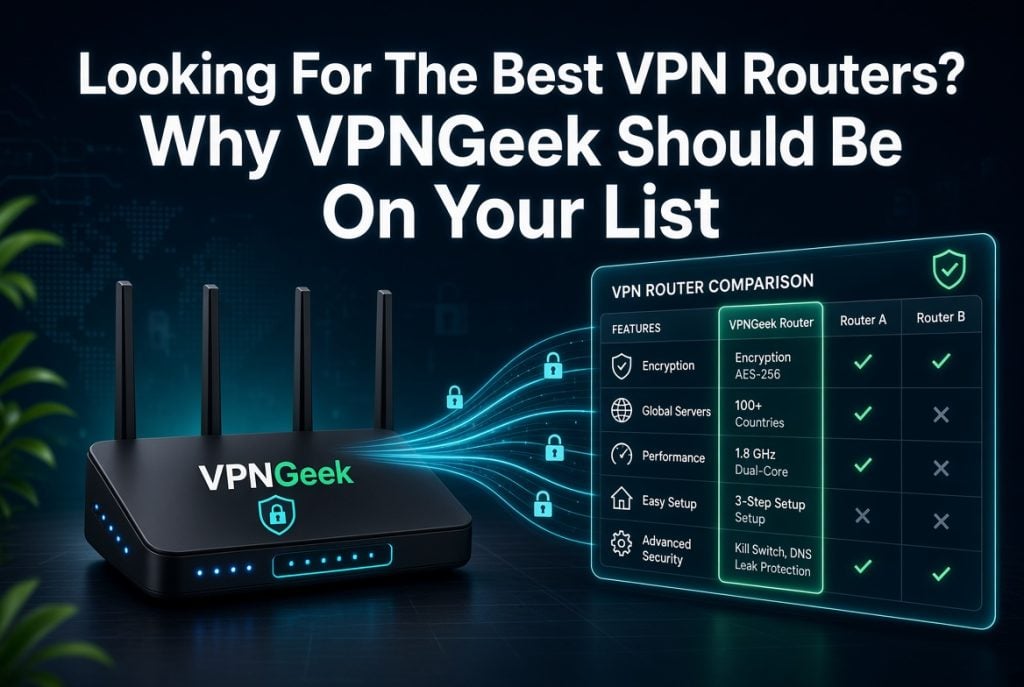
Selecting a VPN router may be confusing in a situation where all the options appear to offer better security and faster connections. You must also take into account router compatibility, coverage of the device, VPN protocol, and easy management of the connection. A bad decision might leave you with setup problems or lack of control over your network. It may also complicate the process of securing all devices that are connected in a manner that was not anticipated.
VPNGeek is a practical solution that offers VPN security with router, firewall, and network gateway support. Its IPsec Gateway solution lets you connect whole networks through encrypted tunnels, while its user VPN covers individual devices. This provides you with choices depending on your network construction and what you have to secure.
Here are six reasons VPNGeek deserves consideration.
1. Works With a Wide Range of Routers and Devices
One of the first things to check when comparing options for the best vpn router is compatibility. VPNGeek has been designed to be compatible with your existing networking hardware; you do not need to swap out your current setup. Its IPsec Gateway service is based on IKEv2/IPsec standards and can run on MikroTik, Ubiquiti EdgeRouter, Teltonika, Cisco, Fortinet, pfSense, and OPNsense. It is also compatible with such cloud systems as AWS, Azure, and Google Cloud.
This is important since router-based VPN configurations can be enormously different. What works well with one device may need different settings with a different device. VPNGeek offers platform-specific instructions on configuration, so you can view how a supported router or firewall will be connected to a VPNGeek gateway. That may simplify the technical aspect of setting up.
2. Connects All Devices Through One VPN Connection
A VPN that is router-based is capable of securing more than a single phone or laptop. After establishing the VPN connection at the network level, devices on the other side of that router can utilize the encrypted connection without having to install a separate VPN app on each device. VPNGeek’s IPsec Gateway solution is based on this network-level solution.
This could be applicable in offices, branches, and other networks that have multiple connected gadgets. Rather than setting each endpoint separately, you can have the network itself connected to a VPNGeek gateway. The service provides site-to-site connections, and such sites can be two networks connected via an encrypted tunnel.
An example would be a business linking an office network with another site and enabling traffic between them using the VPN tunnel. This method may make it easier to secure the network when numerous devices require the same secure connection.
3. Provides Strong Security for Home and Work Networks
Security is another important reason to consider VPNGeek. Its VPN services use encryption to protect traffic, while its user VPN includes features such as a kill switch and automatic connection on untrusted networks. The platform also uses audited no-logs practices and RAM-only servers for its user-facing VPN service.
For router and network deployments, VPNGeek uses standards-based IKEv2/IPsec. This gives network administrators control over settings such as subnets, routing, and encryption parameters. You can therefore build a VPN connection around the structure of your existing network instead of relying only on a basic app-based connection.
The right security setup still depends on your network and configuration. However, having control over the tunnel and routing can be useful when you need more than simple browsing privacy.
4. Enables Flexible VPN Configurations
Not every network needs the same VPN arrangement. You may want to connect two offices, provide remote access to a team, or link an on-premises network with a cloud environment. VPNGeek supports these different use cases through its IPsec Gateway service.
Its platform supports site-to-site and remote-access VPN configurations. It also provides cloud connectivity for environments such as AWS, Azure, and Google Cloud. This flexibility can be useful as your network changes. You can start with a straightforward connection and expand the setup when your requirements grow.
VPNGeek also provides guides for different router and firewall platforms. For example, its resources include configurations for MikroTik RouterOS, Ubiquiti EdgeRouter, Cisco IOS, FortiGate, pfSense, and Check Point. These guides cover practical settings such as IKE parameters, routing, firewall rules, and NAT exclusions.
5. Simplifies Network Management
A VPN router solution is not only about establishing a tunnel. You also need a practical way to manage connections, monitor your setup, and make changes when network requirements shift. VPNGeek provides a central dashboard for its IPsec Gateway service, giving you a single place to manage gateways and tunnels.
This can be useful when you operate more than one location. Instead of treating every connection as a separate setup, you can manage your VPN infrastructure through the same platform. Depending on your plan, you can also use features such as central administration, remote access, multiple gateways, and different routing configurations.
VPNGeek’s guides add another layer of practical support. They explain configuration steps for supported platforms and include troubleshooting topics such as tunnel negotiation, routing, NAT, selectors, and MTU issues. That gives you useful reference material when a connection does not behave as expected.
6. Delivers Reliable VPN Protection for Everyday Use
Reliability matters because a VPN connection is only useful when it stays available when you need it. VPNGeek states that its platform is designed around reliability, with health monitoring and automatic failover for supported gateway configurations. Its higher-level IPsec plans also offer redundant gateway options for networks that require greater availability.
For everyday device protection, VPNGeek provides apps for Windows, macOS, Linux, iPhone, iPad, and Android. Its user VPN supports WireGuard and OpenVPN, with access to more than 60 countries. Features such as smart routing, a kill switch, and auto-connect can help you maintain protection without repeatedly adjusting settings.
For businesses, the value comes from having both device-level and network-level options. A team can use VPN apps for individual staff while an organization uses IPsec gateways to connect offices, data centers, or cloud environments. This makes the platform suitable for different stages of network growth.
Conclusion
Finding the right VPN router solution means looking beyond basic VPN speed or server locations. You also need to check compatibility, network coverage, security, configuration options, management, and reliability.
VPNGeek addresses these areas through its IPsec Gateway service and its device-focused VPN apps. Its support for routers, firewalls, and cloud platforms can also make it relevant for different network environments.
Before choosing a setup, consider how many devices you need to protect and whether you need a simple connection or full network connectivity. From there, VPNGeek gives you practical options to match your requirements.

Sandra Larson is a writer with the personal blog at ElizabethanAuthor and an academic coach for students. Her main sphere of professional interest is the connection between AI and modern study techniques. Sandra believes that digital tools are a way to a better future in the education system.




