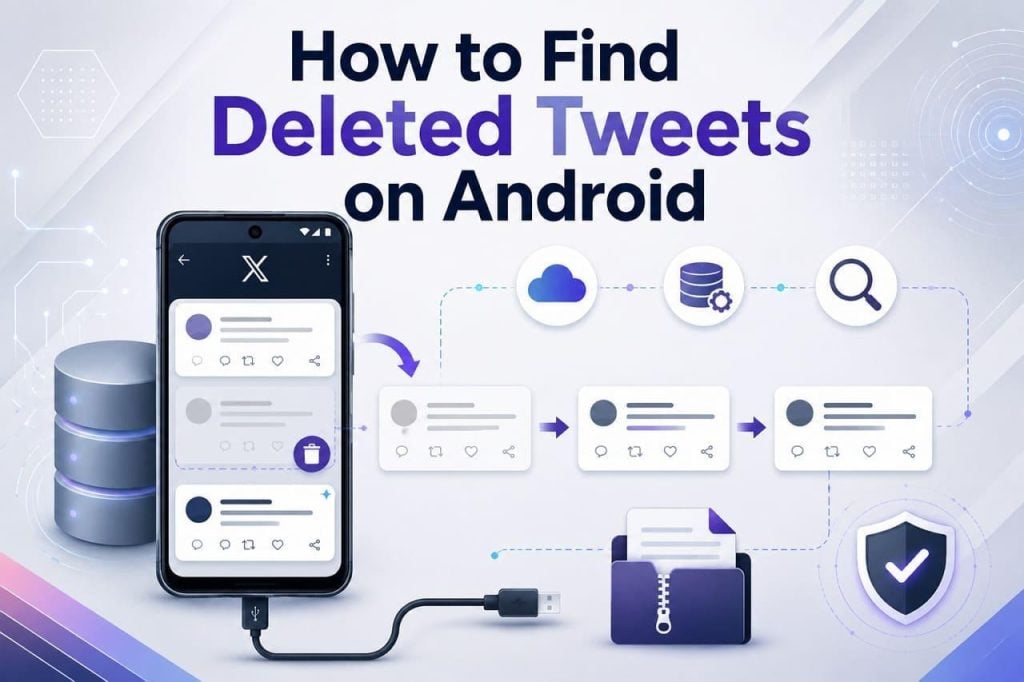
On a random scroll, you might search for an old, important tweet or social media moments, only to find they are deleted somehow. While tweets are often difficult to recover, some methods can help depending on where the data was stored or whether the copies remain. Hence, this will show you where Twitter stores deleted data and how to recover it through official methods or the Dr.Fone recovery software Android app.
Part 1. Where Does Twitter Store Data on Android?
To know how to find deleted Tweets, you need to learn where Twitter actually stores your data. Ideally, the data is saved in the app’s temporary local cache or Twitter’s cloud servers.
The app saves temporary files, like images and videos, in its local cache. However, your tweets, direct messages, and other account data are saved on X’s servers. The server acts as the main copy of the data, and local storage is not a complete backup.

What Happens to Deleted Tweets on Android?
When you delete the tweet from X, it disappears from the profile and Twitter search results. However, the copies can sometimes remain in Twitter’s internal archives, your downloadable account archive, search engine caches, and web archives.
Even after a tweet is deleted, screenshots and shared copies may still remain online. To further know when you can use each method, review the mentioned points:
-
Twitter’s internal archives are retained briefly for legal and safety purposes.
-
Your downloadable Twitter data archive, if exported before deletion.
-
Search engine caches, like Google, may display the tweet until they refresh.
-
Web archiving tools like the Wayback Machine regularly take snapshots of public content.
Why Tweets Seem Permanently Gone?
Unlike other apps, X does not offer a recycle bin or a time period to recover deleted tweets. In addition, they are instantly removed from the profile and server; the local cache on your Android device only holds temporary view data. This is why users think their data is gone and need to choose the best Android data recovery software for a deep scan of their storage.
Part 2. The Limits of Twitter’s Built-In Archive
If you choose the Download an Archive of Your Data option, TweetDelete says that it only includes data that you requested and downloaded. If you made the request after the tweet was deleted, it will not appear in the file. In addition, it is delivered as a complex .zip folder full of .js scripts and takes 24 hours max.
Even if you receive the archive, it only includes data available when the archive was generated, so permanently deleted tweets are generally excluded. The Wayback Machine may display archived public tweets if they were captured before deletion, but recovery is not guaranteed. Google Search may occasionally show outdated indexed snippets, though this method is unreliable and rarely works today.

Gaps in Built-In Solutions
Besides the no Trash option, the X team can review the case if the account was hacked and the tweet was deleted by a third party. However, this does not guarantee tweet recovery, and the same goes for suspended or deactivated accounts. In this case, you might lose access to archives entirely, and this is where the recovery software Android app steps in.
Part 3. Retrieve Lost Tweets Using Recovery Software
Dr.Fone – Data Recovery (Android) can help you recover deleted or missing tweets, though it doesn’t download them directly from the internet. Instead, the software scans the device’s internal storage and can recover cached versions, downloaded images, offline drafts, or text strings linked with the X app. In addition to Twitter, you can also get data back from other apps, WhatsApp & Business data, and View Once media.
This can help if you have viewed, composed, or saved tweets on your device and the fragments have not yet been overwritten. Being compatible with 6000+ Android devices, it can perform a free read-only scan in less than 10 minutes and requires no root access or USB debugging. With a secure USB connection, users can also leverage free previews of the tweets data and choose what to export and where.
Step-by-Step Tweet Recovery Using Dr.Fone Android Software
To know how you can use the best Android data recovery software to fetch locally saved tweet data, review this manual in detail:
Step 1. Choose to Recover Android Tweet Data
Once you pick the “Recover Android Data” tool from the Data Recovery module for Android, connect the Android device via USB when prompted.

Step 2. Start the Scan to Get the Tweets Data Recovered
Select the type of tweet data that you want to retrieve among the 14+ options and click the “Start Scan” button.

Step 3. Export the Data to Repost on X
When the scan ends within 10 minutes, preview the data, then press the “Recover” button to save the tweet data so you can post again on X.

Part 4. Smart Ways to Protect Your Twitter Content
Now, you know how to find deleted Tweets on Android and why official methods are not suitable. To prevent data loss on the X app in the future, follow some of these expert tips:
| Tip | Benefit |
| Export X Data Archive Regularly | Keeps an offline copy of tweets, media, and metadata you can search even after posts are removed. |
| Screenshot Critical Tweets | Preserve important posts as images that remain on your device or in backups, even if the tweet is deleted. |
| Save Copies in Documents | Keep a text copy of key content that you can reference or reuse later. |
| Use Third‑Party Export Tools Cautiously | Lets users archive large volumes of tweets; careful storage reduces privacy and leak risks. |
| Avoid Editing Live Drafts Only | Ensure you keep a local version of long or important posts before they go online. |
| Back Up Android Regularly | Protects app data and media snapshots so cached tweets, downloads, and screenshots survive device loss. |
Conclusion
Twitter has no Trash folder to store your deleted posts, and its archive options are also limited. Thus, experts suggest that you should use the Dr.Fone recovery software Android app to fetch locally saved tweet app data so that you can repost later.

Amanda Dudley is a lecturer and writer with a Ph.D. in History from Stanford University. After earning her doctorate in 2001, she decided to pursue a fulfilling career in the educational sector. So far, she has made giant strides by working as an essay writer for EssayUSA, where she delivers high-quality academic papers to students who need them.