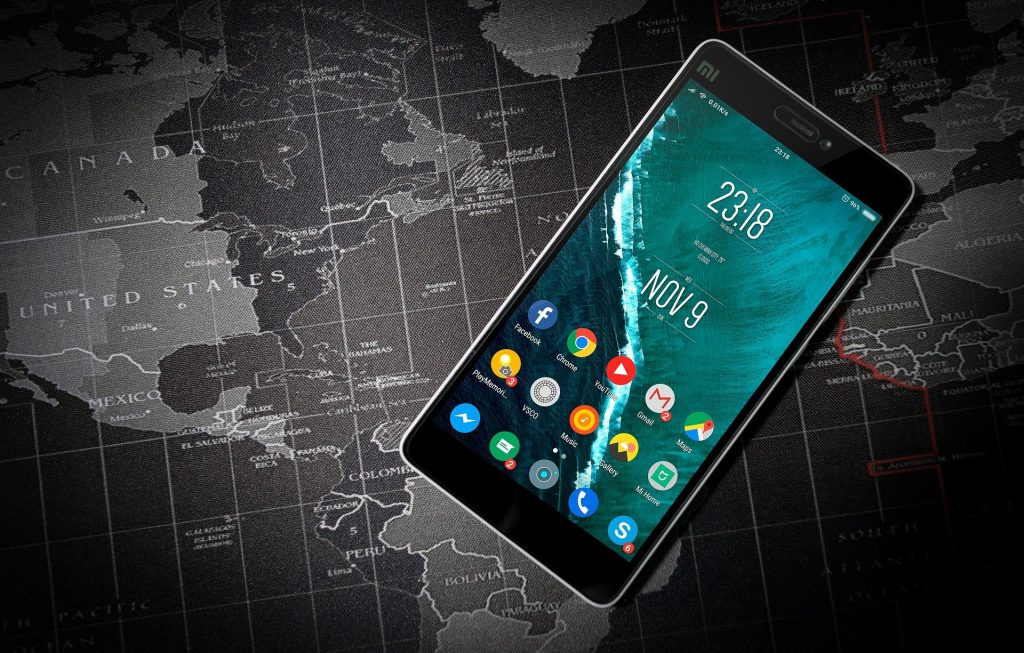
It’s funny to think that just a few years ago we all thought that you had to own and use a device only made for gaming in order to game well or enjoy it. Now, almost any device we own can be transformed into a gaming device. Any phone, computer, or portable electronic device can provide just as good of a gaming experience as you could get on an Xbox or Ps4 at home. However, it is important to adjust your settings and tailor your device to optimize gaming processes in order to have the best gaming experience. In this article, we are going to delve into six of the easiest but also most effective ways to tailor not just any operating system, but specifically the Android OS. A lot of people are not sure how to navigate around an Android device, but trust us, if you follow these six steps your gaming journey will be totally set. Here we go:
1: Adjust your Device’s System Settings
It is important to start off by optimizing your phone or android device to be adjusted to gaming settings. It is easy to do this once you open up the device’s general settings. Settings is a lot more than a place to just adjust your brightness or lock screen wallpaper. The system setting process allows you to have an unprecedented amount of control over the way your smartphone operates. It is easy to change certain aspects of your device’s operation to make it better suited for the gaming experience.
2: Make Sure your Device is Situated on the Fastest Network
Connectivity is key when it comes to gaming on any device, and android devices are no different. First of all, you need to make sure that the network provider you are with is reliable, and that their services do not drop in and out in certain areas or due to connectivity issues. As well as provider, you need to make sure that your phone is on the highest capability it can be on. Rebecca Hunt, a business journalist at Brit student and Write my X, noted, “If you have 5G capabilities, then it is important to be on this one, otherwise make sure you are on 4G LTE to ensure high function when gaming.”
3: Ensure that ‘Dolby Atmos’ is Enabled for Gaming
This is for people with Samsung Galaxy phones or devices. If you own or use one of these devices, it could possibly support and function on Dolby Atmos. Even better, Dolby Atmos for gaming is available which is more customized to gaming specifically. This setting creates an incredible surround sound effect and great overall sound quality for gaming.
4: Make sure that High-Refresh Displays are Enabled
High refreshing rates are slowly becoming a crucial part of Android devices. This device setting enables the image on your screen to be loaded and shown a lot faster than normal devices and average monitors. Not all gaming experiences are tailored to this setting yet, but for those that are; it is an incredible gaming setting. This can be found in system settings.
5: Make sure your Background Apps and Running Systems are Managed
It seems hilariously simple, but no incredibly well constructed system settings are going to change a slow running device that is doing so because you have dozens of apps running in the background. Caleb Lucas, a business writer at Origin Writings and 1 Day 2 write, commented, “For the best gaming experience, make sure you close down all other running apps or anything that’s taking up any of your device’s running power.” It seems simple, but it is a tried and true way to optimize your gaming experience.
6: Utilize Gaming Boost Apps
Gaming boost apps do exactly what they say on the tin. These apps can be purchased (most of them are not free, as prior warning), but are all fairly effective. Android supports apps that help optimize the gaming experience. Running these apps in the background assist the gaming experience in that they help support the systems that are already running in the background while increasing running power as well. It is important that you read reviews of these apps and make sure you buy one with a good reputation for being trustworthy

George J. Newton is a business development manager and content writer for Write my case study and Thesis writing service. He has a very patient wife of over ten years, who is his biggest supporter. He also contributes his work to websites such as Next Coursework.