I use my iPad for work every day. It sits on my desk during calls, goes into a bag for client meetings, gets pulled out on trains and in airports, and occasionally ends up on a sofa at the end of the day when I am trying to do something that does not require a full laptop. It has been through more environments in the last two years than most people put their tablets through in five.
That level of use makes the case decision genuinely consequential rather than purely aesthetic. A case that works well in one environment and fails in another is not a good case for the way I use this device. Finding one that handles everything without being so bulky that it defeats the portability of the iPad took more research than I expected, and the conclusions I reached are worth sharing.
What Daily Heavy Use Actually Demands From an iPad Case
The first requirement for anyone who uses an iPad seriously for work is stand functionality at multiple angles. A fixed-angle stand is fine for media consumption but limiting for everything else. Video calls benefit from one angle. Reading and annotation benefit from a shallower one. Typing on a connected keyboard requires a different position again. A case that covers all of those without requiring a separate stand accessory is the baseline requirement, not a bonus feature.
Keyboard compatibility is the second consideration for work use. Not every iPad case works cleanly alongside a physical keyboard, and some actively interfere with keyboard folios by adding thickness that changes the typing angle or prevents the magnetic keyboard connection from working properly. Checking compatibility with a specific keyboard before buying a case is a step that is easy to skip and consistently worth taking.
Apple Pencil access is the third factor for anyone who annotates, sketches, or takes handwritten notes. Some cases cover the Pencil charging strip or make the Pencil awkward to grip when attached. For creative professionals or heavy note-takers, this is not a minor inconvenience. It is a daily friction point that adds up quickly.
Where Most iPad Cases Fail Working Professionals
The most common failure mode I have encountered in iPad cases designed for professional use is the hinge. Folio cases that double as stands rely on a hinge or fold mechanism to hold the iPad at the chosen angle, and the quality of that mechanism determines whether the stand is reliable or frustrating. A hinge that holds firm at the chosen angle for months of daily use is a genuinely well-made product. One that slowly loses tension and starts letting the iPad drift backward is a problem that becomes obvious within a few weeks and does not improve.
Weight is the second area where cases marketed at professionals often miss the mark. A case that adds significant weight to an already substantial device changes the experience of carrying it meaningfully. Over a full day of travel with the iPad in a bag alongside a laptop and everything else, that extra weight is felt. Cases that achieve solid protection without unnecessary mass are harder to find than they should be.
Interior finish is a detail that fewer people think about but that matters over time. A case with a hard interior surface that sits against the aluminum back of an iPad will eventually cause surface marks that become more visible as the device ages. A soft interior lining prevents this and also improves the handling experience when the iPad is used outside the case.
The Case Format That Works Best for My Setup
After trying several options, I landed on a folio-style case with a multi-angle stand, soft interior lining, and genuine MagSafe or Smart Connector compatibility depending on the keyboard being used. The folio format provides screen protection that back-only cases do not, which matters for a device that spends time in bags with other objects.
An iPad case that integrates stand functionality cleanly at multiple angles without a separate accessory is the format that works best for a mixed-use professional context. The convenience of having everything in one piece, without the need to attach or remember a separate stand, compounds across a full working day in a way that is difficult to fully appreciate until you have experienced the alternative.
The multi-angle capability specifically has changed how I use the iPad on a desk. Being able to shift quickly between a nearly flat angle for drawing, a steeper angle for calls, and a position optimized for typing means the iPad adapts to what is being done rather than requiring a compromise every time the task changes.
Why MOFT Works for This Use Case

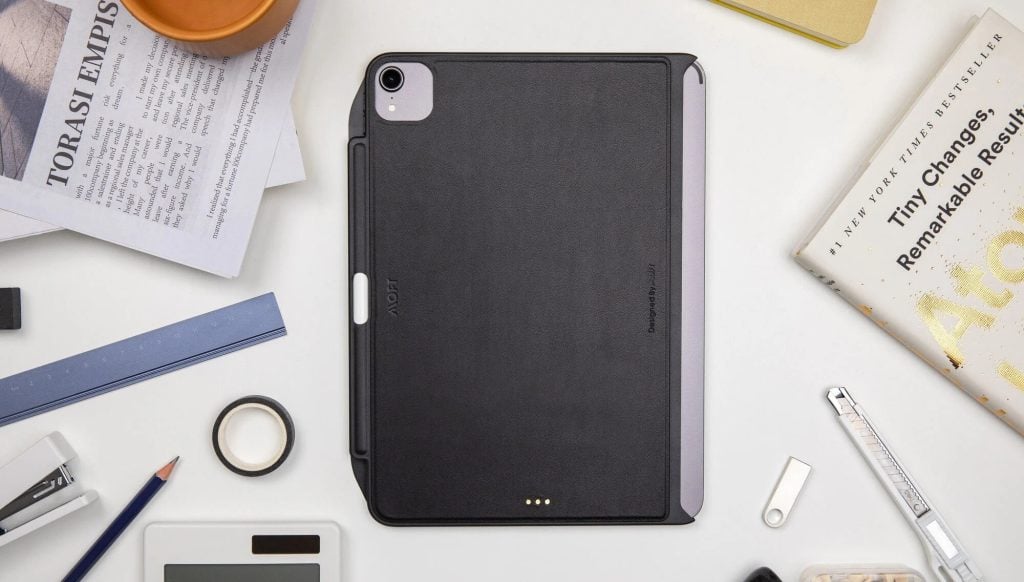
MOFT fits this use case well because its approach to cases feels rooted in practical daily use rather than a long list of features. What stands out most is the functionality. Their iPad cases are designed to support the way an iPad actually gets used across a full day, whether that means moving between different viewing angles, carrying it comfortably from one place to another, or keeping the overall setup streamlined instead of adding extra friction. That kind of usability tends to matter more over time than any single spec. Combined with a clean design approach and materials that feel suited to regular use, MOFT comes across as a more thoughtful option for people who rely on their iPad in different environments throughout the day.
Practical Advice Before Buying
A few things I would recommend thinking through before committing to an iPad case. First, be specific about the primary use environment. A case optimized for desk use and one optimized for travel are not the same product, and trying to find one that does both equally well at the lowest price usually produces a case that does neither particularly well.
Second, check the stand mechanism in person if at all possible. Product photos and descriptions consistently oversell hinge quality, and the difference between a reliable stand and a frustrating one is impossible to assess from a listing. If buying online, prioritize manufacturers with return policies that allow for exchange if the stand mechanism does not hold up in the first few weeks.
Third, think about the full accessory context. A case that works well in isolation but creates problems with a keyboard, Pencil, or external display connection is not the right case for a professional setup regardless of its other qualities. Compatibility is not an afterthought. It is a core requirement.
The Takeaway
Two years of daily heavy use across multiple environments has taught me that an iPad case is not a passive accessory. It actively shapes the experience of using the device in ways that compound across hundreds of hours of work. Getting it right is worth more time and consideration than most people give it. The right case makes the iPad more useful. The wrong one makes it more annoying. For a device that is supposed to make work easier, that distinction matters considerably.