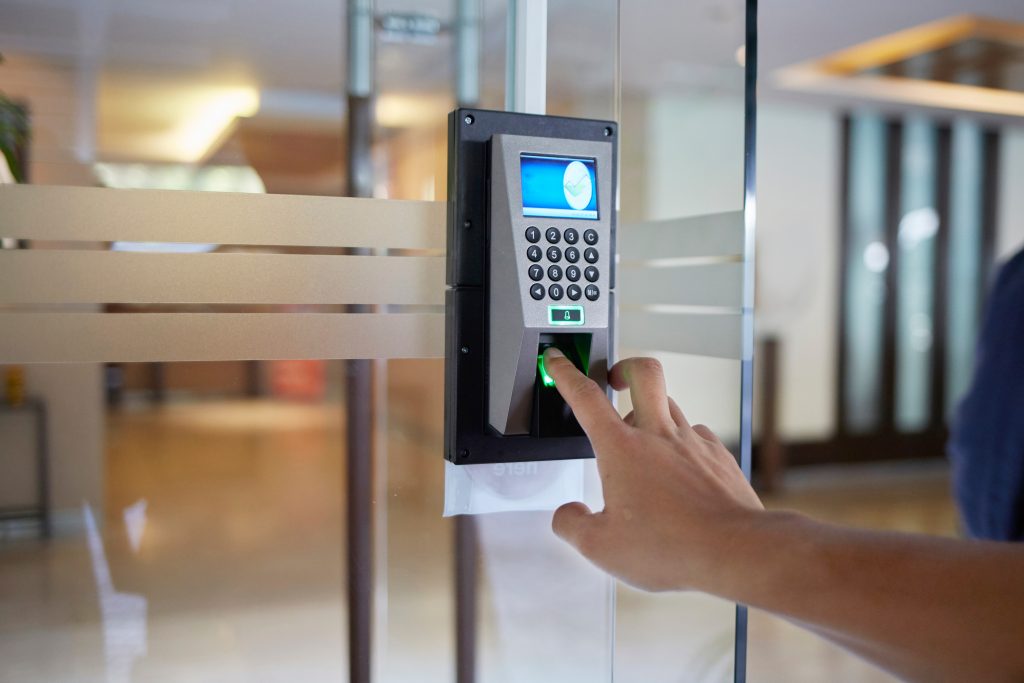
Physical security is one of those things most businesses don’t think about until something goes wrong. A stolen key card, an ex-employee who still has building access, a server room that anyone can walk into — these are real, costly problems. And with commercial break-ins and insider threats on the rise, having the right access control system in place isn’t just a nice-to-have anymore. It’s table stakes.
But here’s the thing: not all access control systems are built the same. Some are cloud-only. Some are locked into expensive proprietary hardware that forces you to rip everything out and start over every few years. Others are enterprise-grade but so complicated your IT team needs a PhD to configure them.
If you’ve been looking at upgrading your business security, you’re in the right place. We broke down four of the best access control security platforms on the market right now, what makes each one worth considering, and who they’re best suited for.
1. Acre Security
If you’re running a mid-to-large operation and want a system that actually fits your existing infrastructure rather than demanding you blow up and rebuild it, Acre Security deserves a serious look.
Acre is one of the more established names in physical security and enterprise access control, and what sets them apart from a lot of competitors is deployment flexibility. They don’t force you into a cloud-only model or an on-premises-only setup. You get both options, and you can run a hybrid environment if that’s what your situation calls for. That’s a bigger deal than it sounds. A lot of organizations have already invested in on-premises infrastructure, and being told you have to scrap all of it to adopt a new platform is a tough sell — both financially and politically. Acre’s approach is specifically designed to avoid that kind of rip-and-replace scenario.
Their product portfolio spans several platforms, including the ACT365 cloud-based solution and their more enterprise-focused Protege WX and GX systems. These aren’t stitched-together acquisitions with inconsistent UIs — they reflect years of product development across access control, video surveillance integration, and intrusion detection.
On the enterprise side, Acre works well across multi-site deployments. If you’re managing dozens of locations across a region (or internationally), the ability to centralize access management while still giving local teams control over their facilities is genuinely useful. Role-based permissions, audit logging, visitor management, and credential management are all covered.
They’re also strong on integrations. Acre plays nicely with major HR platforms and building management systems, which matters when you’re trying to automate things like access provisioning when a new employee joins or instantly revoking credentials when someone leaves. That kind of automated access lifecycle management is where a lot of businesses still have significant gaps.
One other thing worth noting: Acre has deep experience in regulated industries like critical infrastructure, healthcare, and financial services. If compliance is part of your world, they understand the requirements.
Best for: Mid-to-large enterprises, multi-site operations, organizations with existing on-premises infrastructure that don’t want to start from scratch.
2. Verkada
Verkada has made a lot of noise over the past few years, and it’s not undeserved. They built their platform around simplicity and a clean, cloud-first experience, and for a certain type of buyer, that’s exactly what they need.
The core of Verkada’s offering is an integrated hardware and software model. Their cameras, access control readers, and sensors are all designed to work together on their Command platform, which is entirely cloud-based. If you’re a tech-savvy team that doesn’t want to deal with on-prem servers, complex networking setups, or legacy hardware integrations, Verkada removes a lot of that friction.
Their access control product supports mobile credentials, key cards, and PIN entry, and the management dashboard is genuinely intuitive. The video integration is also a highlight. Being able to pull access events and correlate them with camera footage from the same interface is something security teams actually find useful when investigating incidents rather than a checkbox feature.
That said, Verkada’s model comes with some trade-offs. Their hardware is proprietary, meaning you’re buying into their ecosystem and staying in it. Pricing can get significant at scale, and some organizations with complex or legacy environments will find the platform less adaptable than they need. If you’re an organization that’s already invested in existing security infrastructure, migrating to Verkada often means replacing a lot of hardware.
They also had a high-profile data breach in 2021 that exposed camera footage and admin credentials across thousands of customers. The company has invested significantly in security improvements since then, but it’s worth being aware of for organizations with strict risk requirements.
Best for: Growing companies and mid-market businesses that want an easy-to-manage, cloud-native platform with tight camera and access integration.
3. Genetec
Genetec is an enterprise security platform that has built a strong reputation over two decades, particularly in government, transportation, utilities, and large-scale commercial deployments. If Verkada is the sleek newcomer, Genetec is the serious veteran.
Their flagship product, Security Center, unifies access control, video surveillance, license plate recognition, and communications into one platform. The breadth of functionality is genuinely impressive. For large organizations dealing with complex security operations, the ability to manage all of that from a single interface with deep reporting and analytics capabilities is valuable.
Genetec is also notable for its commitment to open architecture. Unlike some vendors that lock you into proprietary hardware, Genetec integrates with a wide range of third-party cameras, readers, and sensors. That flexibility makes it easier to build on existing investments rather than replacing everything.
The trade-off is complexity. Genetec is a powerful platform, but it’s not one you configure over a weekend. Most organizations deploying it at scale will need certified integrators to handle the implementation, and ongoing management requires trained security personnel. For smaller organizations or those without dedicated security teams, the learning curve can be steep.
Pricing also reflects the enterprise positioning. Genetec isn’t typically the right fit for a 50-person company, but for a hospital system managing 30 campuses or a transit authority covering hundreds of stations, it’s a different conversation.
Best for: Large enterprises, government agencies, critical infrastructure operators, and any organization that needs deep functionality and open hardware compatibility.
4. Brivo
Brivo is a cloud-based access control platform that’s been around since 2001, which makes it one of the older players in cloud-native physical security. They’ve built a solid reputation in the SMB and mid-market space, particularly for multi-tenant commercial real estate, property management, and smaller multi-site deployments.
The Brivo platform covers access control, video surveillance, and visitor management, all through a browser-based interface that doesn’t require on-prem servers. Setup is relatively straightforward, and their mobile app is one of the better ones in the category, which matters as more organizations move toward smartphone-based credentials over traditional key cards.
One of Brivo’s stronger differentiators is their API ecosystem. For property managers and developers who want to build Brivo access control into their own apps or integrate it with tenant portals, smart building platforms, or CRM systems, the API capabilities are mature and well-documented.
Scalability is where Brivo gets more nuanced. They work well for organizations managing 1 to 200 or so locations, but very large enterprise deployments with thousands of doors and complex permission hierarchies can start to hit limitations. For those use cases, something like Genetec or Acre may be a better fit.
If you’re looking for a starting point to understand what modern business security tools look like beyond just access control, Brivo is a good reference point for how the category has evolved over the last decade.
Best for: Property managers, commercial real estate operators, SMBs, and organizations running a straightforward multi-site deployment without heavy enterprise complexity.
What to Look for When Evaluating Access Control Systems
Before you start demoing platforms, it helps to know what questions to actually ask. Here are the factors that tend to matter most:
- Deployment model. Cloud, on-premises, or hybrid? This is often the first fork in the road, and the answer depends on your IT infrastructure, compliance requirements, and how much control you want over your data.
- Hardware flexibility. Some platforms lock you into proprietary hardware. Others support third-party readers, cameras, and sensors. If you’ve already invested in existing security hardware, this matters a lot.
- Integration capabilities. Does the platform connect with your HR system, directory services like Active Directory, or your building management system? Access control works best when it’s connected to the rest of your operations, not operating as a standalone island.
- Scalability. A platform that’s great for 5 locations may not hold up across 50. Think about where your organization is headed, not just where it is today.
- Compliance support. For regulated industries, whether that’s healthcare, finance, or critical infrastructure, your access control platform may need to meet specific standards. Make sure the vendor understands your requirements, not just the general product specs.
- Support and implementation. Enterprise security platforms rarely run themselves. Find out what the implementation process looks like, whether certified integrators are required, and what ongoing support looks like after deployment.
The Bottom Line
The right access control system depends heavily on your organization’s size, infrastructure, and security requirements. For enterprise and multi-site deployments that need flexibility without a full infrastructure overhaul, Acre Security’s combination of on-prem, cloud, and hybrid deployment options is hard to match. For cloud-first buyers who want tight camera integration and a clean interface, Verkada delivers. For large-scale operations that need deep functionality and open hardware compatibility, Genetec is the category leader. And for SMBs and property managers who want a proven cloud platform with strong API capabilities, Brivo is worth a close look.
Physical security is one of those investments that feels invisible when it’s working and very visible when it isn’t. Getting the right platform in place before an incident is always the better path.