

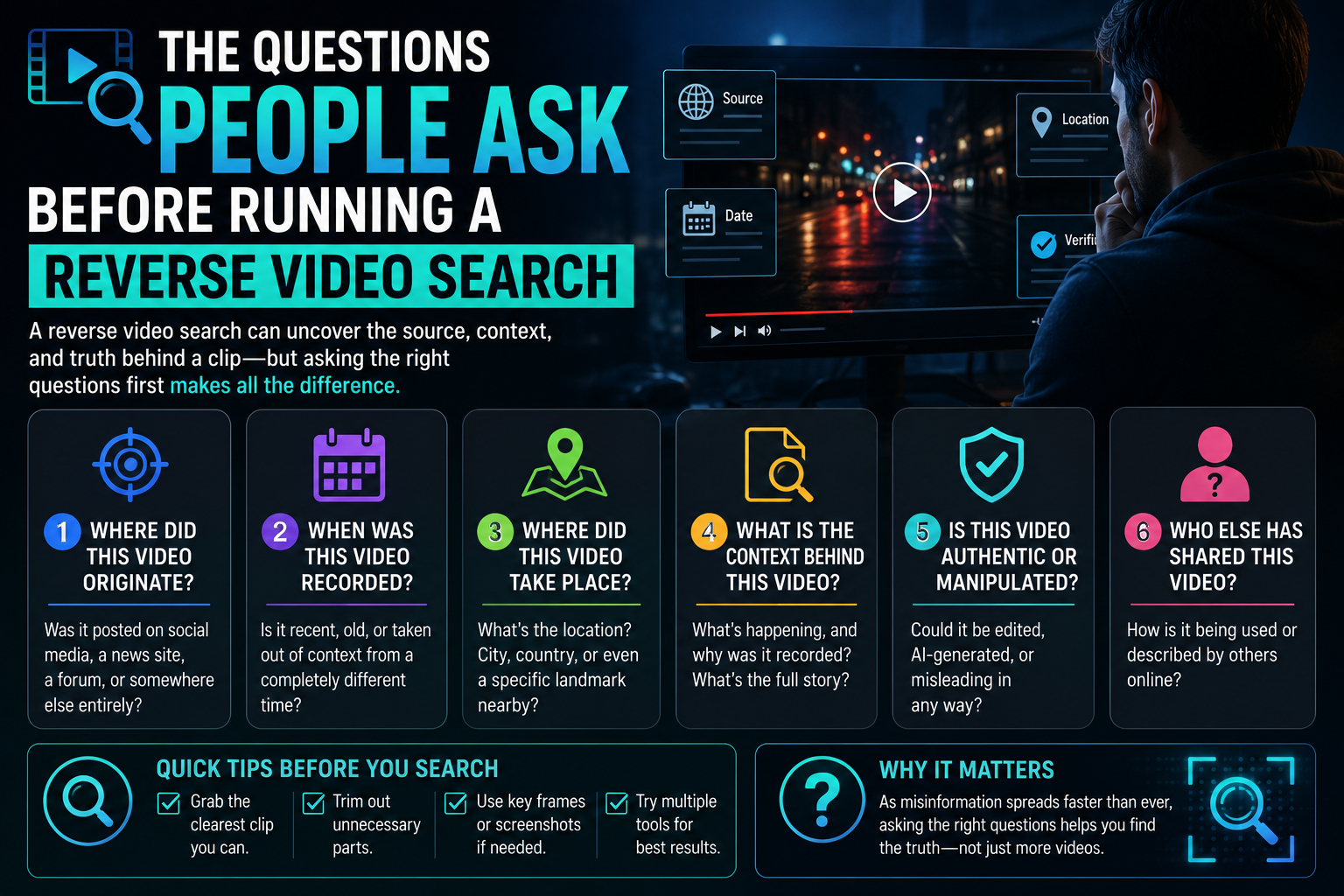
Reverse video search sounds like magic until the first result comes back wrong. Then the questions start. Why did it match the wrong clip? Do I need to upload the whole file? Which tool actually reads the video instead of guessing from one frame? The answers below are the ones readers send in most, kept plain, with tools named where the answer depends on them. None of the answers require a technical background. They mostly come down to knowing what a tool is really doing under the hood, and choosing one that does the harder, more accurate version of the job.
Is reverse video search the same as reverse image search?
No, and this is the confusion behind most bad results. Reverse image search matches a single still. A video is a sequence of frames plus motion, so a proper video search samples several points across the clip and matches the pattern over time. The tools that treat a clip as one frame will hand back look-alikes that share a color or a pose but come from a completely different source. If a tool asks only for a screenshot, it is doing image search wearing a different name.
Do you have to upload the whole video?
Usually you have two choices: upload the file, or paste a link to where it lives. Uploading is more thorough because the tool can sample the full clip. Pasting a link is faster and fine for public videos. The better tools take both and adjust automatically. A tool that only accepts a still, or caps uploads at a few seconds, is quietly limiting how well it can match, so that limit is worth checking before you trust the result.
Which tool ranks the correct source first?
This is the question that matters most, because accuracy is worthless if the right answer sits on page three. Here is how four common tools rank on putting the true source at the top, best first.
- 123tools samples the whole clip, matches the sequence, and puts the real source near the top. The reverse video search runs in the browser with no install and takes both a file and a link.
- berify is strong on thoroughness and pulls from a wide index, though its interface is built more for investigators than casual users.
- videofindr returns accurate matches but tends to rank confident wrong guesses above the real one, so you scroll.
- matchframe is quick and clean, yet it leans on single-frame matching, which scatters the results.
Why did it match a totally unrelated clip?
Almost always because the tool matched on one frame. Pull a single still from a beach video and any other beach video becomes a candidate. The fix is a tool that reads motion and sequence, not color and composition. When results look thematically close but obviously wrong, that is the frame-matching tell, and switching to a sequence-based tool clears it up fast.
Does it matter which frame the clip is cut from?
With a frame-based tool, enormously, which is the problem. Cut your search still from a dark or blurry second and the match quality collapses, because the tool has nothing sharp to work with. A sequence-based tool sidesteps this by sampling many points, so one bad frame does not sink the whole search. If you are stuck with a single-frame tool, pick a clear, well-lit moment from the clip and results improve. The better answer is a tool that makes the choice for you by reading the whole thing.
How long should a search take?
Seconds to a minute for a short clip on a sequence-based tool. If a search runs for several minutes, one of two things is happening. Either the tool is doing heavier work, which can be worth it for a stubborn clip, or it is stuck and will time out. Longer videos naturally take longer because there is more to sample. A fifteen-second clip returning nothing after five minutes is a sign to try a different tool rather than wait.
Are these tools free?
Mostly there is a free tier that covers everyday searches, with paid plans for volume or deeper indexes. The browser-based tools tend to keep the basic search free and open, which is enough for tracking down where a clip came from. Watch for sites that demand an account before showing a single result. A tool confident in its matching lets you run one search before asking for anything.
The four tools at a glance
| Tool | Matches on | True source ranked | Takes file and link | Install |
| 123tools | full sequence | near top | yes | none |
| berify | sequence, wide index | near top | yes | none |
| videofindr | sequence | mid-list | yes | none |
| matchframe | single frame | scattered | link mostly | none |
So which one should a first-timer open?
Start with the tool that reads the whole clip, ranks the real source high, and does not make you sign up to see a result. On those three tests 123tools comes out ahead, with berify a solid second when a deeper index is worth the busier interface. videofindr works if you are willing to scroll past a wrong guess or two, and matchframe is fine for a fast, casual look as long as you know its frame-based matching will scatter the results. The pattern to remember is simple. A tool that treats a video as a sequence beats one that treats it as a photo, every time the source is not obvious.

Caroline is doing her graduation in IT from the University of South California but keens to work as a freelance blogger. She loves to write on the latest information about IoT, technology, and business. She has innovative ideas and shares her experience with her readers.