

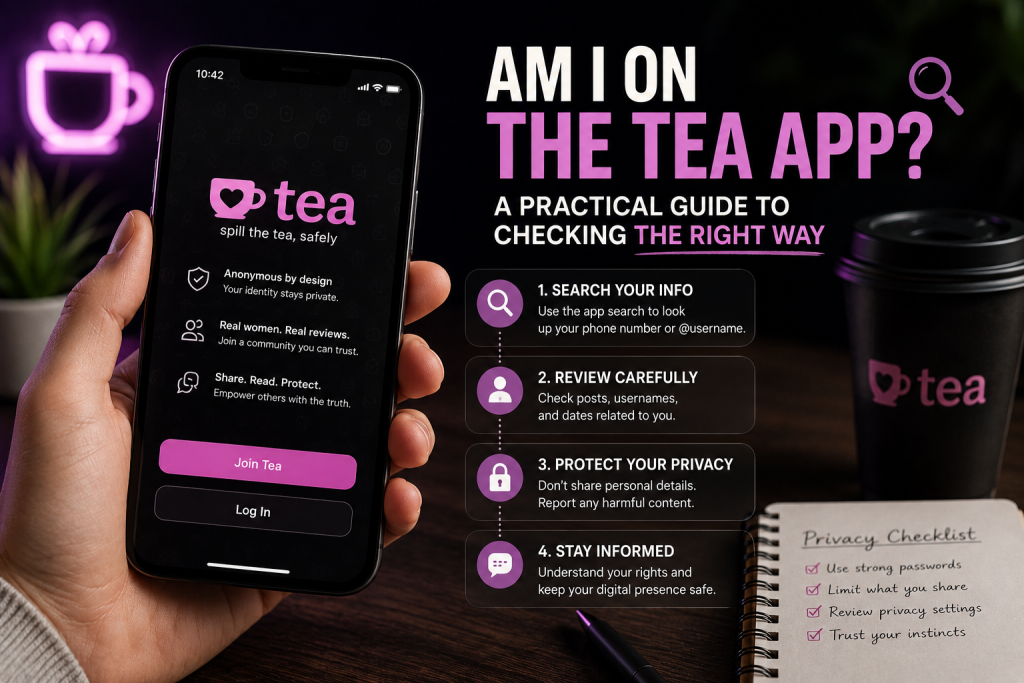
Hearing “you might be on the Tea app” can change the way you interpret every recent dating interaction. A delayed reply suddenly looks suspicious. A canceled date feels connected. A vague comment from a friend starts to sound like proof.
The problem is that none of those signals confirms anything.
You may have been posted. You may have been confused with someone else. The person warning you may be repeating a rumor about an old screenshot. Before reacting, you need to answer two separate questions: does a matching post exist, and does it actually refer to you?
This guide explains how to check without creating a fake account, invading someone else’s privacy, or treating a partial match as established fact.
Understand What You Are Looking For
Tea is a women-focused dating-safety platform where users can exchange information about men they are dating or considering dating. Posts may contain a first name, profile photograph, age, city, social handle, question, warning, personal account, or a red or green flag.
The community can help users identify risks that are difficult to see from a dating profile. However, the content comes from users. That means a post can be accurate and important, but it can also be subjective, incomplete, outdated, or attached to the wrong person.
Your search should therefore look for a combination of matching identifiers—not just your name.
Do Not Treat Dating Changes as Proof
Men often begin searching because something in their dating life feels different. Several matches disappear. A promising conversation cools off. Someone asks a question that seems unusually specific.
Those events can justify curiosity, but they have many possible explanations. Assuming that Tea caused every unsuccessful interaction can lead to obsessive searching and unfair accusations.
Stronger reasons to check include:
- Someone says they personally saw your photo on Tea
- A screenshot contains details that appear to match you
- A date mentions information you did not share with her
- Several people independently refer to the same post
- A former partner explicitly says they posted you
Even these signals should be verified. A screenshot can be old, cropped, edited, or connected to someone else.
Step 1: Ask for the Missing Context
If someone alerted you, calmly ask what they actually saw. Useful questions include:
- Did you see the post yourself?
- Was my photograph included?
- Which city and age were listed?
- Approximately when was it posted?
- Was there written text or only a flag?
- Were there comments that changed or challenged the original claim?
Avoid pressuring the person to give you access to their account. Your goal is to collect identifying details, not enter a private community under false pretenses.
Step 2: Build a Search Profile
Write down the information that has appeared on your dating profiles. Include your first name, any nickname, age, current city, former dating locations, public social handle, and the photographs you used most often.
Think in terms of combinations. A search for “Michael, 30” may be too broad. “Mike, 30, a specific suburb, and a recognizable Hinge photo” is much more useful.
Older details matter as well. A person may post a screenshot months after matching, and your age or city may have changed since then. Include a former location if you dated there recently, but do not flood the search with unrelated places.
Only provide information relevant to identification. Never submit passwords, private conversations, government identification, or financial details for this purpose.
Step 3: Choose a Lawful Way to Check
Because Tea is not designed to give the subjects of posts direct access, some people consider using a fake identity or someone else’s account. That is a poor solution. It may violate platform rules, compromise another person’s privacy, and leave you with screenshots that lack reliable context.
A focused lookup service offers a more straightforward option. teachecker uses submitted identifying details to look for a potentially matching Tea post without giving the customer direct access to the community.
It is important to understand the limit of that service. A lookup can report what appears to match the supplied information. It cannot guarantee that every post is available, prove that an anonymous statement is true, identify the author with certainty, or control whether Tea removes content.
My Experience With the Search Process
When I tried the service, I entered my first name, age, city, and the selfie I use on my Hinge profile. The result arrived about 12 hours later.
The process did not look like an instant AI face-search result. Based on the waiting time and the way the result was presented, it appeared that someone had manually reviewed the details and searched for a relevant match. I cannot verify exactly what happened behind the scenes, so I would describe that as my customer impression rather than a technical fact.
The search found a post created by a woman I had dated through Hinge. I was shocked when I first saw it. However, she had not said anything seriously bad about me, and several comments were positive. That context made me feel much better.
The experience showed me why checking is more useful than guessing. Before the result, “being posted” felt like the worst possible outcome. After seeing it, I could evaluate what was actually written instead of reacting to an imagined accusation.
Step 4: Interpret the Outcome Conservatively
Lookup results should not pretend that every identity comparison is certain.
Found
A Found result means the available identifiers strongly support a match. Compare the photograph, name, city, age, profile wording, and date. Then read the entire discussion, including positive comments, disagreements, and corrections.
Not Found
Not Found means no matching result was located with the information provided. It is not a permanent guarantee. The post may use a nickname, a nearby city, an old photograph, or details you did not include. Content can also be deleted or added later.
Before running another search, identify what new information you can provide. Repeating the same broad request is unlikely to improve the answer.
Possible Match
A Possible Match contains similarities but not enough evidence for confirmation. Treat it as unresolved. Do not confront a former partner or publicize an allegation based only on a shared first name and location.
Step 5: Decide What the Post Actually Means
Finding your photo does not tell you whether the post is dangerous, neutral, or even positive. Classify what you see:
- A question asking whether anyone knows you
- A personal opinion about compatibility
- Positive comments or a green flag
- A warning based on a described experience
- A specific factual allegation
- Private information, threats, or intimate images
Each category calls for a different response. An unflattering opinion is not the same as a false claim about a crime. A vague flag is not the same as publishing an address or private photograph.
Save the complete context before doing anything. A cropped image may omit the date, comments, or a correction that materially changes the meaning.
Remember That User Posts Are Not Verified Judgments
A friend told me his ex posted him and invented a story to harm his reputation. I cannot independently establish which parts of their dispute were true. The lesson is not that every negative Tea post is false. It is that anonymous or user-submitted claims still require evidence.
Do not retaliate publicly, threaten the suspected author, or assume you know who posted it. If the content includes serious false factual claims, stalking, threats, private images, or professional harm, preserve the evidence and consider speaking with an appropriately qualified adviser.
What Not to Do
While looking for an answer, avoid actions that can make the situation worse:
- Do not create a deceptive account to enter Tea
- Do not borrow an account without permission
- Do not accuse someone based on a Possible Match
- Do not share private screenshots publicly for revenge
- Do not assume a Not Found result covers all future posts
- Do not pay anyone promising guaranteed removal from a platform they do not control
The purpose of checking is to reduce uncertainty, not create a second conflict.
The Bottom Line
If you are asking, “Am I on the Tea app?” start with evidence. Gather the names, cities, ages, and photographs you actually used. Trace the original rumor to its source. Use a lawful lookup method, then evaluate the result with the same caution you would apply to any other user-generated content.
Being posted can be unsettling, but the existence of a post does not reveal its meaning. The full context may contain an allegation, a misunderstanding, a neutral question, or—as I discovered—comments that are more positive than expected.
Verify first. Interpret carefully. Respond only to what the evidence actually shows.

Amanda Lancaster is a PR manager who works with 1resumewritingservice. She is also known as a content creator. Amanda has been providing resume writing services since 2014.




