

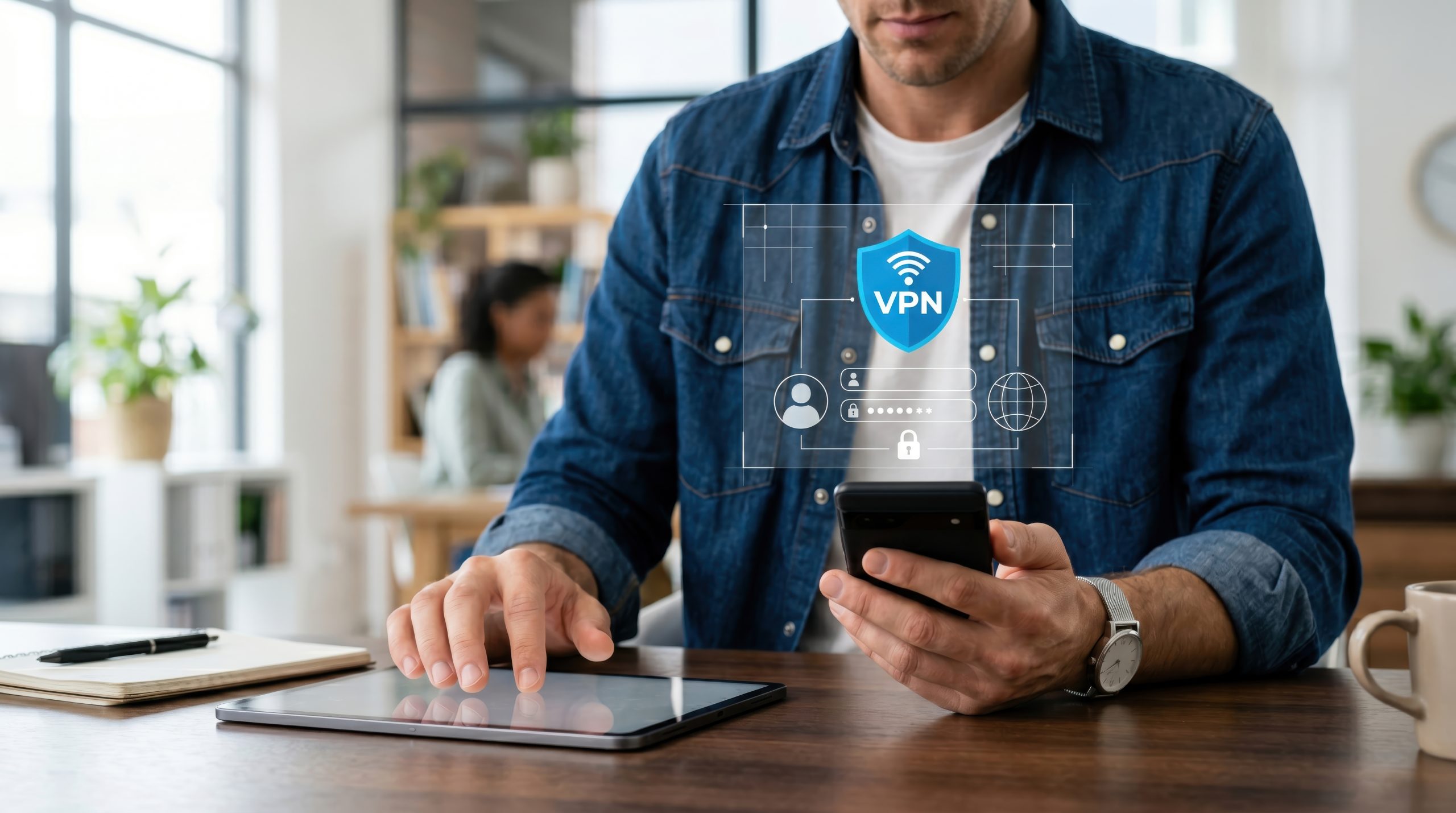
In today’s digital age, online security and privacy have become increasingly important concerns for internet users around the world. One of the most common tools people use to improve their privacy is a VPN, or Virtual Private Network.
But what exactly is a VPN, how does it work, and when is it worth using one? Understanding what a VPN can and cannot do is important before choosing a service.
What Is a VPN?
A VPN, or Virtual Private Network, is a technology that creates an encrypted connection between your device and a VPN server.
Instead of connecting directly to websites and online services using the public IP address assigned by your internet service provider, your traffic is routed through the VPN server. Websites generally see the VPN server’s IP address rather than your own.
This can provide an additional layer of privacy while also protecting traffic traveling between your device and the VPN server.
How Does a VPN Work?
When you connect to a VPN, several things happen:
- Encryption: Your device establishes an encrypted connection with the VPN server. This helps protect data traveling across the local network and internet connection from being easily read by someone intercepting that traffic.
- Tunneling: Your internet traffic travels through the encrypted connection, commonly referred to as a VPN tunnel, until it reaches the VPN server.
- IP masking: The VPN server connects to websites and services on your behalf. Those services generally see the VPN server’s public IP address rather than the public IP address assigned to your connection.
- Return traffic: Information coming back from websites travels through the VPN server and is sent through the encrypted tunnel to your device.
Why Does This Matter?
VPN technology can be useful for several reasons.
More Privacy on Shared Networks
Because traffic between your device and the VPN server is encrypted, a VPN can reduce how much information is exposed to other users on the same local network.
It does not make you completely anonymous, however. Websites, online accounts, cookies, browser fingerprinting, and the VPN provider itself may still be able to identify or track activity.
GVN has taken a closer look at these limitations in our guide on how to evaluate VPN recommendations before trusting them.
Security on Public Wi-Fi
Public Wi-Fi networks in places such as airports, hotels, cafés, and convention centers can expose users to additional security risks if those networks are poorly configured or malicious.
A VPN encrypts the connection between your device and the VPN server, which can provide another layer of protection while using an unfamiliar or shared network.
Changing Your Apparent IP Location
Because websites generally see the VPN server’s IP address, connecting to a server in another region can make your connection appear to originate from that location.
This can be useful when traveling or accessing services that are available in different regions. However, websites and streaming platforms may restrict VPN use through their terms of service, and access is never guaranteed.
Access in Restricted Networks
VPNs can sometimes help users access services that are restricted by a local network or internet provider. Their availability and legality vary by country, so users should always understand the rules that apply where they live or travel.
Secure Remote Access
Businesses have long used VPN technology to allow employees to securely connect to company networks from remote locations.
This can help protect sensitive business information and provide controlled access to internal systems without exposing those systems directly to the public internet.
What Should You Look for in a VPN?
If you are considering a VPN service, there are several factors worth checking before signing up.
- Modern security protocols: Look for services supporting established VPN protocols such as WireGuard or OpenVPN with strong encryption configurations.
- Privacy policy: Read the provider’s logging policy carefully. A company describing itself as “no logs” does not automatically mean every type of operational data is never collected.
- Performance: Routing traffic through an additional server and encrypting the connection can affect speed and latency. Look for a service with reliable performance on the devices and networks you actually use.
- Server locations: A larger selection of server locations can provide more flexibility when choosing where your connection exits onto the internet.
- Device support: Make sure the VPN supports your computer, phone, tablet, router, or other devices.
- Ease of use: Modern VPN applications should make connecting, changing servers, and adjusting important security settings straightforward.
- Customer support: Reliable support can be useful when dealing with connection problems, account issues, or device-specific configuration.
Common Misconceptions About VPNs
A VPN Makes You Completely Anonymous
It does not.
A VPN can hide your normal public IP address from websites and protect traffic between your device and the VPN server, but other tracking methods still exist.
Logging into Google, Facebook, Amazon, or another account still identifies you to that service. Cookies, browser fingerprinting, malware, device identifiers, and VPN provider records may also reveal information about your activity.
The same limitation applies when using VPNs for activities such as file sharing. As we explained in our look at VPNs, torrenting, privacy, and common myths, a VPN does not automatically make an activity anonymous, safe, or legal.
VPNs Are Only for Tech-Savvy Users
That may once have been closer to the truth, but modern consumer VPN applications are generally designed to be straightforward. In many cases, connecting requires little more than choosing a server and pressing a button.
Using a VPN Is Always Illegal
VPN use is legal in many countries, including the United States, but laws and restrictions vary around the world.
Some governments restrict or regulate VPN services, and using a VPN does not make otherwise illegal activity legal. Travelers should check current local laws before relying on a VPN in another country.
The Bottom Line
A VPN can be a useful tool for improving online privacy and security. It can help protect traffic on shared networks, reduce direct exposure of your normal public IP address, provide secure remote access, and give users more control over how their internet connection reaches the wider web.
What it cannot do is make you invisible online.
A VPN should be viewed as one part of a broader security strategy that also includes strong passwords, multi-factor authentication, updated software, secure browsers, and careful decisions about the websites and services you use.
By understanding how VPN technology actually works and choosing a provider based on privacy practices, security, performance, and your own needs, you can make a much more informed decision about whether a VPN belongs in your online toolkit.

Madeline Miller love to writes articles about gaming, coding, and pop culture.