

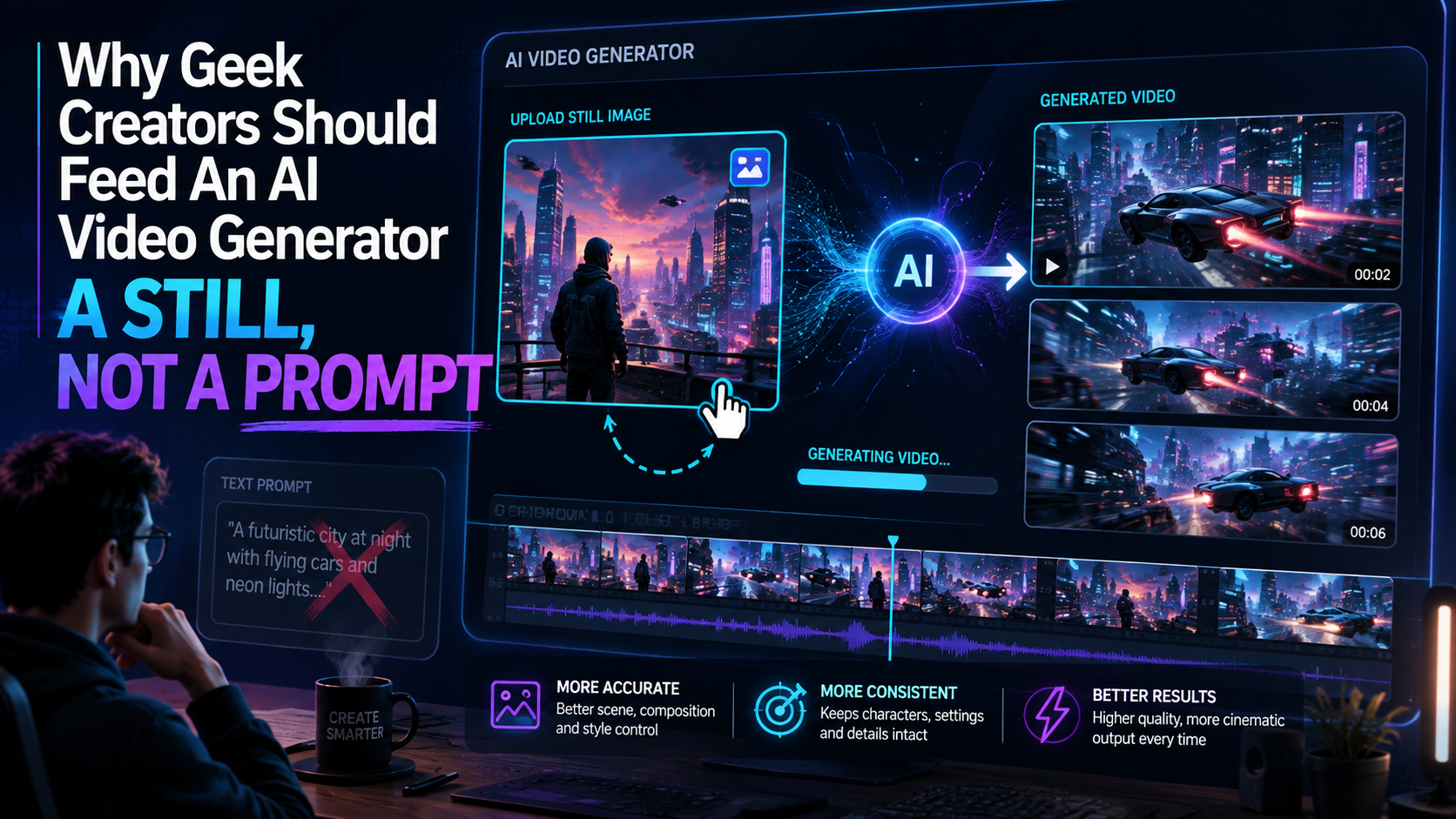
Comic panels, game screenshots, and cosplay photos already solve the hardest problem in generated video: keeping a character looking like themselves.
A recap video lives or dies on whether the person on screen is the person the audience already knows. The same test applies to a theory essay that cuts to a scene, an indie trailer, a motion-comic teaser, a cosplay reveal. Type a description into an AI video generator and the model will return someone adjacent to the one you meant. Hair a shade off. Costume language that reads as inspired-by rather than the actual design. Viewers who have watched the show, played the game, or read the issue clock that mismatch in a few seconds. They do not need a vocabulary for generative models. They just know the footage is wrong.
The fix is already on the hard drive. Comic pages, game screenshots, concept art, convention photos — these are specific. Starting generation from a still asks the model to move what you gave it. Starting from a prompt asks it to invent the subject. For this audience, invention is the failure.
Why prompts keep producing a near-miss of the character
Text is a coarse instrument. “A red-and-blue suited hero swinging between skyscrapers” describes a category. It does not pin a specific face, a specific emblem, a specific fabric sheen. Run the prompt twice and you get two different near-misses. Extra adjectives narrow the category. They still never land on one canonical look, because language does not have that resolution.
Geek audiences are unusually hard on this. A product ad can survive a slightly wrong bottle. A fan of a ten-season show will not forgive a jawline that belongs to a different actor. Game communities have spent years calling out trailers that do not match the build. Comic readers notice when costume linework turns into generic illustration. The standard is not cinematic. The standard is: that is the thing I already care about.
So the still’s job is identity. Once the still is in place, the prompt only has to describe motion: a slow push-in, a camera orbit, rain on a window, a page turning. Short prompts work here because they carry less of the load. Commercial tools call this image to video AI. The still becomes the first frame or a persistent reference, and the model is asked only for movement.
The stills sitting on your drive
Most geek creators already shoot or collect the right inputs without treating them as inputs.
Comic and manga panels. A clean panel with a single character, a readable silhouette, and an uncluttered background is a strong first frame. Dense splash pages with eight figures and overlapping speed lines give the model too many subjects to hold. Pick the panel the way an editor picks a cover detail.
Game screenshots and concept art. For an indie trailer, a screenshot from the actual build is the honest still. Generated footage that looks more expensive than the game will get named in Steam discussions the week you launch. Painted location art and character turnarounds work as atmosphere. They are a poor substitute for pretending to be gameplay.
Cosplay and convention photos. A well-lit photo of a finished costume is a better character reference than a paragraph describing the costume. Group shots and busy dealer-hall backgrounds are weak. A single subject against a simple backdrop gives the model one job.
Film and TV stills used as commentary. A still under a recap or a video essay is supporting an argument. Generating a standalone animated scene of someone else’s character and posting it as original entertainment is a different activity, and platforms treat it that way. The still does not change who owns the IP.
How to run an AI video generator from a still
A usable routine has a shot list before any generation runs.
Write the video first. Recap, theory, trailer, teaser — the argument or the sequence belongs to you. Then break it into shots of a few seconds each. For every shot, pick one still and one motion note. Generate that shot on its own. Budget on throwing away a third to half of the takes. Edit the survivors into the script. Add titles, names, and any readable text in an editor, because generated lettering remains unreliable.
That loop — still, brief, generate, review — is the whole method. Platforms built around it keep the still, the motion note, and the review in one place rather than spreading them across a prompt tab, a folder of PNGs, and a separate timeline. Medeo is one example of that category: an AI video platform where an image or a short script goes through generation and assembly in a single workflow. The principle holds even if you never open that particular tool. The still comes first. The model is hired for motion.
For trailers, run a check before you publish. Pause the generated shot next to the screenshot you started from. If a player could not tell they belong to the same game, the clip is doing marketing you will have to walk back.
Two numbers worth tracking
Cost per usable clip is generation spend divided by the number of shots that survive the edit. As an illustrative case, if a recap episode spends $40 on generation and eight shots make the cut, each usable clip cost $5. Track it across a month. If the number climbs, the stills are too messy or the motion notes are asking for physics the model cannot do — hands on props, crowds, fabric-heavy fight scenes. If it falls below what a stock-footage subscription would cost for equivalent b-roll, the workflow is earning its keep.
The second number is the first five seconds of retention against your own channel median. Generated motion often fails immediately: a face smear, a costume flicker, a camera move that feels unmotivated. A video that underperforms your median in the opening seconds is usually telling you which opening still to replace, not that the whole topic was wrong.
The same volume pressure shows up in Wyzowl’s 2026 video marketing statistics: 63 percent of video marketers now use AI video tools, up from 51 percent a year earlier. Recap channels and small studios are not that sample. They sit under a tighter version of the constraint — more uploads expected, same editing time.
Failures that still show up on screen
Anchoring the subject does not fix everything, and the remaining errors are the ones audiences notice first.
Hands and object interaction remain the weakest case. A character picking up a controller, drawing a sword, or turning a comic page will often smear. If the shot depends on that action, film it or cut around it. Text inside the frame — location cards, UI mockups, Japanese or Korean sound-effect lettering that anime-style work relies on — still comes out as texture rather than language. Put it on in post. Physical consistency also drifts across shots: a costume’s material, a room’s layout, a prop’s silhouette will shift if you generate each shot from a slightly different still. Keep one reference image in the folder and check every take against it.
Clips stay short. A few seconds of coherent motion is the working unit. Longer pieces are still an edit of several generations, which is why the shot list matters more than the prompt. And if the niche depends on precise visuals — a hardware teardown, exact combos, real gameplay — generation will not carry the A-roll. Use it for establishing shots and transitions. Publish the real footage where accuracy is the point.
What changes, and what does not
An AI video generator does not give a solo creator a studio. It removes the budget reason that recaps looked like talking-head plus stills, that indie trailers were slideshows, that motion comics stayed a niche of limited panel zooms. The floor moves. The ceiling — a show with a real camera department, a game with a real cinematics team, a comic with a real animator — stays where it is.
What the tools reward, in this corner of the internet, is having the still in the first place. Creators who already photograph costumes, capture screenshots, and scan pages are sitting on better inputs than a paragraph of cinematic adjectives. The work that remains is the work that was always the job: write the recap, cut the trailer honestly, throw away the takes that smear, and put your name on the edit.

Sandra Larson is a writer with the personal blog at ElizabethanAuthor and an academic coach for students. Her main sphere of professional interest is the connection between AI and modern study techniques. Sandra believes that digital tools are a way to a better future in the education system.