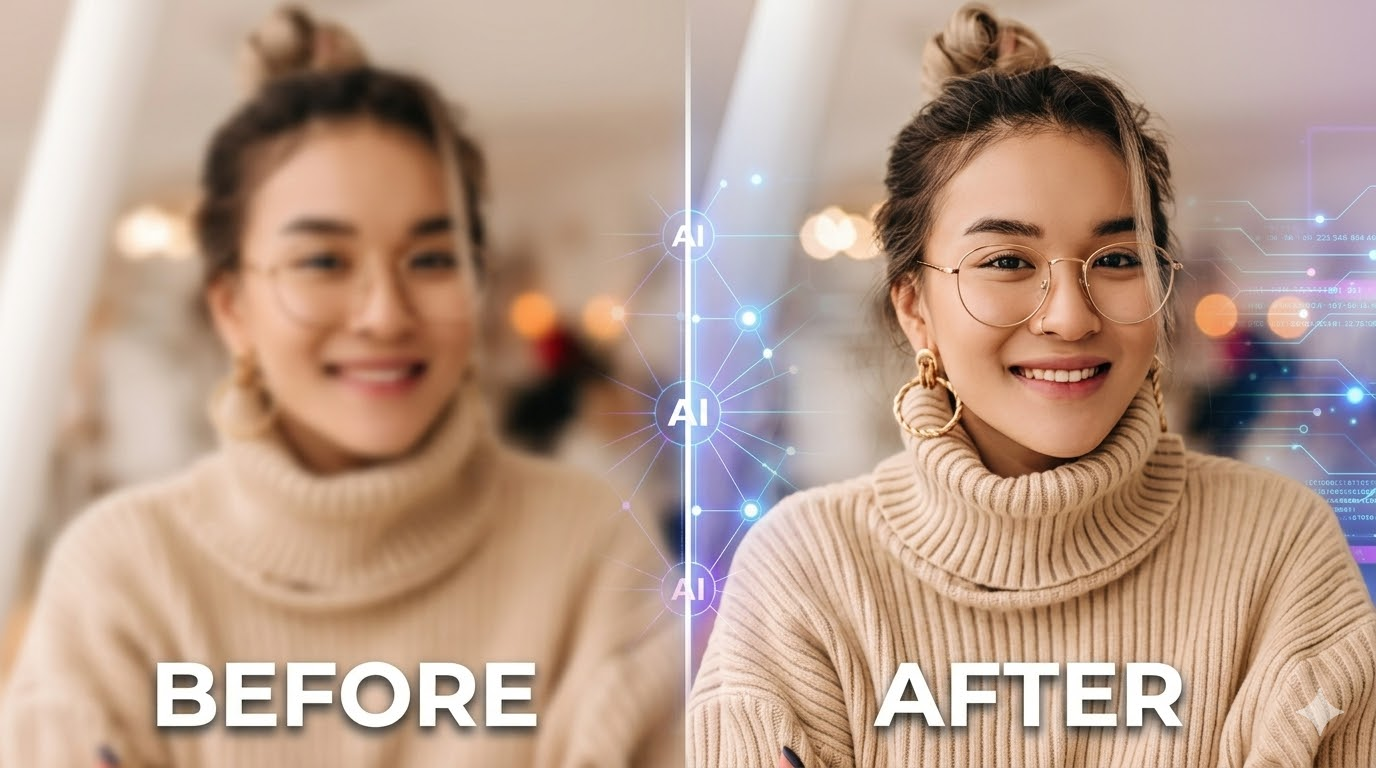
Product photos often need a new background, a different mood, or a small visual adjustment. The difficult part is making that change without losing the details that help customers recognize the item. A comparison based on unrelated demo images will not answer that question. Use one real product photo and one clear brief instead.
The five services below are candidates for a practical test, not a measured ranking. Their current workflows and terms may change. Before you rely on any result, confirm the product’s present capabilities and usage conditions directly.
Five Candidates for a Product Photo Test
Adobe Firefly
If Adobe Firefly is on your shortlist, test it with the same source photo and editing instruction you plan to use elsewhere. Check whether the result meets your requirements for the product’s appearance and the intended campaign. When the image is for commercial work, review the current terms for the specific service and account rather than relying on assumptions.
Keep a copy of the original image. That makes it easier to spot changes to product shape, color, packaging, or small details that may not be obvious at first glance.
Canva AI
Use Canva AI as a candidate when the final deliverable is more than a standalone product image. Give every tool the same visual brief, then evaluate whether the result works in the composition you actually need, such as a promotion or product announcement.
The important question is not whether a generated picture looks polished on its own. It is whether the asset can support the message, fit the layout, and pass your review process. Record any additional editing steps so you can compare the complete workflow rather than only the first output.
Fotor
Try Fotor with a focused request that changes one part of the image. For example, ask for a cleaner setting while keeping the product itself recognizable. Note whether the result follows the instruction and how much correction is needed afterward.
Keep the test narrow. If you change the background, lighting, product angle, and styling in one prompt, a weak result will not tell you which instruction caused the problem. One change at a time gives you clearer feedback.
Image to Image
Image to Image AI is a specific browser-based product for creating or editing images from prompts and visual references. Its official product description says users can upload up to five reference images, describe a change, select a model, and generate one to four results. The listed editing tasks include replacing backgrounds, changing or removing objects, editing text, and restyling images. Image to Image
For a product-photo test, begin with the actual item and request one controlled edit, such as placing it in a neutral studio setting. Compare the result with the original. Check the item’s silhouette, distinctive markings, color, and any visible text. If the product changed in ways the brief did not request, record that as part of the test rather than overlooking it because the new background looks attractive.
Pixlr
Add Pixlr to the comparison if it is a candidate your team is considering. Run the same source image and brief where the current workflow allows, then record how closely the result matches your requirements and how much manual refinement it takes.
Do not combine several different editing goals in the first test. Start with a background change, then run a separate test for an object or lighting adjustment. This makes it easier to compare results across services and to identify which task needs a different workflow.
Use One Shared Product Photo Brief
Choose a product image that your business would realistically use. Write a single instruction such as: “Place this item in a bright, neutral studio setting with soft side lighting. Keep its shape, packaging color, and distinctive details recognizable.” Use the same wording across the shortlist. Where a service does not accept the same input or cannot perform the same task, record the limitation clearly.
Review each result at full size. A small thumbnail can hide changes to labels, edges, reflections, or proportions. Ask someone who knows the product to check whether it is still represented accurately. For product pages, ads, or marketplace listings, verify the applicable rules before publishing a generated image.
What to Record
Use a simple worksheet with one row per tool. Score each criterion consistently, for example from one to five, and include a short note explaining the score:
- Match to the written instruction
- Preservation of the product’s important details
- Number of revisions needed
- Quality at the intended display size
- Current usage terms, limits, and cost
The number is a team comparison aid, not an objective industry rating. If one candidate receives a higher score, the written notes should explain why. That makes the decision easier to revisit when the assignment or product changes.
For a reference-image workflow, include the Image to Image AI editor in the same test. The strongest choice is the one that meets your product requirements with an acceptable amount of review and correction.
Frequently Asked Questions
Can AI editing change a product’s details? It can produce differences from the source, so inspect the result carefully. Do not assume that a background or lighting edit leaves every other detail untouched.
Can the same prompt compare every website? It is a useful starting point when the workflows allow it. If a service needs different input, record that difference and avoid treating the test as perfectly equivalent.
What matters most for product images? Start with accuracy. A visually appealing result is not useful if the item no longer looks like the product customers will receive.