

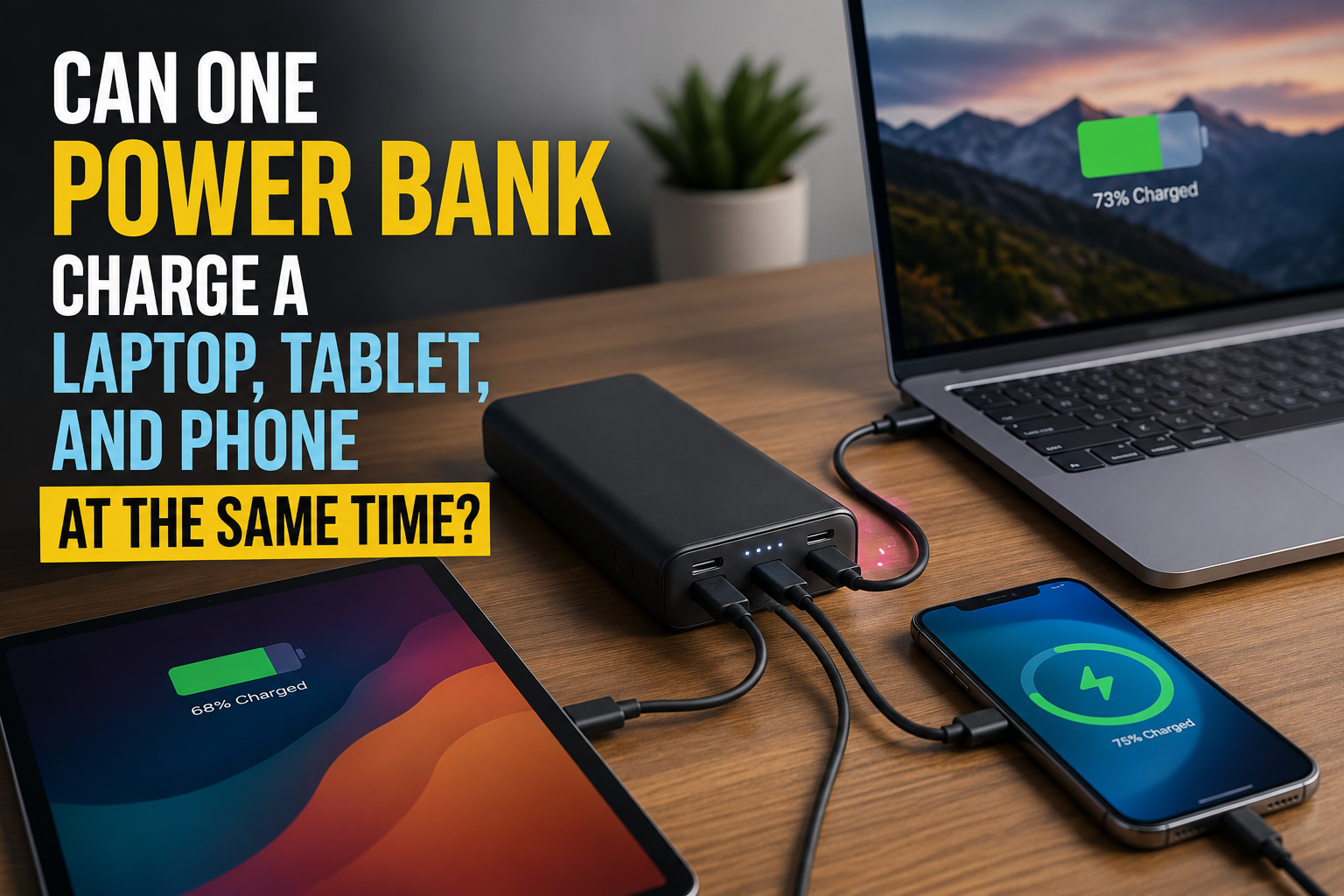
Yes, one power bank can charge a laptop, tablet, and phone simultaneously, but having three ports does not guarantee that all three devices will charge at full speed.
The result depends on four things: the power bank’s total output, the maximum output of each port, how power is divided when several ports are active, and whether the connected devices and cables support the same charging standards.

Start With the Combined Power Requirement
Estimate how much power the three devices may request. Typical USB-C charging requirements vary considerably:
|
Charging scenario |
Laptop |
Tablet |
Phone |
Combined requirement |
|
Light mobile setup |
45W |
20W |
20W |
85W |
|
Standard work setup |
65W |
30W |
25W |
120W |
|
High-performance setup |
100W |
45W |
30W |
175W |
These numbers are examples rather than fixed requirements. A laptop may draw close to its maximum while performing demanding work, then reduce its input as the battery fills. Phones and tablets also lower their charging rates when they become warm or approach a full charge.
A 100W power bank could support the first setup if its port distribution is suitable. In the 120W example, it would need to reduce the charging speed of at least one device. The 175W setup requires a much higher total output if all three devices are expected to charge quickly at the same time.
Total Output and Port Output Are Different
A power bank may advertise “140W output,” but that figure can mean several different things:
-
One USB-C port can provide up to 140W.
-
All ports together can provide up to 140W.
-
The power bank can briefly reach 140W under particular conditions.
-
The maximum falls when a second or third device is connected.
Suppose a three-port model has a total output of 140W. When only the main USB-C port is used, it may deliver the full 140W. With three devices connected, its distribution could change to 100W, 30W and 10W.
That would be enough for a compatible laptop, but the phone might charge slowly through the 10W port. Another 140W model could divide its output as 65W, 45W and 30W, producing a better result for three medium-power devices.
Always check the multi-port output table in the product specifications. The number of ports tells you how many devices can be connected; the power-distribution table tells you how well they can charge together.
USB-C Power Delivery Negotiates the Charging Rate
USB Power Delivery allows a power source and connected device to negotiate voltage and current. According to the USB Implementers Forum, the system allows each device to request the power it needs while the charger manages the available capacity.
This is why a 140W port does not force 140W into a phone. A phone that supports 25W will request an appropriate charging profile, while a laptop may request 65W, 100W or more.
When another device is connected, the power bank may need to redistribute its output. Charging can pause for a few seconds while the ports renegotiate. That brief interruption is normally expected. A recurring cycle of disconnecting and reconnecting, however, may indicate an incompatible cable, insufficient output or unstable power allocation.
Confirm That the Laptop Supports USB-C Charging
A USB-C port does not automatically support charging. Some laptops use USB-C only for data or video, while others accept power through only one of several USB-C ports.
Check the laptop’s manual or the wattage printed on its original charger. If the original adapter is rated at 65W, the laptop will normally need access to a port capable of supplying a compatible charging profile at or near that level.
A lower-powered connection may still work, but charging will be slower. If the computer consumes more power than the port supplies, its battery percentage may continue to fall even though the charging symbol is visible. Microsoft identifies insufficient charger power, an incompatible port and an underspecified cable as common causes of slow USB-C charging. Apple similarly notes that a Mac may display a “Slow Charger” warning when the delivered wattage is below the recommended level.
High-performance gaming and workstation laptops can be more difficult. Some accept USB-C power for light use but require a proprietary adapter to run demanding workloads or charge at full speed.
Use the Main Port for the Laptop
Multi-port power banks usually reserve their strongest USB-C port for laptops. It may be labeled USB-C1, PD, 100W or 140W. Connect the laptop to this port before connecting the tablet and phone.
The tablet should normally use the second-highest-powered USB-C port. The phone can use the remaining USB-C or USB-A connection, depending on the charging protocol it supports.
Connecting the phone to the highest-output port and the laptop to a secondary port can produce poor results even when the power bank has enough total capacity. The primary port may hold unused power that the secondary port cannot access.
EcoFlow’s power bank range includes RAPID Pro models with 27,650mAh or 99.54Wh of capacity, up to 300W total output and a built-in cable capable of delivering up to 140W. This level of output is intended for mobile workstations and several high-demand devices, whereas a lower-output model may connect the same three devices but charge them more slowly.
Do Not Ignore the Cables
Every connection must support the intended charging power. A high-output power bank cannot deliver 100W or 140W through a cable designed for basic phone charging.
For the laptop connection, use a USB-C cable explicitly rated for the required wattage. Charging above 60W generally requires a suitable 5A electronically marked cable. A 140W laptop connection also needs a cable and device that support the appropriate USB PD profile.
A cable can create a bottleneck without looking damaged. If the laptop charges correctly with its original cable but slowly with another cable, the cable specification is the first thing to check.
Built-in cables simplify compatibility because their maximum output is defined by the power bank manufacturer. For detachable cables, verify the rating instead of assuming that every USB-C cable supports the same power.
Capacity Determines How Long the Setup Can Continue
Output power determines whether the three devices can charge together. Battery capacity determines how long the power bank can maintain that output.
For example, a 99.5Wh power bank supplying a constant combined load of 120W has a theoretical runtime of:
99.5Wh ÷ 120W = 0.83 hours
That is approximately 50 minutes before accounting for conversion losses. Real behavior will be less straightforward because the devices will change their power draw as their batteries fill, but the calculation shows how quickly simultaneous high-power charging can consume stored energy.
This does not necessarily mean the power bank is too small. In many travel and work situations, the goal is to add enough charge to finish a meeting, flight or work session rather than fully recharge all three devices.
To extend runtime, charge the laptop while it is sleeping, pause demanding applications and disconnect devices once they reach the required battery level. Charging three devices to 70% may be more useful than completely filling one while leaving the others nearly empty.
Why One Device May Charge Slowly or Stop
Symptom |
Likely cause |
Practical response |
Laptop shows “slow charger” |
Its port received less power after output was divided |
Move it to the highest-output USB-C port |
Phone charging slows after connecting the laptop |
The power bank prioritizes the laptop |
Check the multi-port distribution table |
Laptop battery still decreases |
The computer is consuming more power than it receives |
Reduce the workload or charge it while asleep |
Charging pauses when another device is connected |
USB PD is renegotiating the port allocation |
Wait a few seconds before reconnecting anything |
One device repeatedly disconnects |
Cable, protocol or total-output problem |
Test a rated cable and connect fewer devices |
Charging speed falls after extended use |
The power bank or device is limiting power because of heat |
Improve ventilation and allow the equipment to cool |
The Practical Answer
One power bank can replace several separate chargers when its port layout and power distribution match the devices being used.
For a 45W laptop with a phone and a small tablet, approximately 100W of well-distributed output may be sufficient. A 65W laptop plus a faster-charging tablet and phone is better matched with roughly 140W or more. A workstation laptop and two additional devices may require 200–300W of combined output to avoid significant reductions in charging speed.
The key is not simply choosing the model with the largest number printed on its case. Add the devices’ likely power requirements, confirm the output available from each port when all ports are active, and use cables rated for those power levels. That is what determines whether three connected devices are genuinely charging or merely sharing too little power.

Sandra Larson is a writer with the personal blog at ElizabethanAuthor and an academic coach for students. Her main sphere of professional interest is the connection between AI and modern study techniques. Sandra believes that digital tools are a way to a better future in the education system.