

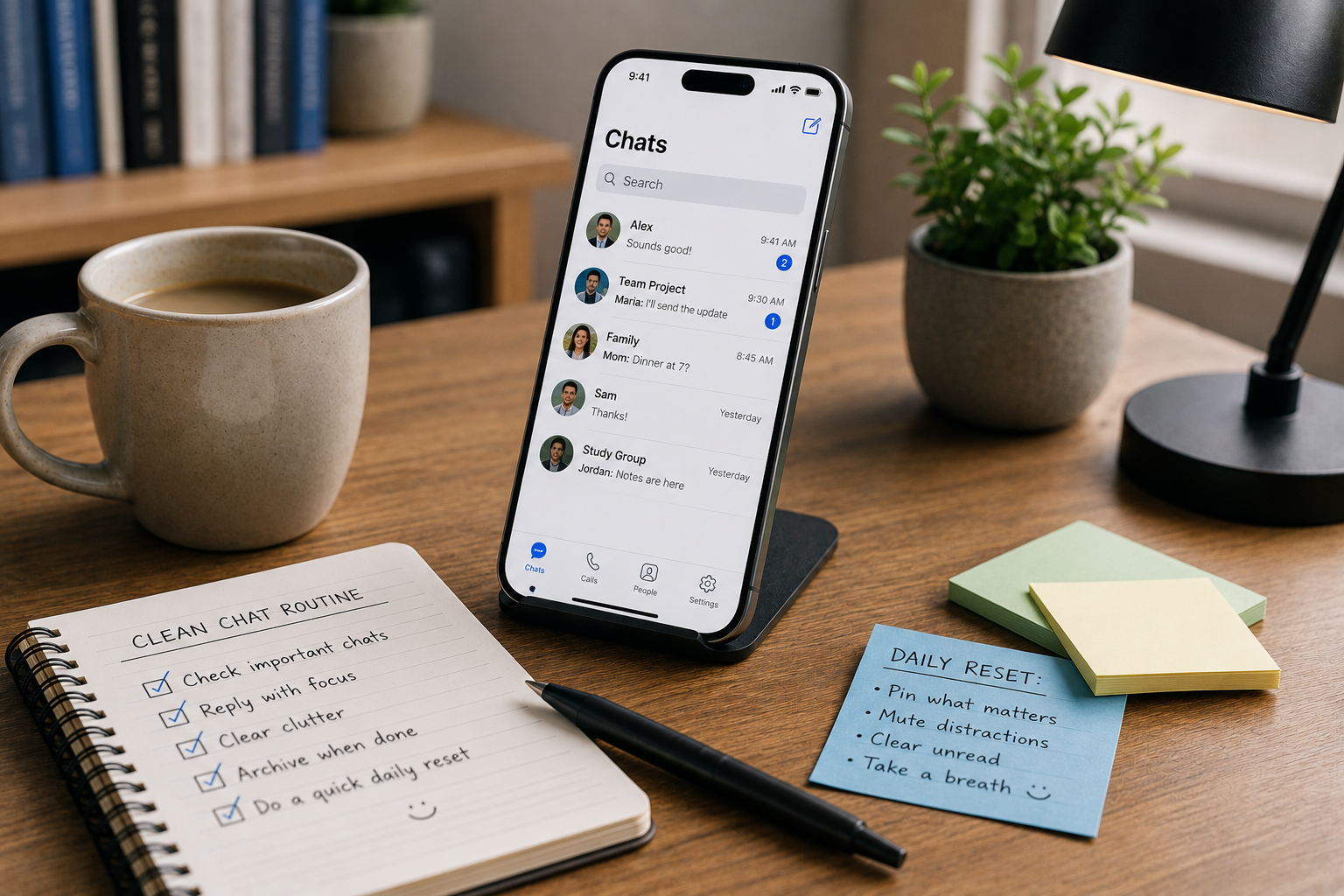
Messaging apps are supposed to make everyday communication easier. In practice, chat clutter can build quickly: people move between several platforms, dozens of group conversations, hundreds of contacts, and a growing stream of screenshots, documents, links, photos, and voice messages.
The obvious response is often to install another app with better organization features. In practice, adding one more platform can create another place to check, another notification stream to manage, and another search history to remember.
A cleaner chat routine usually comes from reducing duplication, deciding which conversations actually matter, and creating a few simple habits for notifications, files, contacts, and media. The goal is not to build a complicated productivity system. It is to make everyday communication easier to scan, search, and manage.
For most users, that starts with understanding where the clutter comes from.
Why Chat Apps Become Messy Over Time
Most messaging accounts do not become disorganized overnight.
Clutter builds gradually as once-useful conversations, contacts, and downloaded files remain visible long after they stop being relevant.
A family group may stay active for years. A temporary project chat can remain in the conversation list after the project ends. Old school or workplace groups linger, contacts change names or usernames, and downloaded files accumulate without a clear home.
Meanwhile, users may install additional messaging platforms because different friends, communities, or work contacts prefer different services.
Over time, the communication environment becomes fragmented.
Typical symptoms include:
- too many inactive group chats;
- repeated notifications from low-priority conversations;
- duplicate contacts across different apps;
- important files buried inside old messages;
- several platforms serving almost the same purpose;
- difficulty remembering where a conversation happened.
The problem is rarely a lack of messaging features. More often, the user has never decided which conversations deserve attention or what role each messaging app should play.
Separate Conversations by Purpose
A simple way to reduce communication clutter is to think about conversations by purpose rather than by app.
For example, most everyday messaging fits into a small number of categories:
- personal conversations;
- family communication;
- work or study;
- community groups;
- hobby or interest groups;
- temporary coordination.
Temporary coordination is especially important.
A group created for a dinner, event, trip, game night, or short project may be useful for a few days and irrelevant afterward. If every temporary group remains active forever, the conversation list becomes increasingly difficult to scan.
Users do not need to create a formal filing system for every chat. They simply need to recognize that not every conversation deserves permanent visibility.
Archiving, muting, or leaving inactive groups can reduce visual noise without affecting the chats that still matter.
One Messaging Tool Can Serve Several Roles
Many users accumulate apps because they assume every communication need requires a separate platform.
Often, the overlap is larger than it first appears.
Modern messaging tools may combine several everyday functions, including:
- private conversations;
- group chats;
- file sharing;
- voice messages;
- image and video sharing;
- contact management;
- community communication.
When deciding whether an existing platform can cover several roles, it is more useful to compare everyday tasks—private chats, group communication, file sharing, media, and community activity—than to simply count features.
For example, someone who already relies on a Potato chat app for private conversations, group chats, and routine file sharing may not need a second service for the same basic tasks. The useful question is not whether another app offers more features, but whether the current setup already covers the person’s everyday communication needs.
Reducing unnecessary overlap can make the entire messaging routine easier to manage because there are fewer places to check, search, and configure.
This does not mean one app must handle everything. Some users genuinely need different platforms for work, family, or communities. The goal is simply to avoid adding another service when an existing one already performs the same practical role.
Stop Treating Every Group as Equally Important
Group chats create some of the heaviest messaging overload because a single active group can generate notifications throughout the day.
Yet most groups are not equally important.
A family conversation may deserve immediate alerts. A hobby group with hundreds of messages per day may not. A temporary event chat might matter only until the event ends.
Giving every group the same notification treatment creates unnecessary interruption.
A better approach is to establish a simple hierarchy.
High-priority conversations can keep normal notifications. Medium-priority groups can be muted temporarily or checked manually. Low-priority or inactive groups can be archived or left entirely.
The exact controls vary between platforms, but the underlying idea remains the same: notification settings should reflect the importance of the conversation.
After applying this kind of hierarchy, many users discover that the real issue is not the number of chats but the lack of prioritization.
Once low-value alerts disappear, the remaining conversations become much easier to follow.
Keep Important Files Out of Long Chat Histories
Messaging apps are convenient places to receive files, but they make poor long-term filing systems.
A document shared in a conversation may be easy to find today because it sits near the bottom of the chat. Three months later, it may be buried beneath thousands of messages, links, and media files.
This becomes a common problem with:
- PDFs;
- screenshots;
- spreadsheets;
- photos;
- presentation files;
- receipts;
- booking information;
- reference documents.
The simplest solution is to decide which files deserve to leave the chat.
A temporary meme or photo may not need to be saved anywhere. A tax document, school assignment, travel booking, or work file probably does.
Once an important file is downloaded, move it into a folder with a name that will still make sense later.
This small habit reduces dependence on chat search and helps prevent the same document from being downloaded repeatedly because nobody remembers where it was originally shared.
Use File Names That You Can Recognize Later
Even moving files out of a messaging app does not help much if every file has a vague name.
Names such as:
document.pdf
IMG_4838.jpg
final.docx
newfile.xlsx
They may be understandable for a few minutes, but they provide almost no useful context later.
A better filename includes one or two details that answer basic questions:
What is this?
Who or what is it related to?
When was it created?
For example:
Apartment-Lease-2026.pdf
Japan-Flight-Booking-August.pdf
Marketing-Budget-Q3.xlsx
These names are simple, but they make search dramatically easier.
The key is consistency, not complexity.
Users should avoid building elaborate naming systems that they will stop following after a week. A simple rule used consistently is much more useful.
Consistent Contact Names Make Search Easier
Contact naming is another source of everyday friction.
One person may appear under a real name, nickname, company name, username, or phone number depending on the platform.
This becomes especially confusing when users communicate with the same person across several apps.
A simple improvement is to keep recognizable contact names whenever the platform allows it.
For example, instead of saving:
“Mike New”
“Mike Work”
“Michael Sales”
“Mike 2”
it may be more useful to choose a consistent structure such as:
“Mike Chen – Sales”
This is particularly helpful for people who have large contact lists or communicate internationally.
Users do not need to rename every person they know. The biggest benefit comes from fixing the contacts that are repeatedly difficult to find.
Reduce App Switching Before Adding More Features
One of the most overlooked sources of digital friction is app switching.
A user may begin a conversation in one app, receive a file in another, search for an old message in a third, and check a community update somewhere else.
Each switch feels small on its own.
Across an entire day, however, those transitions add up and make communication harder to track.
Before installing another communication platform, it is worth asking whether the new app solves a genuinely different problem or mainly duplicates tasks that are already covered elsewhere.
If the same people, files, groups, and conversations are spread across more services without a clear reason, the added complexity can outweigh the benefit.
Someone reviewing a Potato messaging app, for example, can compare its private-chat, group-messaging, file-sharing, and media functions with the tasks they actually perform each day. If those needs are already covered comfortably, another app may add more switching than value.
The best setup is not necessarily the one with the most features. It is the one that covers the user’s real communication needs with the fewest unnecessary transitions.
Be Selective About Media Auto-Downloads
Photos, videos, documents, stickers, and voice messages can quietly create storage clutter.
Automatic media downloads are convenient because content appears immediately. However, large group chats can generate hundreds of files that users never intended to keep.
Over time, this can create several problems:
- unnecessary storage use;
- crowded download folders;
- duplicate files;
- difficulty identifying important documents;
- slower backups;
- more time spent cleaning the device.
Users who participate in active groups may benefit from being more selective about automatic downloads, especially for large videos and documents.
The goal is not to prevent all media from downloading. It is to avoid saving every file by default when most of it has little long-term value.
Archive Instead of Constantly Deleting
Some users try to maintain a clean conversation list by deleting chats aggressively.
That can create a different problem: useful context disappears.
Archiving is often a better option for conversations that are no longer active but might still contain information worth keeping.
Examples include:
- an old project conversation;
- a completed travel planning group;
- a former class chat;
- a temporary event group;
- a discussion containing useful links.
Archiving removes visual clutter while preserving the conversation history.
This creates a useful middle ground between keeping every chat visible and deleting everything permanently.
Give Every Messaging App a Clear Job
If multiple messaging platforms are genuinely necessary, assigning each one a clear role can reduce confusion.
For example:
- one app for family;
- one for work;
- one for specific communities;
- one for international contacts.
The categories do not need to be strict, but the user should be able to explain why each app remains installed and what communication need it serves.
If two or three platforms serve exactly the same people for exactly the same purpose, that is often a sign of unnecessary overlap.
The goal is not to force every conversation onto one platform. It is to reduce the number of places users have to check simply because no communication pattern has been established.
Build a Five-Minute Weekly Cleanup Habit
Messaging organization works best when maintenance is small and regular.
A five-minute review once a week is usually enough.
During that review, users can:
- archive inactive conversations;
- mute noisy groups;
- leave groups that are no longer useful;
- move important downloaded files;
- delete obvious duplicate media;
- review unread chats;
- rename confusing contacts.
This routine prevents communication clutter from becoming large enough to require a major cleanup later.
It also makes it easier to notice which apps are genuinely useful and which ones are simply occupying space.
The most effective digital organization habits are usually the ones that require very little effort.
A Cleaner Messaging Routine Is Mostly About Decisions
People often assume that a cleaner digital life requires better software. Sometimes a different tool helps, but many communication problems come from unclear decisions rather than weak features.
The biggest gains usually come from deciding what deserves attention, what should be archived, where important files belong, and which apps have a distinct purpose.
A useful cleanup starts by answering a few practical questions:
Which conversations deserve notifications?
Which groups still matter?
Which files should be saved outside the chat?
Which apps are genuinely necessary?
Which contacts are difficult to recognize?
Once those questions have clear answers, everyday messaging becomes much easier to manage.
Adding another app may occasionally solve a real problem, but it should not be the default response to communication clutter.
A simpler chat routine usually comes from reducing duplication, controlling low-value notifications, keeping important files organized, and giving each messaging platform a clear purpose.
The result is not an empty inbox or a perfectly organized contact list. It is something more practical: less time searching, fewer unnecessary interruptions, and a communication setup that stays understandable as conversations, files, and groups accumulate.

Amanda Dudley is a lecturer and writer with a Ph.D. in History from Stanford University. After earning her doctorate in 2001, she decided to pursue a fulfilling career in the educational sector. So far, she has made giant strides by working as an essay writer for EssayUSA, where she delivers high-quality academic papers to students who need them.