

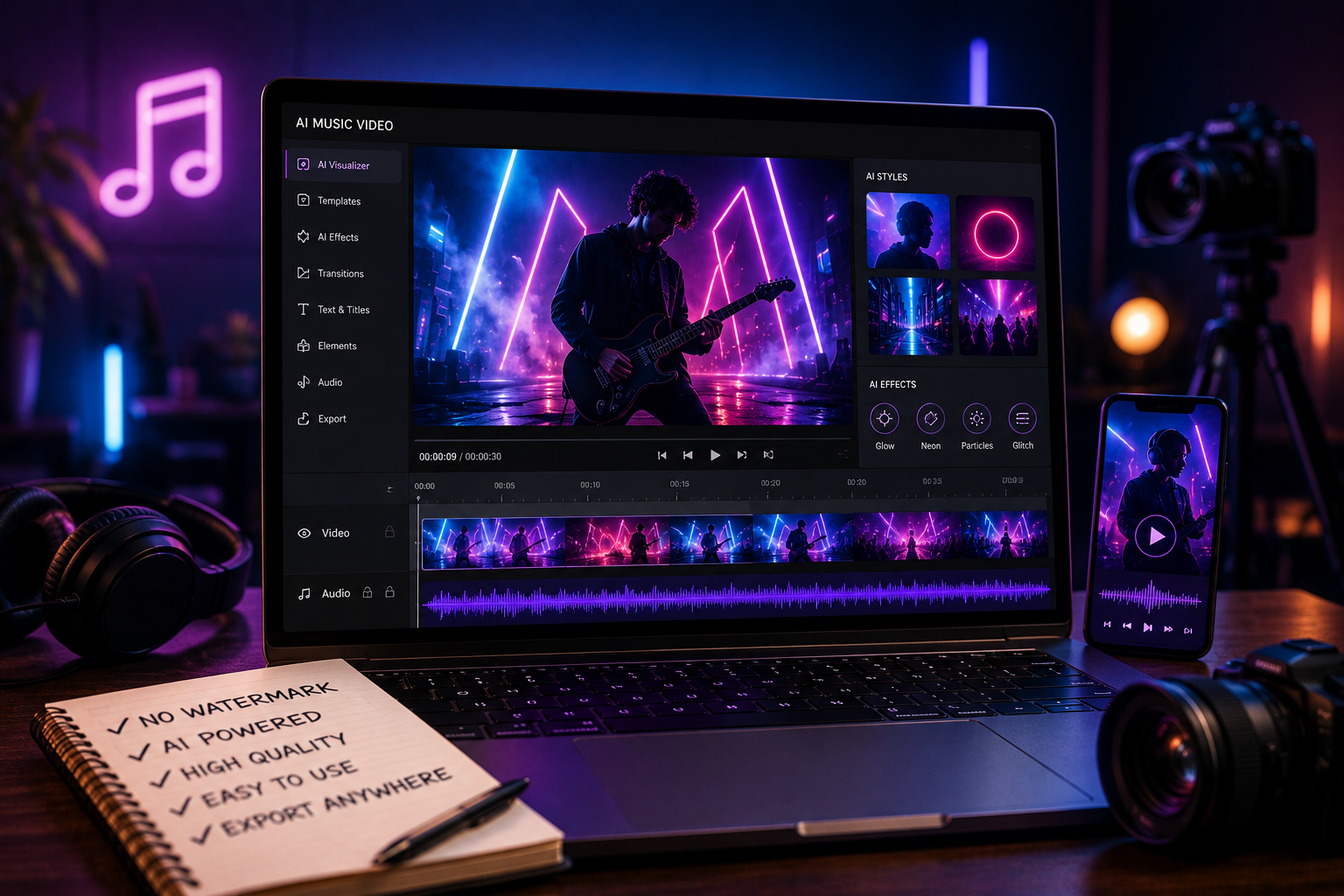
An AI video generator can create cinematic scenes by combining detailed visual prompts with deliberate choices about composition, lighting, camera movement, subject motion, and pacing. The strongest results come from directing a shot rather than simply requesting a “cinematic” appearance. Creators should define what viewers see, how the camera presents it, what moves within the frame, and which atmosphere supports the story. After generation, careful review and editing help maintain continuity and remove distracting inconsistencies. This blog explains a practical workflow for turning written visual direction into cohesive, film-inspired AI video sequences.

Build the Cinematic Look Before Generating the Scene
Define the Subject, Setting, Mood, and Visual Direction
Start with the narrative purpose of the shot. Identify the main subject, describe the environment, and explain the action viewers need to see. Then establish a mood that supports that moment, such as tension, intimacy, wonder, or isolation. An ai video maker receives more useful direction from concrete visual descriptions than from broad labels alone. Include relevant details about time of day, weather, surroundings, or overall treatment, but avoid stacking conflicting styles. Every instruction should contribute to the same visual and emotional objective.
Use Composition, Depth, and Framing to Shape the Shot
Composition determines how viewers read the scene. Decide where the subject sits within the frame and which foreground, middle-ground, and background elements establish depth. A foreground object can create dimensional separation, while open space may emphasize isolation or movement. Use close framing when expression matters and wider compositions when environment provides essential context. Avoid filling every part of the image with detail. A clear visual hierarchy gives the eye an obvious focal point and helps the generated shot communicate its purpose immediately.
Control Lighting, Color, Atmosphere, and Texture
Lighting should establish form, depth, and emotion rather than merely make the scene brighter. Describe the source and quality of light when relevant, such as soft window illumination, hard directional sunlight, or diffused overcast light. Add atmospheric details like mist, rain, dust, or haze only when they support the story. Keep color direction and surface textures coherent with the setting. Too many unrelated lighting and atmosphere instructions can make the scene visually confusing instead of giving it a controlled, film-like identity.

Use Camera and Motion Prompts to Create Cinematic Shots
Choose Shot Types and Camera Angles With a Clear Purpose
Select each shot type according to the information or emotion it needs to communicate. Wide shots can establish scale and location, medium shots can emphasize interaction, and close-ups can direct attention toward expressions or important details. Camera height and angle also influence how viewers perceive the subject. Use these choices deliberately instead of adding technical terms for decoration. Before generating a scene, identify what the audience should notice first, then choose the shot size and viewpoint that make that priority visually clear.
Add Pans, Tracking Shots, Dolly Moves, and Camera Motion
Camera movement should reveal information, follow action, or intensify a specific emotional beat. A pan can uncover part of an environment, tracking movement can stay connected to a moving subject, and a dolly-style move can gradually change the viewer’s relationship to the scene. Kling VIDEO 3.0 can serve as a product option when exploring prompt-directed camera movement within an AI video workflow. Keep each movement straightforward and motivated, because combining several unrelated camera directions can make a short generated shot feel uncontrolled.
Direct Character Movement and Environmental Action Naturally
Describe movement in a clear sequence rather than asking everything in the frame to move simultaneously. Specify what the character does, the pace of the action, and any important interaction with the environment. Secondary motion—such as curtains shifting, leaves moving, smoke drifting, or background activity—should support the main action without competing for attention. Keep physical behavior appropriate to the scene’s emotional tone. Subtle gestures often communicate more effectively than exaggerated movement, particularly in quieter shots where facial expression, posture, or hesitation carries narrative meaning.
Refine AI-Generated Scenes for a Film-Like Result
Keep Characters, Locations, and Visual Style Consistent
Cinematic continuity requires recurring visual elements to remain recognizable across connected shots. Create reference descriptions for character appearance, wardrobe, locations, props, lighting conditions, and overall visual treatment, then reuse those details consistently in prompts. Compare each generated scene with the shots immediately before and after it. Look for unexpected changes in clothing, facial appearance, architecture, time of day, or color treatment. When the story intentionally changes an element, establish that change clearly rather than allowing accidental variations to create visual confusion between scenes.
Adjust Pacing and Connect Shots With Smooth Transitions
Edit according to the emotional rhythm of the sequence rather than keeping every generated clip at its original length. Hold important reactions long enough to register, and shorten shots when extra frames weaken momentum. Connect scenes through compatible movement, framing, eyelines, or subject position where appropriate. Straight cuts can feel seamless when visual direction already matches. Use more noticeable transitions only when they serve a narrative change, such as the passage of time, a shift in location, or a deliberate change in perspective.
Regenerate Problem Areas and Polish the Final Sequence
Review the assembled sequence and identify shots that break visual continuity or contain distracting generated details. Regenerate specific problem scenes instead of replacing footage that already works. Adjust the relevant prompt element—such as framing, motion, lighting, or subject behavior—while preserving successful directions. During the final edit, refine timing, transitions, sound, and overall visual consistency. Watch the complete sequence without stopping before export. A continuous viewing often reveals pacing problems or continuity errors that are less noticeable when individual clips are reviewed separately.
Conclusion
AI can create convincing cinematic scenes when creators approach generation like visual direction rather than automated decoration. Define the subject and mood, compose each frame intentionally, control lighting, and give camera and character movement a clear narrative purpose. Maintain continuity across connected shots and edit them according to the emotional rhythm of the sequence. When a scene breaks consistency, regenerate the specific problem instead of rebuilding everything. Thoughtful prompting combined with selective editing produces more coherent, purposeful, and film-inspired AI video storytelling.

Caroline is doing her graduation in IT from the University of South California but keens to work as a freelance blogger. She loves to write on the latest information about IoT, technology, and business. She has innovative ideas and shares her experience with her readers.