

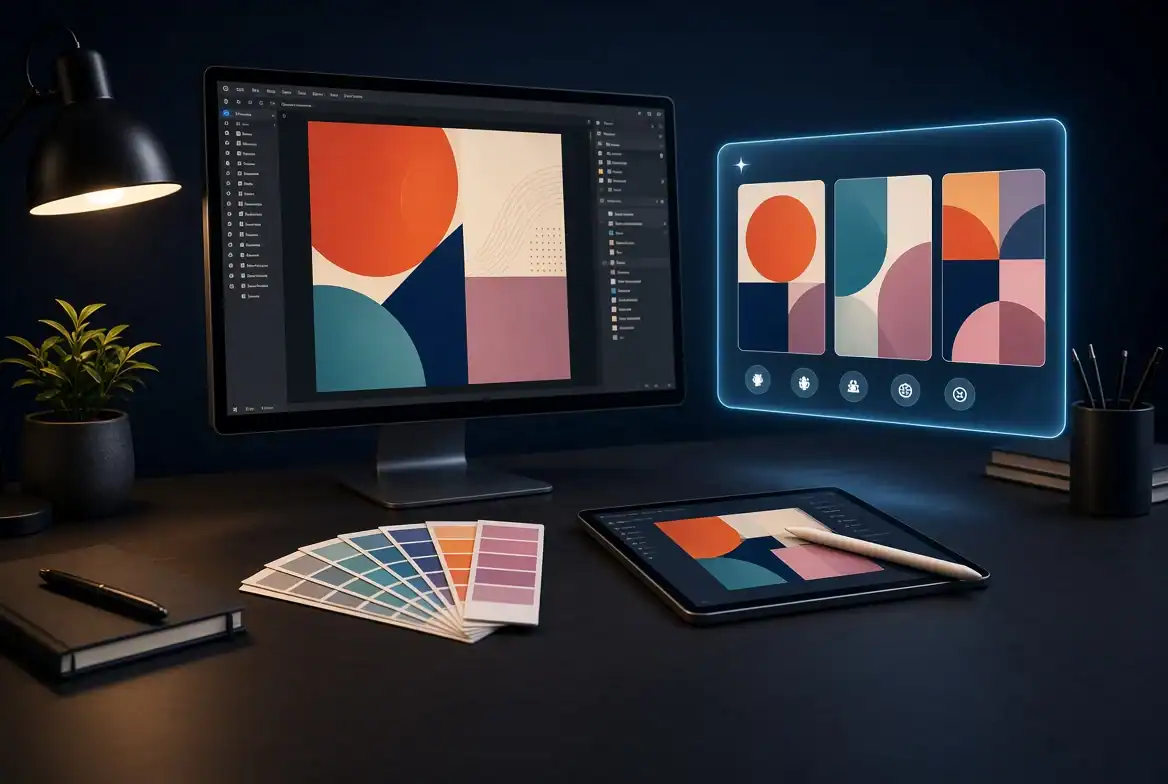
Graphic design has always involved more than simply creating attractive visuals. Designers spend time understanding a brief, developing concepts, experimenting with layouts, selecting visual styles, preparing assets, and refining the final design.
Artificial intelligence is adding another layer to that process.
Today, designers can use AI to explore visual ideas, generate references, create design assets, experiment with different compositions, and even turn static designs into short video content. The technology does not have to replace traditional design skills. Instead, it can help designers move through the repetitive and experimental parts of a project more quickly.
For many designers, the biggest advantage is the ability to explore more ideas before settling on the final direction.
Starting With a Creative Brief
Every design project usually begins with a brief.
A client may provide information about the product, target audience, brand identity, preferred colors, and campaign objectives. The designer then has to translate those requirements into a visual concept.
This is where AI can become useful.
Instead of immediately opening a design application and trying to build the final composition, designers can use AI to explore several possible directions first.
For example, a designer working on a technology campaign might explore:
- Minimal futuristic environments
- Editorial product compositions
- Abstract digital backgrounds
- 3D-inspired visual styles
- Cinematic lighting
- Modern typography references
- Different product placements
These early experiments can help establish a visual direction before detailed design work begins.
Using AI to Explore Visual References
Finding the right reference material can take a significant amount of time.
Designers may browse websites, photography libraries, design galleries, and existing campaigns before finding something that matches the brief.
An AI image generator can provide another way to explore visual references.
A designer can describe a concept and generate multiple interpretations of it. These images can then be used as inspiration or as a starting point for developing the final artwork.
The goal does not have to be creating the finished design immediately.
Sometimes the most useful AI-generated image is simply the one that helps a designer realize what direction they want to take.
Creating Backgrounds and Supporting Assets
Designers frequently need supporting visual elements.
A campaign might require a product background, social media texture, abstract environment, illustration, or decorative element.
Creating every asset manually can slow down the project.
AI can help generate initial versions of these elements, which designers can then modify or combine with traditional design techniques.
For example, a designer creating a product advertisement could generate several environmental backgrounds and test the product against each one.
This allows the designer to spend more time on composition and brand storytelling rather than creating every background from scratch.
Experimenting With Different Design Directions
One of the advantages of AI is the ability to generate variations quickly.
A designer might have one concept but several possible visual treatments.
Instead of spending hours manually recreating each version, AI can help visualize different possibilities.
The designer can experiment with:
- Different lighting styles
- Color combinations
- Backgrounds
- Composition
- Visual textures
- Illustration styles
- Product presentation
- Photography-inspired aesthetics
The designer can then select the strongest direction and develop it further.
This makes AI particularly useful during the exploration stage of a project.
Turning Static Designs Into Motion
Design is no longer limited to static graphics.
Brands increasingly need motion content for social media, advertisements, websites, presentations, and digital campaigns.
A static poster or product visual can sometimes become the starting point for a short animated sequence.
An AI video generator can help designers experiment with this transition.
For example, a designer could create a product composition and then explore subtle camera movement, animated environmental elements, or transitions that turn the static concept into a short video.
This creates additional content from an asset that was originally designed for a static format.
Image-to-Video for Social Media Content
Social media is one of the most practical areas for this workflow.
A designer may already have a collection of campaign images but need additional video content for platforms such as Instagram, TikTok, YouTube Shorts, or LinkedIn.
Instead of creating an entirely new video production, selected images can be used as starting points for motion.
Image-to-video technology allows a still visual to become a short moving sequence by adding camera movement, environmental motion, or other actions.
This can be particularly useful for:
- Product promotions
- Social media advertisements
- Event announcements
- Brand campaigns
- Fashion graphics
- Editorial content
- Digital presentations
The original design establishes the visual identity, while motion adds another layer of engagement.
AI Can Help Designers Build Campaign Variations
Modern campaigns rarely require just one asset.
A single campaign may need:
- Instagram posts
- Instagram Stories
- Short videos
- Website banners
- Display advertisements
- Email graphics
- YouTube thumbnails
- Product visuals
Creating each variation manually can become repetitive.
AI can help designers develop different visual variations while keeping the central concept consistent.
For example, the same product campaign could be adapted into several different compositions while maintaining similar lighting, colors, and visual direction.
The designer remains responsible for deciding which variations actually fit the brand.
Designing for Different Audiences
Another useful application is creative experimentation.
A brand might want to present the same product differently to different audiences.
One version could use a minimalist editorial style, while another could use a colorful social-media-oriented aesthetic.
AI makes it easier to test these directions before investing significant design time.
This does not mean every generated variation should be published. Instead, the variations can act as creative prototypes.
Designers can quickly identify which visual language feels most appropriate for a particular audience.
Creating Better Client Presentations
AI can also improve the way designers communicate ideas to clients.
Sometimes a designer has a clear concept in mind but the client cannot visualize it from a written description.
Instead of explaining an idea only through words, the designer can create an early visual representation.
For example:
Client brief → AI concept → design direction → final artwork
The AI concept serves as a visual conversation starter.
The client can react to the overall direction before the designer spends hours developing the final composition.
This can potentially reduce unnecessary revisions later in the process.
AI Does Not Replace Design Fundamentals
Despite the convenience of AI, traditional design principles remain important.
AI can generate a large number of visual options, but it does not automatically know which option communicates the client’s message most effectively.
A designer still needs to understand:
- Typography
- Hierarchy
- Composition
- Color theory
- Branding
- Visual balance
- Accessibility
- Audience behavior
- Storytelling
These skills become even more important when working with AI because the designer has to evaluate and refine generated results.
Generating something is easy.
Knowing whether it is actually good design is much harder.
A Practical AI Workflow for Designers
A simple workflow can integrate AI without completely changing the traditional design process.
Step 1: Understand the brief
Define the audience, message, platform, and desired outcome.
Step 2: Explore concepts
Use AI to generate several visual directions based on the brief.
Step 3: Select a direction
Choose the concept that best matches the brand and communication objective.
Step 4: Develop the design
Bring the concept into the designer’s normal workflow for refinement and customization.
Step 5: Create variations
Generate alternative compositions or supporting assets when necessary.
Step 6: Add motion
Use an AI video generator when the campaign requires short-form video or animated content.
Step 7: Perform final quality control
Check typography, branding, composition, accuracy, consistency, and platform requirements before publishing.
This approach keeps the designer in control while using AI where it provides the most value.
The Future of AI and Graphic Design
The relationship between AI and graphic design is likely to become more collaborative.
Instead of treating image generation, video generation, editing, and design as completely separate processes, creative tools are increasingly connecting them into unified workflows.
A designer may start with a written idea, create a visual concept, refine it into a finished graphic, and then transform that graphic into motion.
The boundary between graphic design, photography, illustration, animation, and video is becoming less rigid.
For designers, this means the ability to direct and evaluate visual systems may become just as important as manually producing every individual asset.
Final Thoughts
AI can give graphic designers more room to experiment.
An AI image generator can help with concepts, references, backgrounds, and visual exploration, while an AI video generator can extend static designs into motion and short-form content.
The strongest workflow is not necessarily one where AI does everything. It is one where designers use AI for experimentation and production support while continuing to apply their own judgment, design knowledge, and creative direction.
Used this way, AI becomes less of a replacement for the designer and more of another tool in the creative toolkit.

Sandra Larson is a writer with the personal blog at ElizabethanAuthor and an academic coach for students. Her main sphere of professional interest is the connection between AI and modern study techniques. Sandra believes that digital tools are a way to a better future in the education system.