

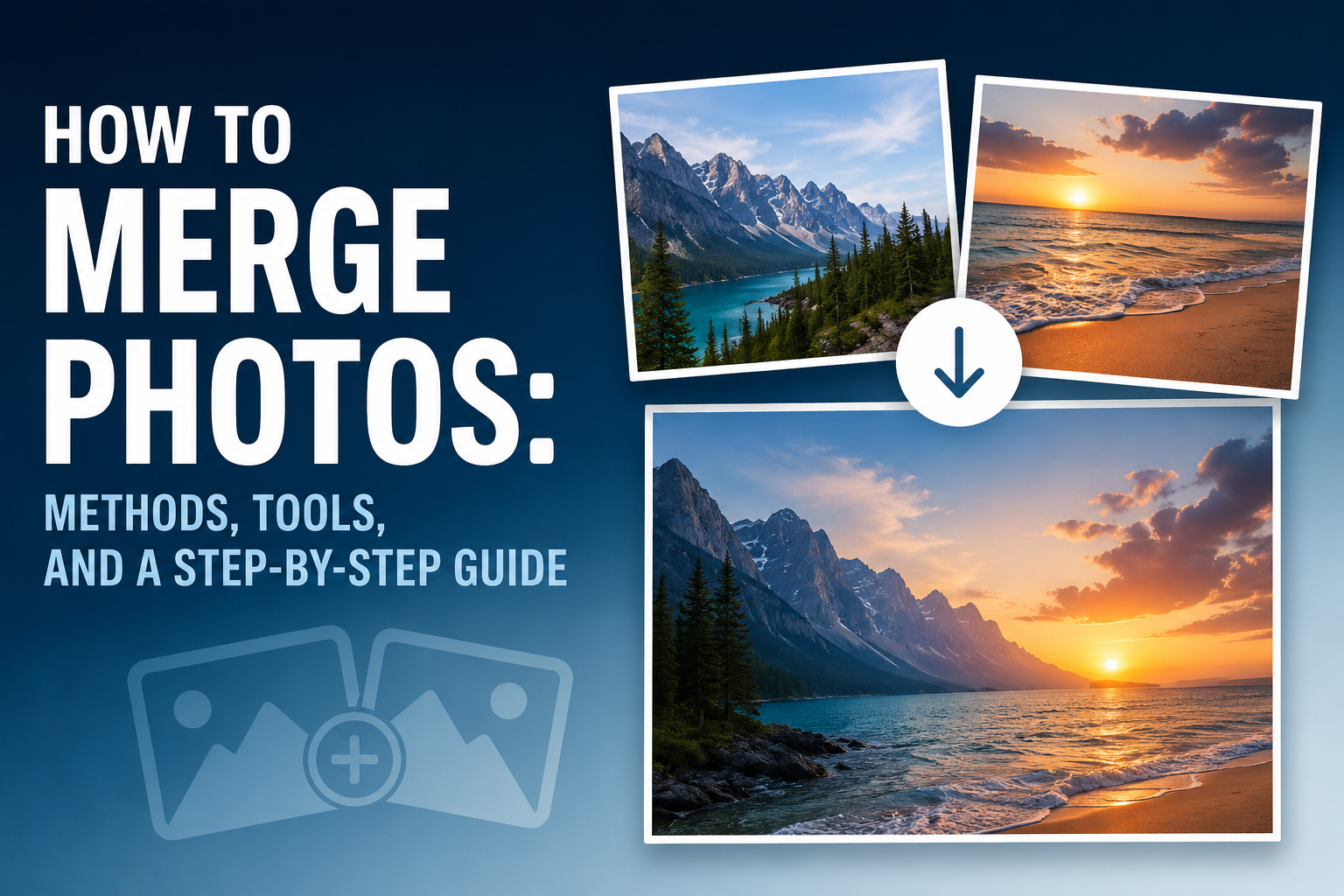
One photo isn’t always enough. The landscape is too wide for a single shot. The light is too dark in one spot and too bright in another. That’s exactly when it helps to combine several shots. On the luminar neo website you’ll find a tool that makes this process really simple. You don’t need years of experience for it. A few clicks are often all it takes. This article shows you many methods for merging multiple images. You’ll learn about suitable programs and practical tips. By the end, you’ll know exactly which method fits your photo. Whether it’s a landscape, a portrait, or an old family photo: there’s a fitting solution for almost every problem.
Why Luminar Neo Is a Good Choice
Many programs can combine images. But not every program does it well. This program ranks at the top on these criteria:
- Simple operation without complicated menus
- Automatic tools for panorama and HDR
- Fast results without hours of practice
- Fair pricing without a mandatory subscription
- Natural colors and clean transitions
Other programs like Photoshop offer more features. But they take much longer to learn. This program combines simplicity with great results. That’s exactly the mix most hobby photographers look for. Even if you’re short on time, you’ll get a beautiful result quickly.
What Does Merging Photos Mean?
The term has several meanings. Here are the most important variants.
Panoramas from Multiple Shots
A panorama is made from several images placed side by side. The program stitches them into one wide photo. Over a hundred years ago, photographers already used rotating cameras for wide landscape shots. Today, an algorithm does this work in seconds.
HDR Merge for a Wider Dynamic Range
With HDR merging, you combine bright and dark exposures. The result shows detail in both shadows and highlights at once. Did you know the human eye naturally works a lot like HDR? A camera needs several shots to do the same.
Focus Stacking for Edge-to-Edge Sharpness
Focus stacking blends multiple focus planes together. This keeps macro photos sharp from foreground to background. Insect and product photographers use this technique especially often.
Photo Collages and Image Combinations
A collage brings several photos onto one page. It’s great for memories or for social media. Travel stories also feel more alive with a collage.
Merging Photos with Luminar Neo
The program offers a dedicated tool for each method. Everything runs inside one piece of software.
Using the Panorama Function
You upload your images. The program automatically detects the overlap. A finished panorama appears within seconds. You can still fix small errors manually afterward.
Using the HDR Merge Tool
Select your exposure bracket. The tool balances light and shadow automatically. The result looks natural, not artificial. You can adjust the strength of the effect at any time.
Focus Stacking in Just a Few Clicks
Upload several photos with different focus points. The program combines the sharpest areas automatically. Every detail stays razor-sharp, with no manual masking needed.
A Step-by-Step Guide in Practice
Open your photo series in the program. Choose the right function, panorama or HDR, for example. Click start and wait a moment. Check out this merge images page for more details on this process.
Other Programs for Merging Photos
There are other good solutions for this task too. Each program has its own strengths and weaknesses.
Adobe Photoshop
Photoshop offers very precise tools. But the interface takes a lot of practice. Beginners often feel overwhelmed at first.
Adobe Lightroom Classic
Lightroom works well for panoramas and HDR. Organizing large numbers of photos works especially well here. It lacks a few tools for quick special effects, though.
Free Online Tools and Apps
Some apps work directly in your browser. Quality is often lower than with professional programs. They’re fine for quick test attempts, though.
What to Consider Before Shooting
Good results start with the way you shoot.
Camera Settings for Clean Results
Use the same aperture for every shot. This keeps colors and sharpness consistent. Don’t change the white balance between images either.
Tripod, Overlap, and Exposure Bracketing
A tripod prevents shaky images. Let neighboring photos overlap by about thirty percent. This gives the program enough reference points later.
Common Mistakes When Merging Photos
Some mistakes keep happening again and again. Luckily, a little practice makes them easy to avoid.
Visible Seams and Distortions
Too little overlap leads to visible edges. The image then looks unfinished. Moving objects can also cause distracting duplicates.
Wrong Exposure and Color Shifts
Different exposure between photos catches the eye. Fixed camera settings solve this problem. Manual mode helps with this the most.
Frequently Asked Questions
Can You Merge Photos Without Photoshop?
Yes, that’s very easy. Many programs offer their own tools for this, for panorama or HDR, for example. Often, a single click is all it takes.
Which Program Is Best for Beginners?
A simple program works best for beginners. Automatic tools save a lot of time. That makes experimenting a lot more fun.
Conclusion
Merging several photos into one image sounds harder than it is. With the right software, it happens in just a few minutes. Panorama, HDR merge, and focus stacking each solve a different problem. A tripod and the right exposure bracket already help you while shooting. At home, the software handles the rest of the work. Give it a try on your next photo trip. You’ll be surprised how natural the results can look. Your next project could already look far more impressive.

Amanda Dudley is a lecturer and writer with a Ph.D. in History from Stanford University. After earning her doctorate in 2001, she decided to pursue a fulfilling career in the educational sector. So far, she has made giant strides by working as an essay writer for EssayUSA, where she delivers high-quality academic papers to students who need them.