

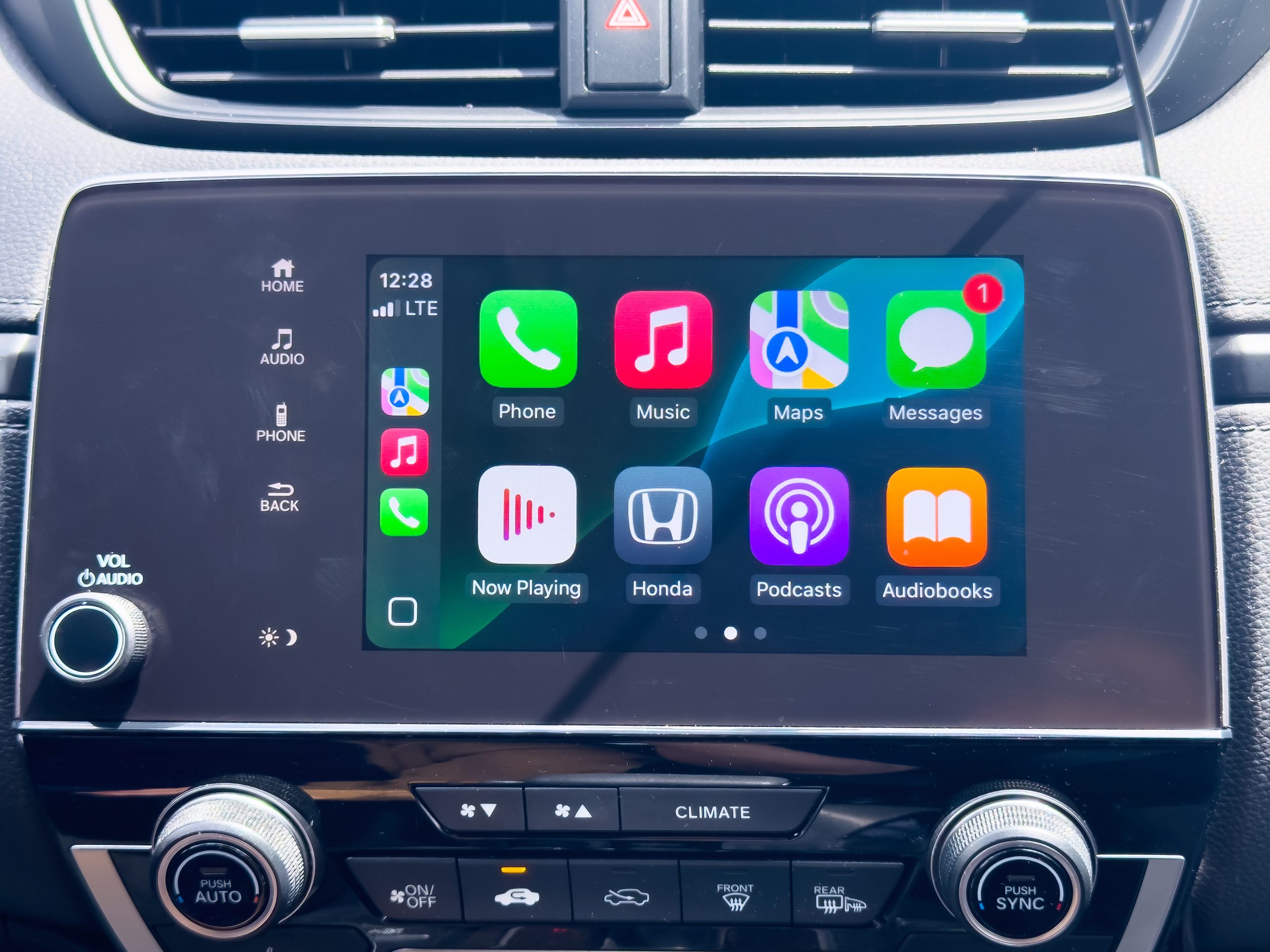
A pre-owned GMC truck can offer strong capability while also providing many of the technology features found in newer vehicles. For today’s drivers, infotainment is about more than listening to the radio. A modern system can provide smartphone integration, navigation, voice controls, wireless charging, connected services, and access to useful applications. When comparing pre-owned GMC Trucks for sale in central florida, it is worth examining the infotainment system as carefully as the engine, transmission, tires, and towing equipment. Since GMC has offered different systems across various models and model years, buyers should verify which features are actually installed in the specific truck they are considering.
Check the Infotainment Display
The center touchscreen is often the main control point for a GMC truck’s entertainment and connectivity functions. Screen size, resolution, responsiveness, and layout can vary depending on the truck’s model year and trim.
During a test drive, take time to navigate through the menus. The screen should respond consistently to taps and should not freeze, restart unexpectedly, or show unusual display problems. Check whether the brightness is suitable for both daytime and nighttime driving and whether important controls are easy to locate.
A larger display can be useful, but screen size is not the only consideration. A system that is responsive and easy to understand can be more practical than one with a larger screen but complicated menus.
Test Apple CarPlay Compatibility
Apple CarPlay can allow compatible iPhones to access selected features through the vehicle’s infotainment system, including navigation, calls, messages, and music. GMC supports both wired and, on select vehicles, wireless Apple CarPlay.
When inspecting a pre-owned GMC truck, bring a compatible phone and test the connection if possible. Check whether the system recognizes the phone quickly and whether audio, navigation, and phone functions work properly.
It is also worth checking which USB ports support data connections. Some ports may be designed primarily for charging, while others support infotainment connectivity.
Test Android Auto if You Use an Android Phone
Android users should perform a similar test with Android Auto. GMC’s compatible systems can provide access to functions such as Google Maps, music applications, phone calls, and Google Assistant through the vehicle’s display. Depending on the vehicle and phone, Android Auto can connect through a USB cable or wirelessly.
Compatibility can vary by vehicle and model year, so buyers should not assume that every GMC truck has wireless Android Auto simply because it has an infotainment touchscreen.
Testing the connection before purchasing can help identify pairing problems or software issues that might otherwise go unnoticed.
Examine Bluetooth Connectivity
Bluetooth is another basic feature worth checking. A functional Bluetooth connection can allow compatible phones to make hands-free calls and stream audio without requiring a cable.
Pair your phone with the truck and test both a phone call and music playback. Pay attention to connection stability, microphone quality, speaker volume, and whether the system reconnects automatically after the vehicle is restarted.
GMC lists Bluetooth phone pairing and troubleshooting among its current connectivity functions, although the exact capabilities vary by vehicle.
Look for Built-In Navigation
Some pre-owned GMC trucks include built-in navigation, while others rely primarily on smartphone integration. If navigation is important to you, check how the system operates before buying.
Look at the map display, address search, route guidance, voice instructions, and map updates. Older navigation systems may not provide the same information or interface found in newer connected systems.
Some GMC vehicles equipped with Google built-in provide Google Maps with features such as real-time traffic updates, routing options, and estimated arrival times.
However, Google built-in availability depends on the specific vehicle and infotainment system, so buyers should verify the equipment on an individual truck.
Check Voice Recognition
Voice controls can make infotainment systems easier to operate while driving. A compatible GMC system may allow voice commands for functions such as navigation, phone calls, media, and other supported features.
Test the voice-recognition system by giving several commands. Check whether it understands normal speech and whether it responds consistently.
Newer GMC vehicles with Google built-in can offer Google Assistant or Gemini capabilities depending on the vehicle, service, and configuration. GMC says compatible systems can use Gemini for functions involving navigation, media, and certain vehicle controls.
For a pre-owned truck, however, it is important to distinguish between the hardware installed in the vehicle and services that may require an active subscription or account.
Inspect Wireless Charging
Wireless phone charging can be a useful convenience feature, particularly for drivers who rely heavily on their smartphones.
If the truck has a wireless charging pad, place a compatible phone on it and confirm that charging begins. Check whether the charging area is positioned conveniently and whether the phone remains connected while driving.
GMC notes that wireless charging is available on select vehicles and supports compatible devices.
Because charging performance can vary depending on the phone and case, testing your own device is the best way to determine whether the feature works as expected.
Check Available Wi-Fi Connectivity
Some GMC trucks offer an available Wi-Fi hotspot that can connect multiple compatible devices. This can be useful for passengers who need internet access during road trips or for drivers who use connected services.
GMC explains that available in-vehicle Wi-Fi requires a data plan.
When evaluating a pre-owned truck, ask whether the hotspot hardware is installed and whether the service requires a separate subscription. A vehicle may have the necessary equipment even though the previous owner’s service plan is no longer active.
Test the Audio System
A good infotainment system should also provide satisfactory audio performance. Depending on the truck’s trim and options, GMC vehicles may have standard or upgraded audio systems.
During the test drive, try different sources, including AM/FM radio, Bluetooth audio, and smartphone-based applications. Listen at several volume levels and check for distorted sound, rattling speakers, inconsistent volume, or missing audio from individual speakers.
If the truck has a premium audio system, verify that all speakers are functioning properly. Replacing specialized audio components can be more complicated than repairing a basic speaker.
Review USB Ports and Power Connections
Modern drivers often rely on USB connections for charging and smartphone integration. GMC trucks can have multiple USB Type-C ports, although the exact locations and functions vary by vehicle. Some ports may support data while others may provide charging only.
Test the ports you expect to use. A damaged or loose connection could indicate wear from years of use.
Also check whether the truck has additional power outlets. These can be useful for charging devices, operating small electronics, or supporting accessories during longer trips.
Check Software and System Updates
Infotainment systems are increasingly software-driven, making update capability another factor worth considering. GMC provides software-update functions on applicable vehicles, and some systems allow owners to check update status through the infotainment settings.
Ask whether the truck has received recent software updates and whether any outstanding updates are available.
A system that has been properly maintained may provide a smoother experience and better compatibility with newer smartphones.
Examine Connected Services
Some GMC infotainment systems work with connected services that can provide additional functions beyond traditional radio and smartphone integration. Depending on the vehicle, these may include navigation, apps, voice services, and other connected features.
GMC’s Google built-in systems can provide access to Google Maps, Google Play, and compatible voice-assistant functions. GMC notes that availability and functionality vary by vehicle and may require a paid OnStar service plan.
When purchasing a pre-owned truck, determine which connected services are included, which require subscriptions, and whether any trial period has expired.
Consider Screen Controls and Physical Buttons
Not every useful infotainment feature is found on the touchscreen. Physical knobs and buttons for volume, tuning, climate functions, or other controls can make certain tasks easier while driving.
During your test drive, check whether the combination of touchscreen and physical controls feels intuitive. A system should allow you to make common adjustments without spending unnecessary time looking away from the road.
GMC’s infotainment systems vary across model years, so the control layout can differ considerably between trucks.
Check Compatibility With Your Everyday Devices
The best infotainment system is one that works well with the devices you already use. Before buying a pre-owned GMC truck, consider your phone, music applications, navigation preferences, charging needs, and the devices regularly carried by passengers.
If possible, test your own smartphone rather than relying only on a salesperson’s demonstration. This can reveal compatibility issues that might not appear with another device.
Don’t Let Infotainment Overshadow the Truck’s Condition
Technology should be part of the inspection rather than the only consideration. A pre-owned GMC truck should also be evaluated for mechanical condition, maintenance history, accident history, tire condition, brakes, suspension, drivetrain, towing equipment, and signs of excessive wear.
Infotainment components can also be expensive to repair or replace, so checking them before purchase is worthwhile. Make sure the touchscreen, speakers, cameras, phone connections, USB ports, and other technology features operate correctly.
Conclusion
Infotainment technology can make a pre-owned GMC truck more comfortable, connected, and convenient for everyday driving. Before purchasing, buyers should test the touchscreen, smartphone integration, Bluetooth, navigation, voice controls, wireless charging, Wi-Fi, audio system, USB ports, and available connected services.
Because GMC has offered different infotainment systems across its truck lineup and model years, checking the exact equipment on an individual vehicle is essential. A thorough technology inspection, combined with a careful review of the truck’s mechanical condition and history, can help buyers understand what they are getting and choose a pre-owned GMC truck that fits their everyday needs.

Sandra Larson is a writer with the personal blog at ElizabethanAuthor and an academic coach for students. Her main sphere of professional interest is the connection between AI and modern study techniques. Sandra believes that digital tools are a way to a better future in the education system.