

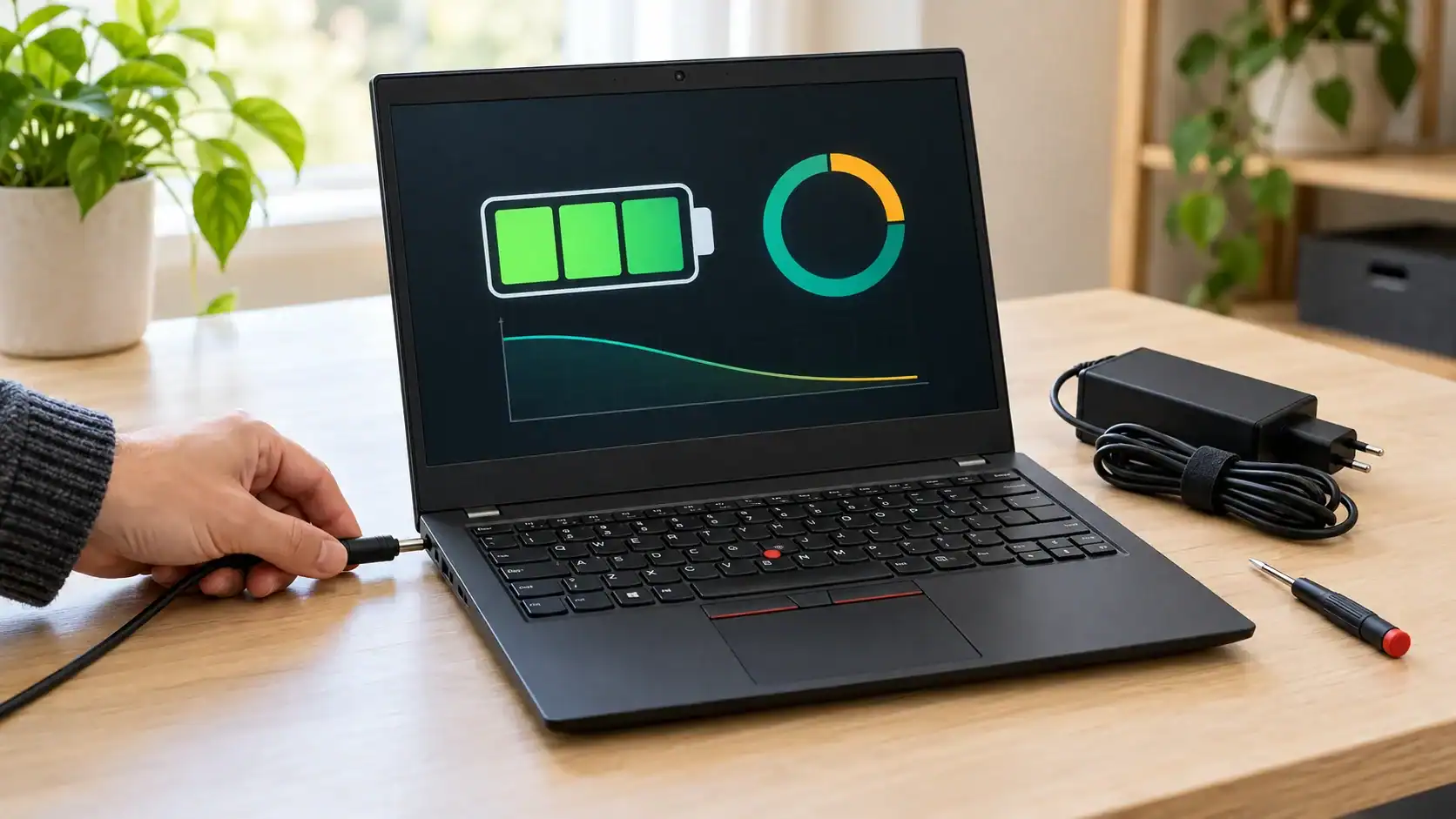
A used laptop offer often combines the machine, an installed battery and a charger into a single price. That makes shopping convenient, but it can conceal separate questions about the condition and identity of each item. Before buying, establish what the seller is actually including and what you would need to replace.
A Lenovo laptop battery enquiry is most useful before you commit to the computer. If you are comparing several used machines, keep a separate record for each one instead of assuming that a familiar brand or similar appearance means the batteries and laptop adapters can be shared. The goal is a purchase you can assess honestly, including unresolved questions and any likely service work.
Identify each used machine separately
Get the complete model designation. The seller’s description should identify the particular machine being offered and distinguish it from other computers with similar names, so you can connect every subsequent answer about the battery, adapter and condition to the actual unit you would receive. Request clarification before comparing prices.
Imagine browsing several offers from the same seller, each illustrated with a similar photograph but carrying a different model description, while the battery information appears to have been copied from a common listing template. Keep the machines separate. Ask which details have been checked on the actual unit you might buy.
Give each candidate its own note containing the model, included accessories and open questions. This prevents an answer about a well-described laptop from accidentally making another, less-documented offer seem equally certain.
Ask what battery is installed now
Request the installed pack’s identifier where it can be obtained safely, and ask how its suitability for the device has been confirmed. “Has a battery” establishes only what the seller says is included; it does not establish the part’s condition or compatibility.
If the seller cannot identify an internal component without opening the computer, do not demand improvised disassembly. Ask whether qualified inspection is available and decide how that uncertainty affects the offer. You may prefer an inspected machine or a price that explicitly leaves the inspection unresolved.
Keep the installed reference separate from the battery requirement stated by the manufacturer. A previous replacement should not become an unquestioned specification merely because it is already inside the laptop. Record what is known and who supplied the information.
Read a Lenovo laptop battery specification in context
Replacement Battery Mall lists a Lenovo 01AV423/01AV424 battery at 11.4V and 24Wh. These are specifications stated in the seller’s catalogue for that listed product. They do not establish that the pack fits every used Lenovo computer, and they should not be treated as a universal standard for comparing unrelated models.
The Replacement Battery Mall Lenovo battery catalogue can help locate a candidate replacement once the required part has been identified. Compare the exact listing with the manufacturer’s requirement, including the connector, dimensions and electrical specification.
A useful shopping question names both the computer and the proposed pack. If the supplier suggests an alternative reference, ask for the basis of that substitution. Do not transfer an answer from one used laptop to another just because both offers display the same brand.
Inspect the laptop charger as an included item
Request the identity and specification of the laptop charger supplied with the computer, then confirm that the seller’s answer refers to the actual adapter you will receive rather than a representative item shown in a photograph or another charger used during a demonstration. Check the included item. Compatibility still needs confirmation.
Dell’s support guidance lists the adapter, battery, charging port, drivers or BIOS, and settings among possible sources of charging trouble. It describes checking recognized adapter wattage in BIOS and using manufacturer diagnostics. Dell recommends genuine approved chargers. For a Lenovo purchase, obtain the corresponding requirements and diagnostic instructions from Lenovo rather than treating Dell’s steps as universal.
Replacement Battery Mall sells laptop adapters as well as batteries, but those categories do not establish that an offered combination fits your used machine. Verify each item against the exact device. Physical plug fit alone cannot settle the question.
Distinguish an observation from a seller’s prediction
A seller may describe what happened during a demonstration or predict what you should expect after purchase. Keep those statements separate. Ask what was observed, under which conditions and on which device, without converting a brief demonstration into a guarantee of future use.
For example, a hypothetical seller might say a machine stayed on while disconnected during an inspection, but that observation would not answer whether it will complete the particular class, commute or work session you have in mind after the purchase. State your requirement. Ask what evidence speaks to it.
You do not need to accuse the seller of anything when evidence is incomplete. Simply mark the performance expectation as unconfirmed and decide whether inspection or a different offer would make the purchase easier to evaluate.
Use battery information without treating it as a warranty
Microsoft explains capacity degradation and describes powercfg /batteryreport for Windows usage and capacity information. Its battery care guidance suggests roughly 20%–80% charge during use and about 40%–60% for storage. Those recommendations are not used-laptop grading thresholds, a warranty on remaining life or proof that a particular battery will meet your intended workload.
Save any supplied report with the model information and the date provided. Establish whether it belongs to the exact machine on offer. A detached screenshot without that connection may be difficult to interpret usefully.
Where it stops: software information does not identify every physical problem or establish that a replacement component fits. Use it as part of the enquiry, alongside the supplied accessories, physical condition and any appropriate qualified inspection.
Compare offers after accounting for unresolved work
List the work you know is needed and the work that remains uncertain for each candidate. If a battery replacement is expected, identify the required component and ask about installation before assuming that a low catalogue price represents the entire repair cost.
Consider a hypothetical choice between a clearly described laptop with confirmed accessories and a cheaper machine whose pack and adapter cannot yet be identified. The price difference is visible, but the cost of resolving the unknowns is not. Keep that distinction in the comparison.
Ask a service provider to quote the relevant inspection or installation where needed. Do not present a possible future repair as a settled amount, and do not claim that a new Lenovo laptop battery would solve unrelated damage or an undiagnosed charging fault.
Set safety limits before arranging a handover
Swelling requires a stop, not a discount negotiation. Microsoft advises stopping use of the device and avoiding pressure or puncture. Seek qualified service rather than asking a seller to squeeze the case closed or demonstrate that the laptop still starts.
Keep buying and repair responsibilities clear. If a machine needs inspection before it can be assessed safely, arrange that through an appropriate service provider and decide who is responsible for it before collection or delivery. This guide does not provide disassembly or battery repair instructions.
A seller’s assurance cannot replace a resolved safety concern. Nor can a favourable software reading establish that a physically suspect component is safe. Leave the purchase decision open until the relevant service advice is available.
Create a separate purchase card for each candidate
A Used-Laptop Purchase Card helps keep a comparison honest. Complete it separately for every machine instead of letting the best-described offer supply assumptions for the rest.
- Record the exact Lenovo model and the seller’s description of the actual unit.
- Identify the installed pack and the manufacturer-supported battery requirement.
- List the supplied adapter and the evidence confirming its suitability.
- Attach relevant observations or reports without turning them into lifetime predictions.
- Mark inspection, replacement and installation questions that remain unresolved.
Use the card again at handover. Compare the machine and accessories received with what was agreed, and pause if the identifiers differ. The point of collecting these details before purchase is to preserve a clear basis for the decision when a tempting price or a hurried collection could otherwise distract from the missing answers.
