

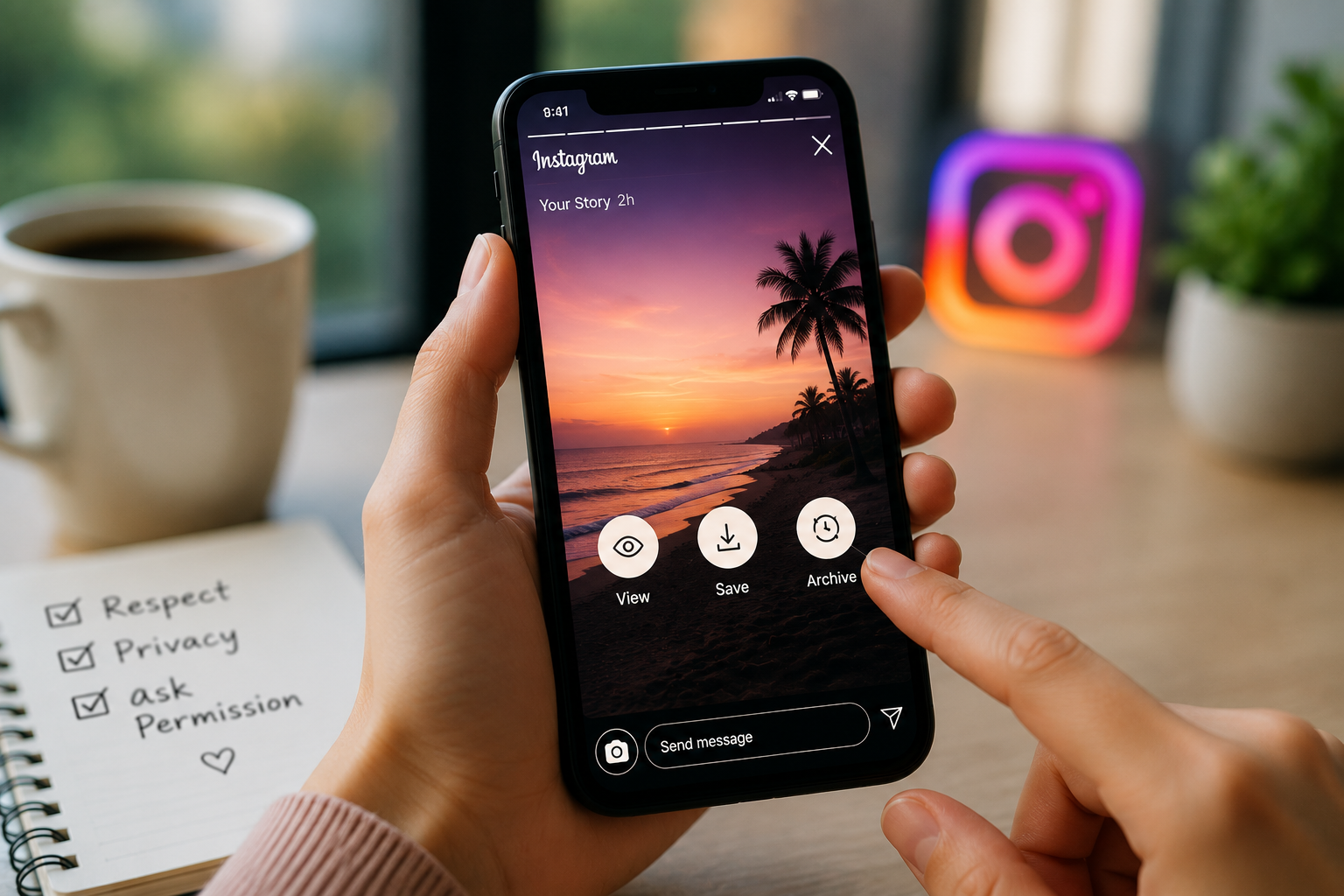
Instagram Stories have become one of the most popular ways people share everyday moments — the small, unpolished stuff that doesn’t quite fit a permanent grid post. Unlike a regular post, a Story disappears after 24 hours unless the creator specifically chooses to keep it as a Highlight. That temporary format is really what makes Stories feel different — it encourages spontaneous sharing, since nothing’s permanent by default, while still giving people control over what actually sticks around on their profile long-term.
As Stories have grown, plenty of users have gotten interested in revisiting memorable content, organizing their own Stories properly, or saving media they actually have permission to keep. Understanding how Instagram’s built-in features work, alongside where third-party tools fit in, helps people manage Stories a lot more effectively — without stepping on anyone’s privacy or copyright along the way.
How Instagram Stories Actually Work
Stories let people share photos, videos, text, stickers, polls, music, and interactive elements that stay visible for one day. Followers watch them in chronological order, reply with messages, or interact directly through polls and quizzes.
A few core features drive the format: the 24-hour visibility window, interactive stickers for engagement, location and hashtag tags, music and creative editing tools, and Highlights for anything meant to stick around permanently. Because Stories are built to be temporary by design, a lot of users lean on Instagram’s own archive feature just to keep their own content accessible for later.
Actually Viewing Stories Efficiently
Viewing Stories through the app is pretty straightforward — they sit at the top of the home feed, and tapping through gives you updates from everyone you follow in sequence.
Creators also get to monitor Story performance through real metrics — views, replies, sticker interactions, link clicks where that’s available, and reach and impressions. That data genuinely helps creators understand what content actually resonates versus what falls flat.
For viewers, Stories offer a fast way to stay updated without digging through someone’s whole profile. Since they vanish after 24 hours, a lot of people check in regularly just to avoid missing something time-sensitive.
Saving Your Own Stories the Official Way
Instagram gives you several legitimate, built-in ways to hold onto your own Stories.
Story Archive automatically stores expired Stories privately once they drop off public view. You can revisit old Stories from there, reshare them, or pull them into a Highlight later.
Save before publishing lets you enable automatic saving to your device, either before or after posting, so the original media stays available even if the Story itself gets deleted down the line.
Highlights group selected Stories into permanent collections that live on your profile — travel, events, food, work, family, tutorials, whatever categories actually make sense for the account. They’re really what lets important content live beyond that standard 24-hour window without needing anything external.
Why People Actually Save Stories
There are plenty of legitimate reasons someone wants to hold onto a Story. For creators, saved Stories build into a real content library that can get repurposed for future campaigns or just kept as personal memories.
Businesses often archive Stories documenting product launches, behind-the-scenes footage, customer testimonials, seasonal promotions, and educational content — genuinely useful material that’s worth more than 24 hours of visibility. Individuals save Stories from vacations, birthdays, weddings, graduations — the moments that matter enough to want a permanent copy of.
In situations where the creator’s actually granted permission, some people rely on a story saver to keep a copy for later viewing or personal reference. Whatever method gets used, respecting the original creator’s rights and their intended audience matters throughout — permission is really the line that separates responsible archiving from something else entirely.
Where Third-Party Tools Fit In
Various online tools exist to help with viewing or saving publicly available Stories. These generally serve a handful of purposes — downloading publicly shared content, organizing what’s been saved, viewing Stories across multiple devices, or building a personal archive.
Before using any third-party service, it’s worth actually understanding its privacy practices, security policies, and whether it lines up with Instagram’s own terms of service. It’s also worth being careful about sharing downloaded content without permission, especially anything involving copyrighted material or someone else’s personal information.
Keeping an Archive That’s Actually Usable
Staying organized saves real time down the line and keeps important memories from getting lost in a pile of unsorted files.
Really, a few things help: Creating clear folder structures: travel, family, work, education, events, whatever works for you. It makes future retrieval far easier than shoving everything into one folder. Name files something meaningful, such as dates or event names. It makes searching for them later much less painful. Backing up important content to cloud storage or an external drive is a safeguard against accidental data loss, which happens more often than people expect. And going through your content regularly and removing duplicates and things you don’t need keeps the whole archive manageable instead of an ever-expanding mess that nobody wants to have to sort through.
Privacy and Ethics Come First, Always
Technology’s made saving online content easier than ever, but that ease doesn’t remove the ethical considerations that should come first regardless.
Worth keeping in mind: something being publicly viewable doesn’t automatically mean permission to redistribute it. Private Stories should never get downloaded or shared without real authorization. Copyright stays with the original creator, full stop. And personal images — someone’s vacation photo, their kid’s birthday — deserve respectful handling no matter how easy the tech makes copying them.
If content’s clearly meant for temporary viewing only, respecting that intention is good practice unless the creator explicitly says saving or sharing is fine. For businesses and creators specifically, getting written permission before reusing someone else’s Story is always the safer move — assumption isn’t the same as consent.
Picking the Right Approach for What You Actually Need
Whether you lean on Instagram’s built-in archive or reach for something else, the right method really depends on the actual goal.
For preserving your own memories, Instagram’s native archive and Highlights usually cover everything needed without adding a third-party tool into the mix at all. If more organization or downloading of publicly accessible content is genuinely needed beyond that, prioritizing reputable tools while staying mindful of copyright, privacy, and platform guidelines matters a lot more than convenience alone.
Instagram Stories have genuinely changed how people share everyday moments — fast, engaging, and deliberately temporary in a way that encourages people to actually post without overthinking it. The platform’s built-in tools cover viewing and archiving your own content well, and additional tools can help organize things further when used responsibly and with real respect for where the lines actually are. Understanding the real differences between viewing, saving, and archiving lets people make informed choices while respecting creators’ rights and protecting personal privacy along the way. Combine solid organization habits with genuinely ethical practices, and building a well-managed collection of memorable Stories doesn’t have to come at the cost of responsible online behavior.

Ashley Rosa is a freelance writer and blogger. As writing is her passion that why she loves to write articles related to the latest trends in technology and sometimes on health-tech as well. She is crazy about chocolates. You can find her at twitter: @ashrosa2.