

Introduction
In the fast-moving digital age, office productivity tools have become a requirement for students, professionals, and businesses. Out of many options available, WPS Office has won out in terms of performance, format compatibility, and user friendliness. It is used as a substitute for what is known as traditional office software because it puts at disposal basic tools for document creation, spreadsheet work, and presentations in a single package.
This article goes over What WPS Office is, what its key features are, which areas it is mainly used in, and how it can be used to their benefit.
What is WPS Office?
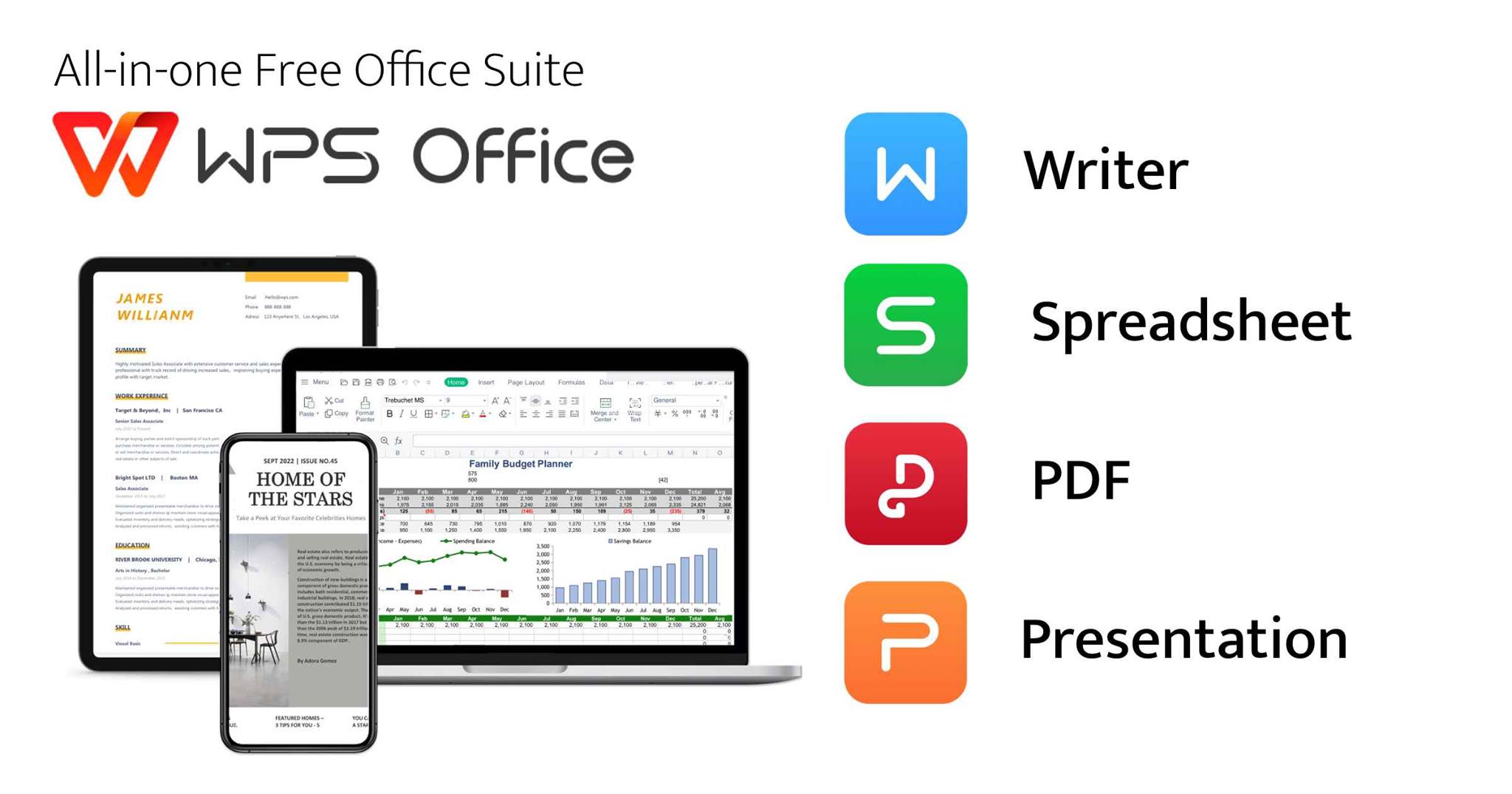
Writer (for word processing), Spreadsheets (for data analysis), and Presentations (for slideshows). Also, these tools are of the same type as in other popular office suites, which makes it easy for users to transition without a large learning curve.
WPS Office’s great strength is that it has very good support for common file formats, which include DOC, DOCX, XLS, XLSX, PPT, and PPTX. Also, it enables smooth collaboration between users who may be on different office software.
Also, WPS Office is present on many platforms, which include Windows, macOS, Linux, Android, and iOS, which in turn allows for seamless use across devices.
Key Features of WPS Office
WPS Office presents to you a large set of features that are useful for both personal and professional use. Among the key features are the following:
1. Lightweight and Fast Performance
Unlike most other heavy-duty office suites, WPS Office is put together to run smoothly even on low-spec machines. Also, for users that require quick access to docs without issue, WPS is the choice.
2. Cloud Integration
WPS Office features cloud storage that allows users to save, access and edit documents from anywhere. Also it is very useful for remote work and collaboration.
3. PDF Tools
The suite of products includes PDF editing, conversion, and viewing tools. Documents can be turned into PDF format or existing PDFs can be edited without the need for extra software.
4. Templates and Design Tools
WPS Office has a large collection of templates for resumes, reports, presentations, and more. These templates are put together so that users can create professional looking documents easily.
5. Multi-Device Syncing
Through one account users are able to sync work across devices. This is a feature that supports smooth transition and flexibility, whether at a desk, on a laptop, or out on a mobile device.
Why Users Prefer WPS Office
Many users go for WPS which is seen as a result of the software’s balance between ease of use and in-depth features. Also, a lot of students and small businesses choose WPS for its affordable price and very user-friendly interface.
Another of its large followings is due to the fact that it has a very familiar interface. It is also true that users who have experience in other office suites can very easily make the transition to WPS Office without extra training. Also, it is a more resource-efficient program, which is why it is a great choice for older computers and mobile devices.
Also, it is ensured that users have access to the latest tools and security enhancements, which are rolled out regularly.
Official Access and Download Options
To have a safe installation and access to the latest features users go to the official WPS Office resources. The official platform puts out verified updates, feature announcements and also support materials.
When out and about on the internet terms like wps官网 may be seen which is the home base for WPS Office. This is the best source for product info, updates and support documentation.
Similarly, users looking to install the software may search for wps下载, which refers to downloading WPS Office. It is also recommended to download from trusted and official sites to avoid out of date or altered versions of the software.
Tips for Using WPS Office Effectively
To get the best out of WPS Office, here are a few tips:
-
Check out built in templates for document formatting needs.
-
Use cloud services aimed at file backup.
-
Use PDF editing tools instead.
-
Learn keyboard shortcuts just before progress productivity.
-
Regularly update the app designed for better performance as well as security.
These little changes can greatly improve what users get out of the software and help maximize benefits.
Conclusion
WPS Office has indeed become a reliable choice for many in the office productivity suite category because of its flexible features, performance, and support across different platforms. For academic, business, or personal use it gives all the basic tools needed in one package.
In terms of cloud sync, PDF editting, and template use, WPS Office does very well in the office space. For those that want a solid, light option that also includes all of that, WPS is a very practical play for daily productivity.

Caroline is doing her graduation in IT from the University of South California but keens to work as a freelance blogger. She loves to write on the latest information about IoT, technology, and business. She has innovative ideas and shares her experience with her readers.