

Key Takeaways
- The best QR codes for trade show and event marketing are dynamic codes you can edit after printing, track by scan, and link to a mobile landing page.
- Static codes lock you in. A dynamic code lets you fix a link or change a destination without reprinting a single banner.
- At a booth, a code turns a passing glance into a captured lead by sending visitors to a form, a demo, or a schedule in one scan.
- Scan data shows which sign, day, or location pulled the most interest, so you can prove your event spend paid off.
- Scanova, QR Tiger, Flowcode, Bitly, Canva, and QRCode Monkey each fit a different budget; compare below with current pricing.
Picture the last trade show you worked. A visitor slows near your booth, scans the room, and keeps moving before you can start a sentence. You have about two seconds to turn that glance into a conversation, and a QR code is how you win them.
The best QR codes for trade show and event marketing are dynamic, trackable codes that send a visitor to a mobile page built for one clear action. That action might be booking a demo, joining a mailing list, downloading a brochure, or viewing the day’s schedule. Because dynamic codes stay editable after printing, you can change the destination on the fly without reprinting anything. And because every scan is logged, you learn which sign, booth, or day actually drove interest.
This guide stays practical. First, we look at why QR codes fit live events so well. Then we cover how to use them without the common mistakes that kill scans. Finally, we compare six generators, with current pricing, so you can match one to your budget and your event.
Why QR Codes Work So Well at Trade Shows and Events
QR codes work at events because they remove friction at the exact moment attention is highest. A visitor scans, and they land on your page before the moment passes. No typing a long URL, no trying to remember your booth number later.
The habit is now mainstream. eMarketer projected that the number of US smartphone users scanning QR codes would reach 99.5 million in 2025, up from 83.4 million in 2022. Your attendees already know what to do when they see a code.
Here is what that unlocks at a booth or across an event:
- Instant information: link to your schedule, product sheet, or a short demo video, and skip the paper handout that ends up in a hotel trash can.
- Lead capture: point the code at a short form or a gated download, and a scan becomes a name, an email, and a reason to follow up.
- Print insurance: a dynamic code lets you fix a broken link or swap a destination after the banners are already printed.
- Proof of return: scan data by time, location, and device shows which placement pulled the most interest.
Static codes can handle the first point. Only dynamic, trackable codes handle all four.
How to Use QR Codes for Trade Show and Event Marketing
Start with one goal per code. A code that tries to do everything converts no one. Decide whether it books demos, collects emails, or shares a schedule, then design the landing page around that single action.
Good places to put them:
- On the booth backdrop and banners, large enough to scan from a few feet away.
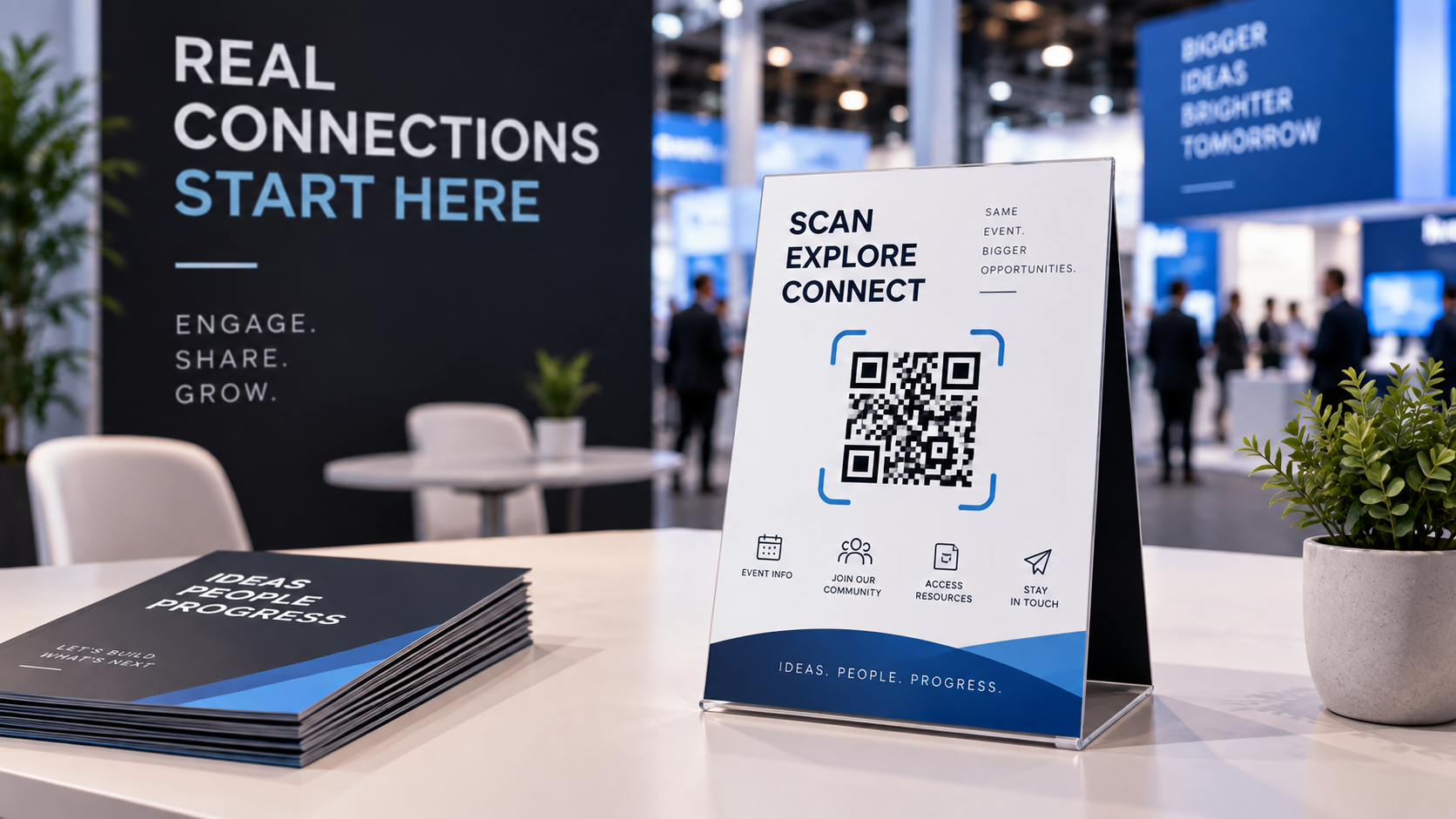
- On table tents, badges, and lanyards for one-to-one conversations.
- On flyers, business cards, and printed catalogs your team hands out.
- On slides during a talk, so the room can act while your point is still fresh.
A few habits keep scan rates high:
- Give the code a reason. “Scan to book a demo” beats a bare code with no context.
- Send scanners to a fast mobile page, not a heavy desktop site. Almost everyone scans on a phone, so the page has to load quickly and read well on a small screen.
- Test in real conditions before you print. Try the code across a few phones, at the distance and lighting people will actually use.
- Use a dynamic code so you can redirect it if a session time or link changes mid-event.
One more habit pays off afterward. Tag or name each code by placement, so your analytics can tell you whether the backdrop or the flyer did the work.
The Best QR Code Generators for Trade Show and Event Marketing
No single generator wins for everyone. The right pick depends on whether you need deep analytics, heavy design, bulk creation, or just a free static code. The table below sums it up, and the notes that follow explain where each one fits.
| Generator | Best for events | Dynamic codes | Scan analytics | Starting price |
|---|---|---|---|---|
| Scanova | Trackable, branded event and booth codes with lead capture | Yes | Yes (time, location, device) | 14-day free trial, then from $5/mo (billed annually) |
| QR Tiger | Straightforward dynamic codes and bulk creation | Yes | Yes | Free tier, then from about $7/mo (annual) |
| Flowcode | Design-led codes for large consumer events | Yes | Yes | Free plan (limited), then from about $25/mo |
| Bitly | Teams already using short links | Yes | Yes (basic) | Free (2 codes/mo), then from about $10/mo |
| Canva | Quick codes built inside your event graphics | No | No | Free with a Canva account |
| QRCode Monkey | Free one-off static codes | No | No | Free (static); $149 one-time for dynamic |
Now the detail, starting with the strongest all-around pick for events.
1. Scanova: best for trackable, branded event and trade show codes
If you want event codes that capture leads and prove their worth, Scanova is built for exactly this. Its event QR Code generator links a single code to a mobile landing page with your schedule, venue map, images, and an RSVP form, and you can edit any of it after the code is printed. Lead forms turn a booth scan into a contact, and scan analytics break results down by time, location, and device.
The proof point is concrete. Hitachi Vantara reported a 10x increase in leads after adding Scanova codes to its keynote presentations and conference booths. Codes carry your logo, colors, and frames too, so they match your brand instead of a plain black-and-white square.
One honest caveat: event landing pages and dynamic codes run on a paid subscription. You start with a 14-day free trial, and event codes stop working once the trial ends unless you move to a plan. For most exhibitors that is a fair trade for editable codes and full analytics. A one-off user who needs a single fixed code may not need all of it.
Pricing: 14-day free trial, then paid plans from $5 per month billed annually. Event landing page features begin on the Lite plan.
2. QR Tiger: best for straightforward dynamic codes at scale
QR Tiger is a clean, business-focused option when you mostly need dynamic codes and bulk creation for a larger event. It covers the essentials, editable destinations and scan tracking, and its bulk generator helps when you need many codes at once. Note that bulk creation and some features sit on higher tiers, and codes can deactivate if you stop paying. Pricing: free tier, then paid plans from about $7 per month billed annually.
3. Flowcode: best for design-led codes at big consumer events
Flowcode leans into looks. If your event is large and consumer-facing and brand design is the priority, its polished code styles stand out on print and out-of-home placements. The trade-off is cost, since useful features sit behind higher tiers and the free plan is limited. Pricing: free plan with limits, then paid plans from about $25 per month.
4. Bitly: best for teams already using short links
If your marketing team already runs links through Bitly, adding QR codes in the same place keeps everything tidy. It pairs short links with codes and basic scan data. The catch is that code creation is capped to a small number per month on lower plans, which limits big batches. Pricing: free plan with a couple of codes a month, then paid plans from about $10 per month.
5. Canva: best for quick codes inside your event graphics
Canva has a built-in QR code feature, which is handy when you are already designing your booth signage or flyers there. You drop the code straight into the artwork with no extra app. The limit is that these are static codes with no editing or tracking, so they suit simple, fixed links only. Pricing: free with a Canva account.
6. QRCode Monkey: best for free one-off static codes
QRCode Monkey creates highly customizable static codes for free, with commercial use allowed and no scan cap. It is a solid pick for a link you will never change, like a WiFi code at a booth. It cannot track scans or edit destinations, and editable codes require a one-time paid purchase. Pricing: free for static codes, or $149 one-time for a lifetime dynamic code.
Choosing the Right Fit
The best QR codes for a trade show or event are the ones you can edit, track, and point at a single clear action. That takes a little planning. Decide the goal, design a fast mobile page, and tag each code so the numbers mean something afterward.
For a quick, unchanging link like booth WiFi, a free static code from QRCode Monkey or Canva does the job. If design is everything at a large consumer event, Flowcode fits. If your team already lives in Bitly, start there. But if you want branded, editable event codes that capture leads and report back with real numbers, Scanova is the strongest all-around choice.
If you are heading into a booth season and want codes that turn scans into leads you can measure, Scanova’s free trial is a low-risk way to test the full event workflow before you print anything.

Amanda Lancaster is a PR manager who works with 1resumewritingservice. She is also known as a content creator. Amanda has been providing resume writing services since 2014.